


Generate and edit brand-ready images with GPT Image 2—sharper text, faster results, on-brief outputs
GPT Image 2 is OpenAI's next-generation image model tuned for reliable in-image text rendering, high-fidelity visuals, and strong instruction following. Use it for text-to-image generation and image-to-image editing directly in your browser.
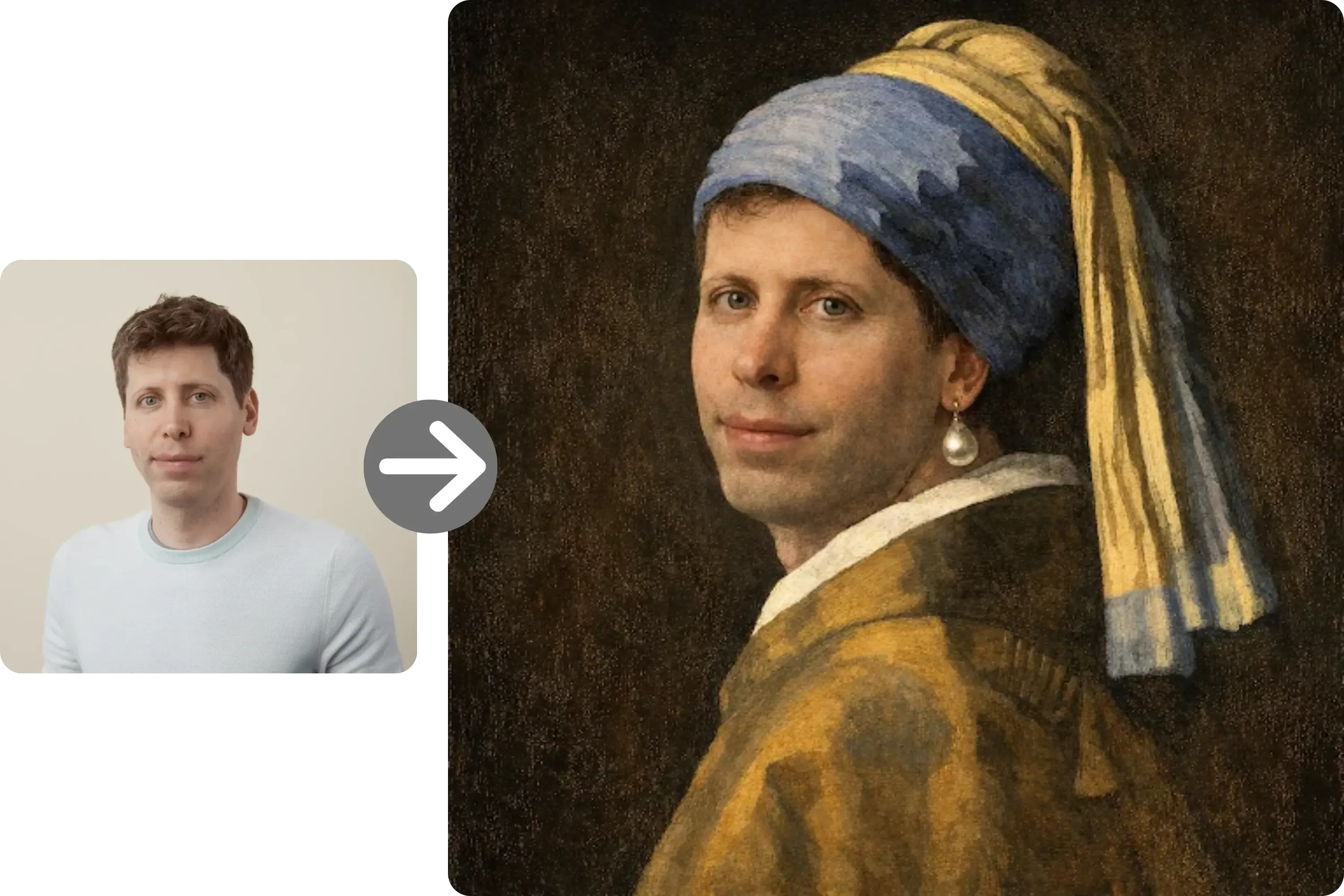
 GPT Image 2
Sample Images
What GPT Image 2 is built to do
GPT Image 2 (also called ChatGPT Images 2.0) is OpenAI's upgraded image generation and editing model. It is positioned around near-perfect text rendering inside images, high-fidelity visuals, and roughly twice the generation speed of its predecessor. It supports both text-to-image creation and image-to-image workflows, covering tasks like full infographics, multilingual marketing layouts, product concepts, and reference-guided edits. It is a fit for designers, marketers, and product teams who need consistent, text-accurate visuals without switching tools or setting up anything locally.
Capabilities you can actually ship with
These are the standout strengths of GPT Image 2, mapped to day-to-day production workflows.
Near-perfect text rendering inside images
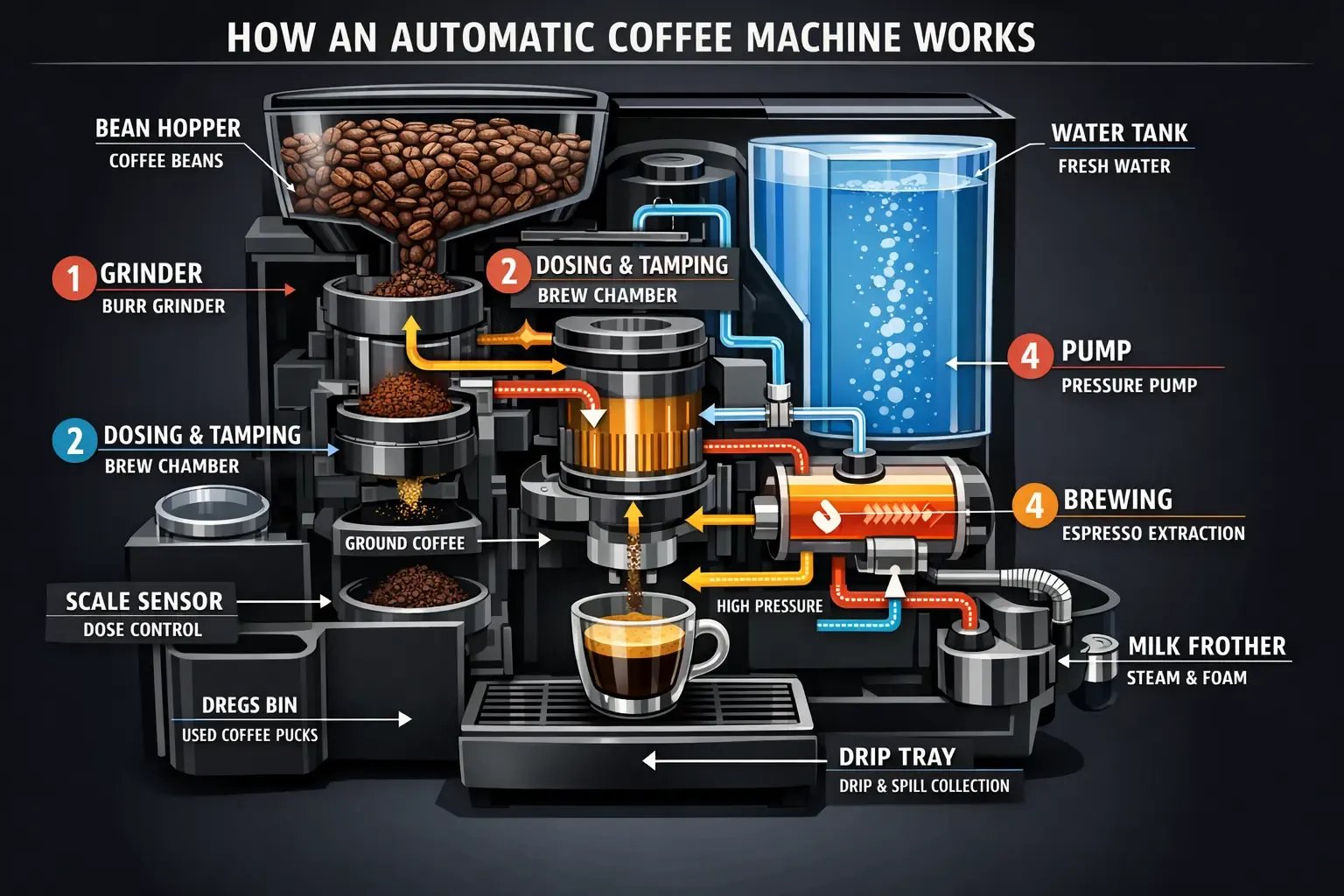
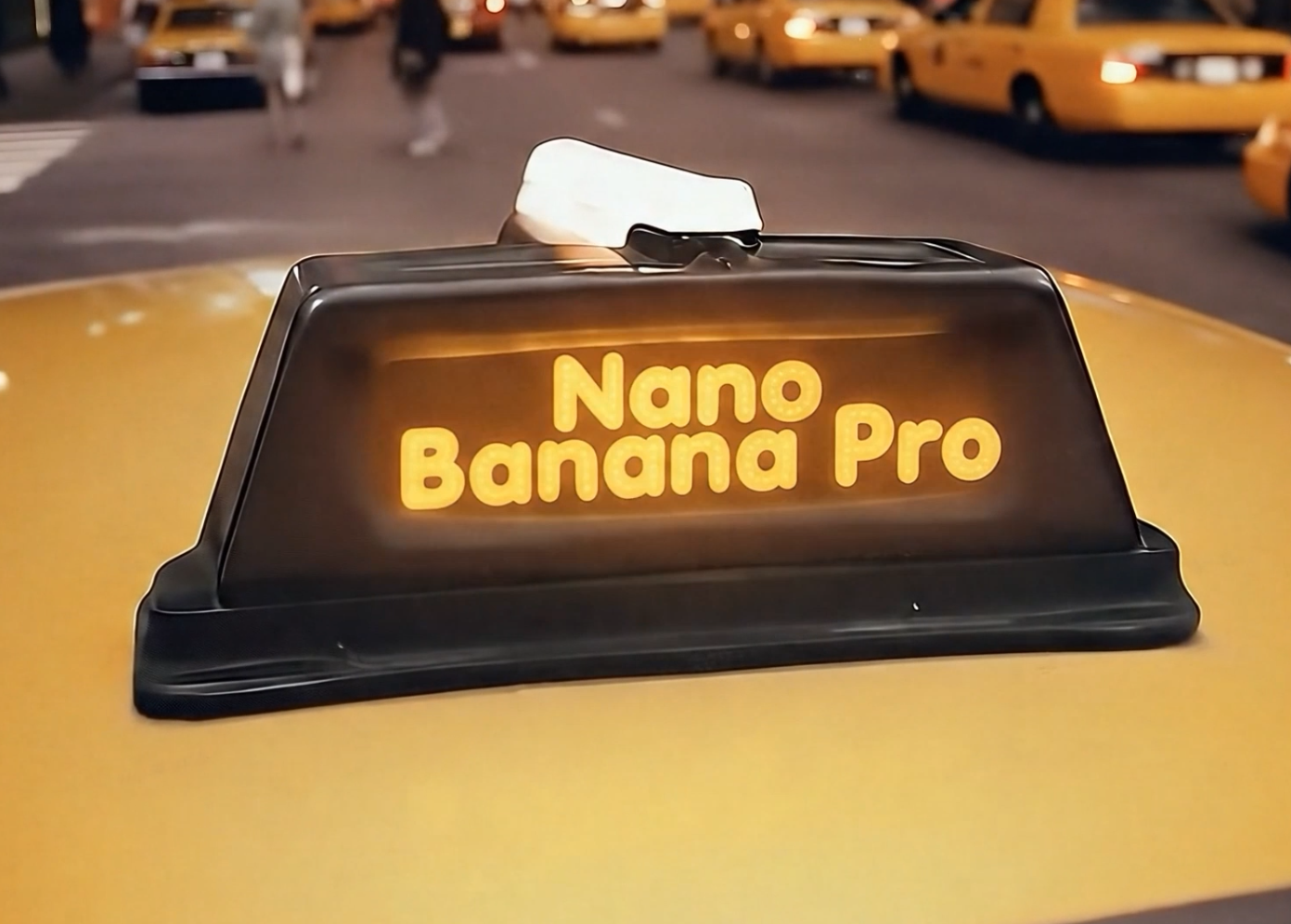
GPT Image 2 is tuned to write legible, multilingual text directly in the image—useful for ad mockups, posters, slide visuals, infographics, and manga-style panels. You can prototype layouts that keep their type intact from first draft to final review.
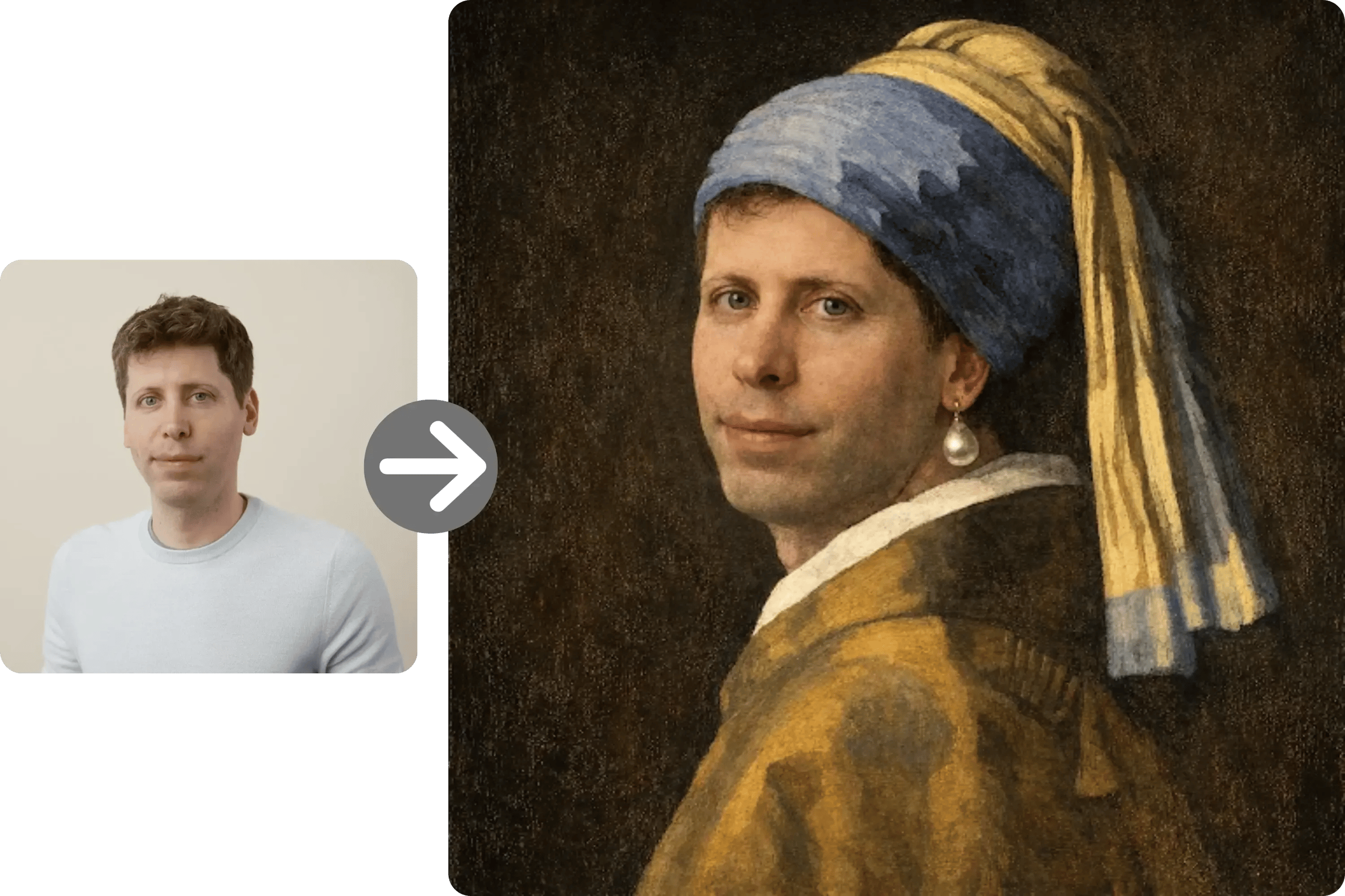
High-fidelity text-to-image generation
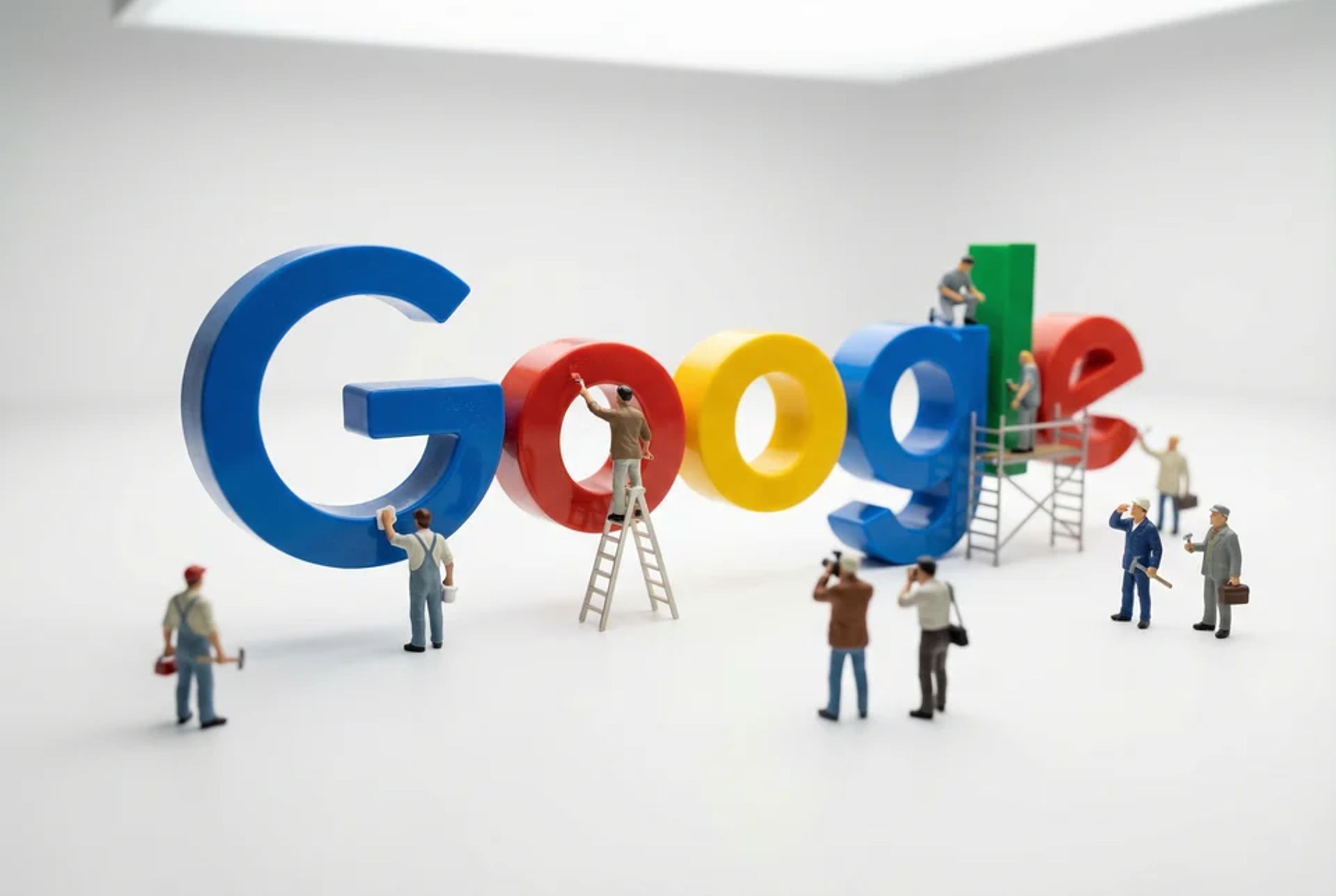
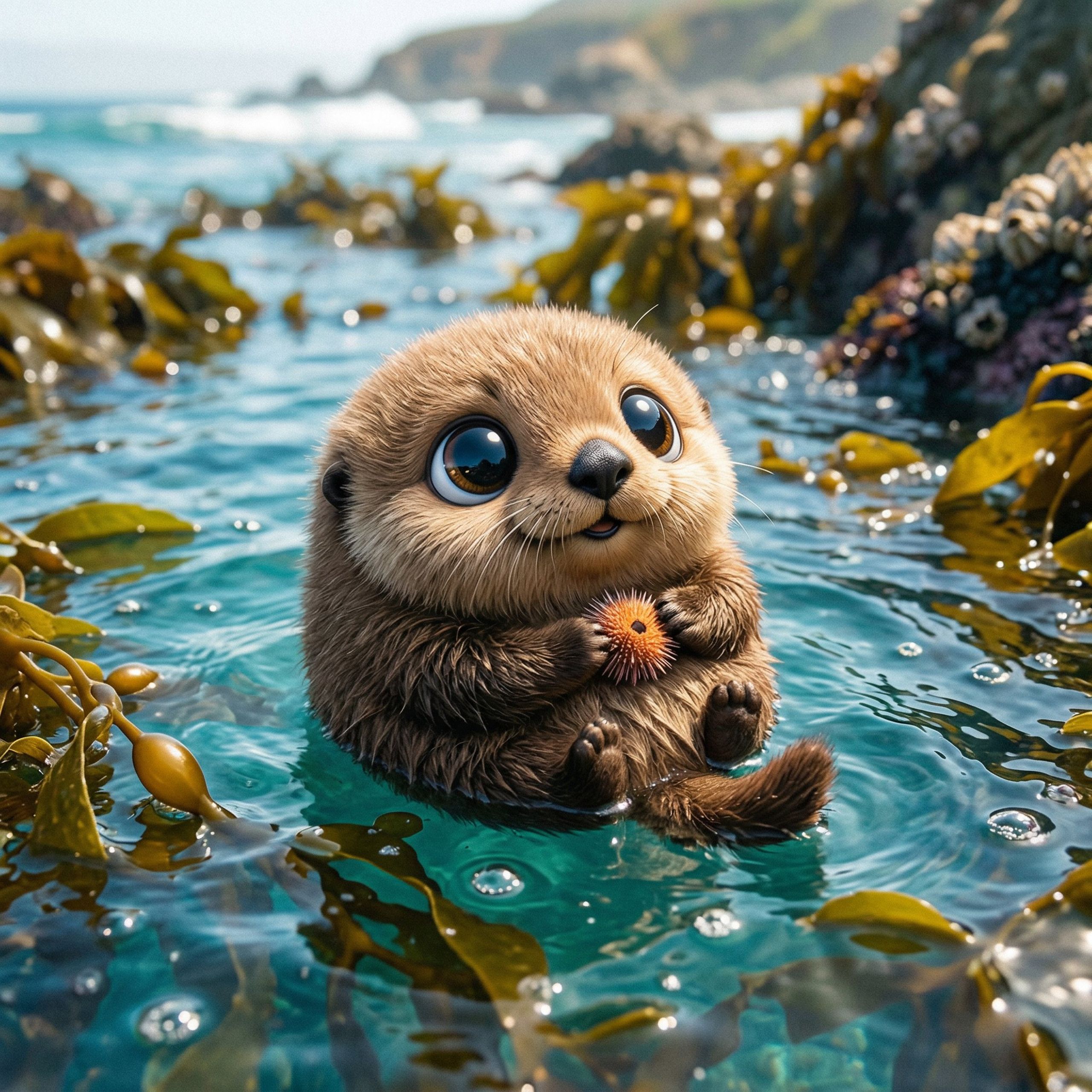
Turn a prompt into a polished visual with cleaner lighting, more faithful materials, and tighter composition. It's a strong default for hero images, product concepts, and editorial-style illustrations.
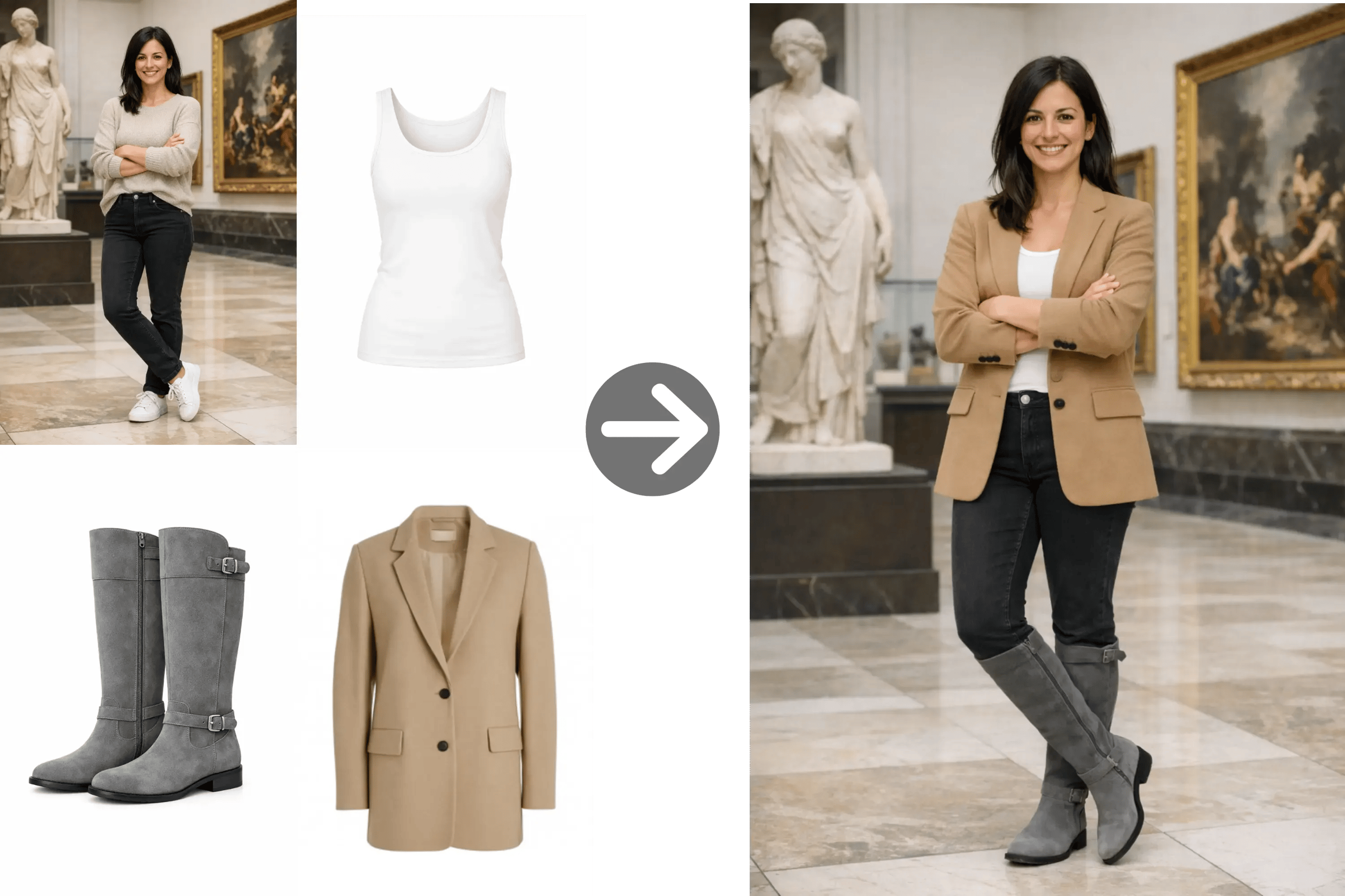
Image-to-image transformations
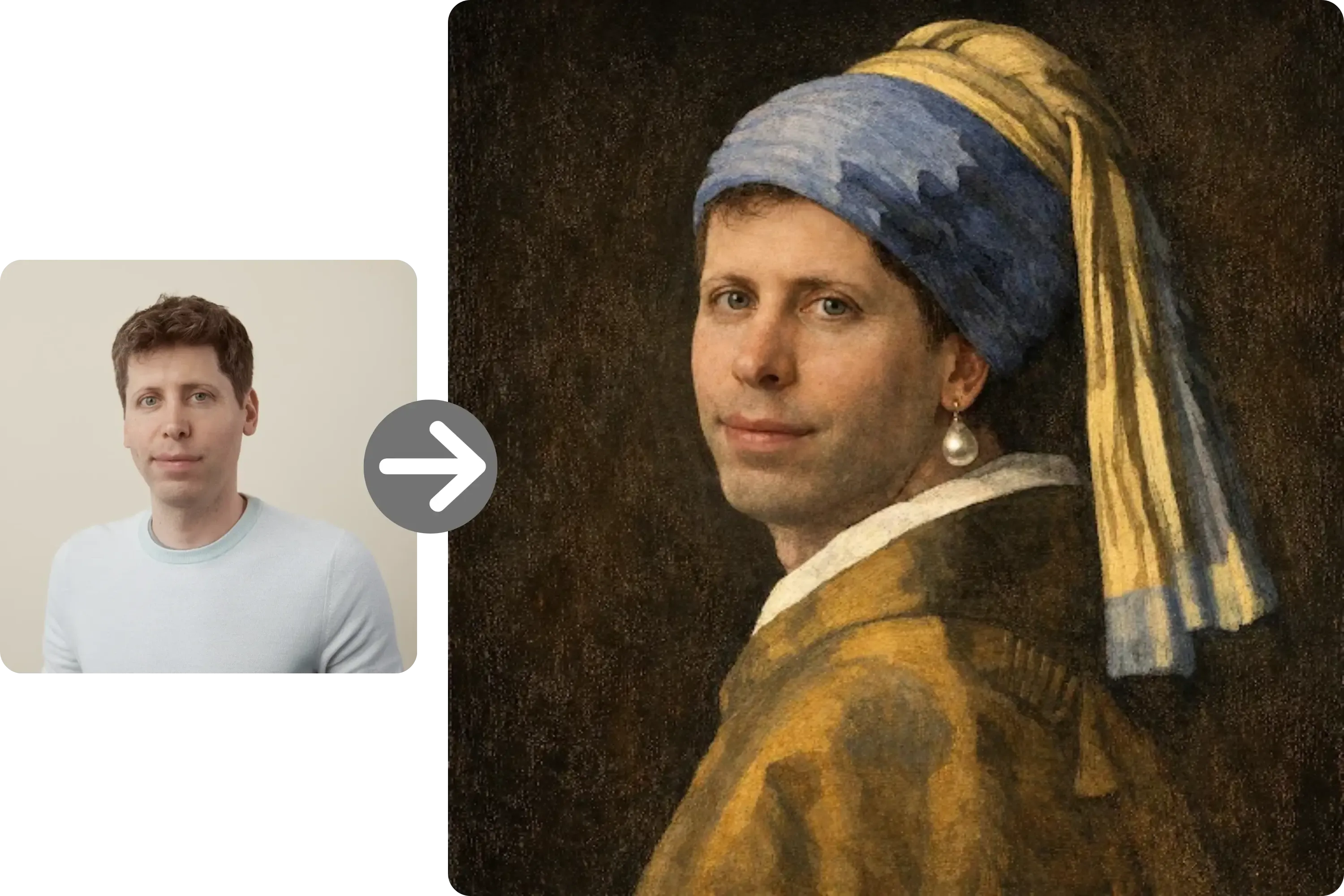
Upload an image and use it as the visual brief: restyle, swap backgrounds, recolor products, or refine compositions while preserving the subject. It speeds up iteration when you already have a reference to build on.
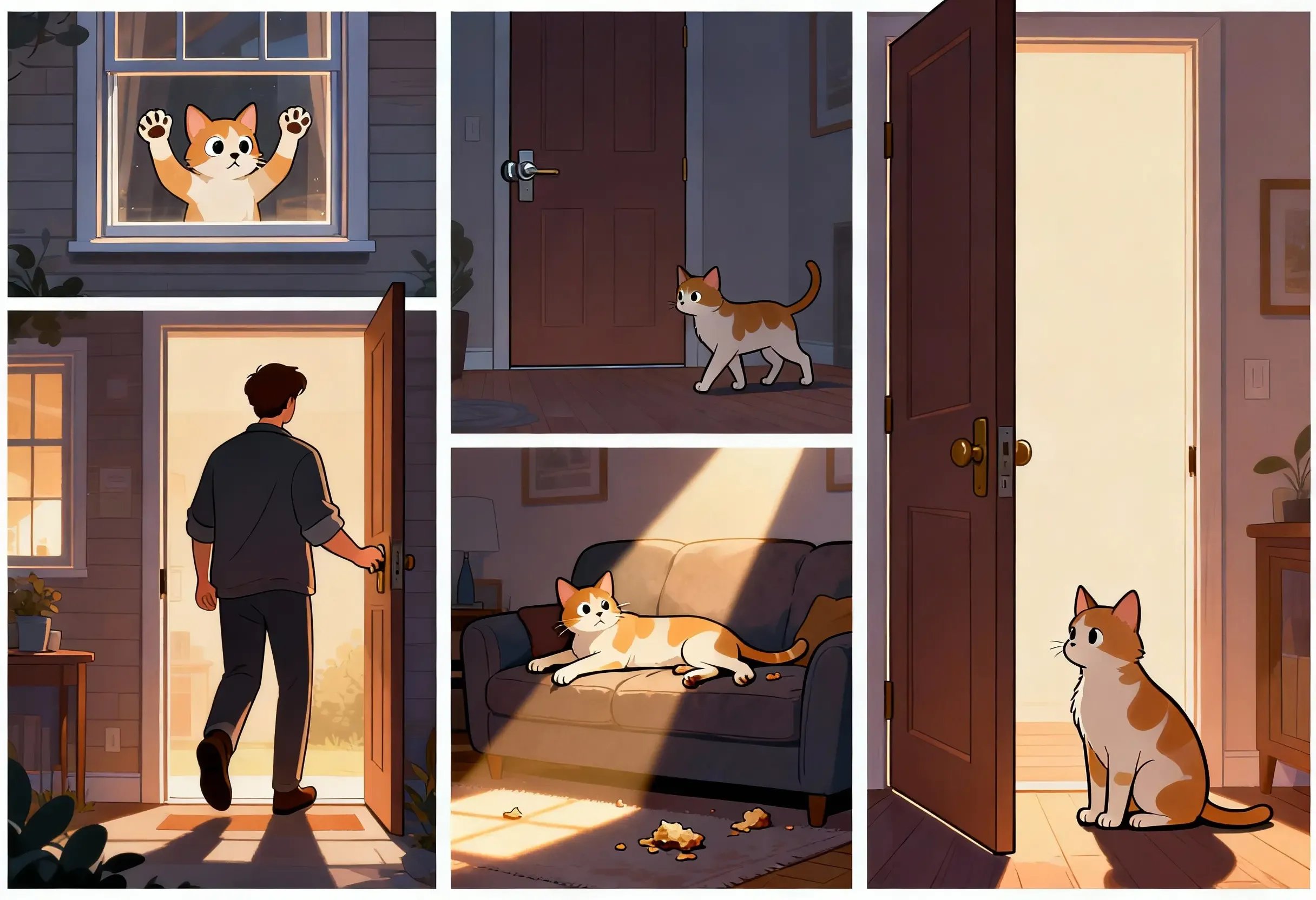
Stronger instruction following
GPT Image 2 is better at capturing nuanced, multi-constraint prompts, so you spend less time fighting 'almost, but not quite' results. This helps with brand-sensitive work, controlled product shots, and precise scene direction.
Faster iteration loops
Reports around the launch highlight roughly 2x faster generation vs the previous generation. That matters when you're testing prompt directions, batching variations, or driving an interactive creative review.

No setup, runs in your browser
You don't need to deploy servers, manage API keys, or set up Python and GPU drivers. Sign in, enter a prompt (or drop an image), and start generating with GPT Image 2 on AI Picture Generator.

Why teams choose GPT Image 2
The feature set maps well to the parts of image work that usually slow teams down: readable text, brand fidelity, and iteration speed.
Ship mockups with readable, on-brand text
Text-in-image failures kill otherwise usable drafts for ads, packaging, and slides. GPT Image 2's near-perfect text rendering means your copy survives the first round.
Spend less time reshooting prompts
Stronger instruction following reduces the 'close enough' loop. You get more usable variants on the first pass—especially for layout-heavy or product-specific briefs.
Move faster on campaign visuals
Faster generation plus batch outputs let you explore more directions per review. It's a better fit for campaigns with tight turnarounds and multiple stakeholders.
Bring your own reference with image-to-image
When you already have a rough draft, product photo, or mood frame, image-to-image skips starting from scratch and steers outputs toward your existing visual direction.
One tool, two core modes
Text-to-image and image-to-image are unified in the same workspace, so you can freely switch between creating from scratch and iterating on an existing asset.
Where GPT Image 2 fits best
Use it when you need fast iteration with control—especially for text-accurate creative, polished product concepts, and reference-guided edits.
Ad mockups and social creative
For growth and social teams, GPT Image 2 renders readable in-image text for ad drafts, social posts, and feed variations across languages.
Infographics, slides, and data visuals
For PMs, educators, and analysts, GPT Image 2 helps turn bullet points into structured infographics, slide-style visuals, and lightweight data illustrations.
Product concept and e-commerce imagery
For brand and e-commerce teams, text-to-image produces clean hero frames while image-to-image lets you restyle, recolor, or relight existing product shots.
Editorial and illustration work
For editors and content designers, GPT Image 2's instruction following helps deliver on-brief illustrations, headers, and concept art without heavy post-editing.
Localized creative drafts
For international teams, near-perfect text rendering makes multilingual creative drafts more viable, shortening the path from copy to first-pass visuals.
What users notice first
Feedback clusters around sharper in-image text, more faithful prompt adherence, and faster iteration loops.






Questions people ask before trying it
Clear answers based on how GPT Image 2 works and how you can use it on our web platform.
- What is GPT Image 2?
- GPT Image 2 (also known as ChatGPT Images 2.0) is OpenAI's next-generation image generation and editing model. It emphasizes near-perfect text rendering inside images, high-fidelity visuals, and improved instruction following, with support for both text-to-image and image-to-image workflows.
- How is GPT Image 2 different from GPT Image 1.5?
- Versus GPT Image 1.5, GPT Image 2 is positioned around more reliable text rendering inside the image, faster generation, and stronger adherence to complex prompts. In practice that means fewer rerolls on layout-heavy briefs and faster iteration on creative variants.
- Does GPT Image 2 support image-to-image?
- Yes. You can upload one or more reference images and have GPT Image 2 transform, refine, or restyle them. Use it for restyles, background swaps, product recoloring, and reference-guided edits.
- How much does a GPT Image 2 generation cost on this site?
- Each GPT Image 2 output costs 8 credits. If you generate multiple images per run (2 or 4), the cost scales by the number of outputs. New accounts start with free credits so you can try it without paying.
- How many reference images can I upload for image-to-image?
- You can upload up to 16 reference images per image-to-image request. Use multiple references when you need to combine subjects, pull in style cues, or reinforce a consistent look across variations.
- Do I need to install anything to use GPT Image 2?
- No. AI Picture Generator runs GPT Image 2 in your browser—no API keys, no Python, no GPU setup. Sign in, start with free credits, and upgrade only when you need higher volume.
More AI Image Generators
Explore more specialized generators for different styles and creative needs.




Try GPT Image 2 online—no setup required
Use GPT Image 2 in your browser for fast, text-accurate generation and image-to-image editing. Start with free credits and scale up when you're ready—no deployment, no environment setup.