
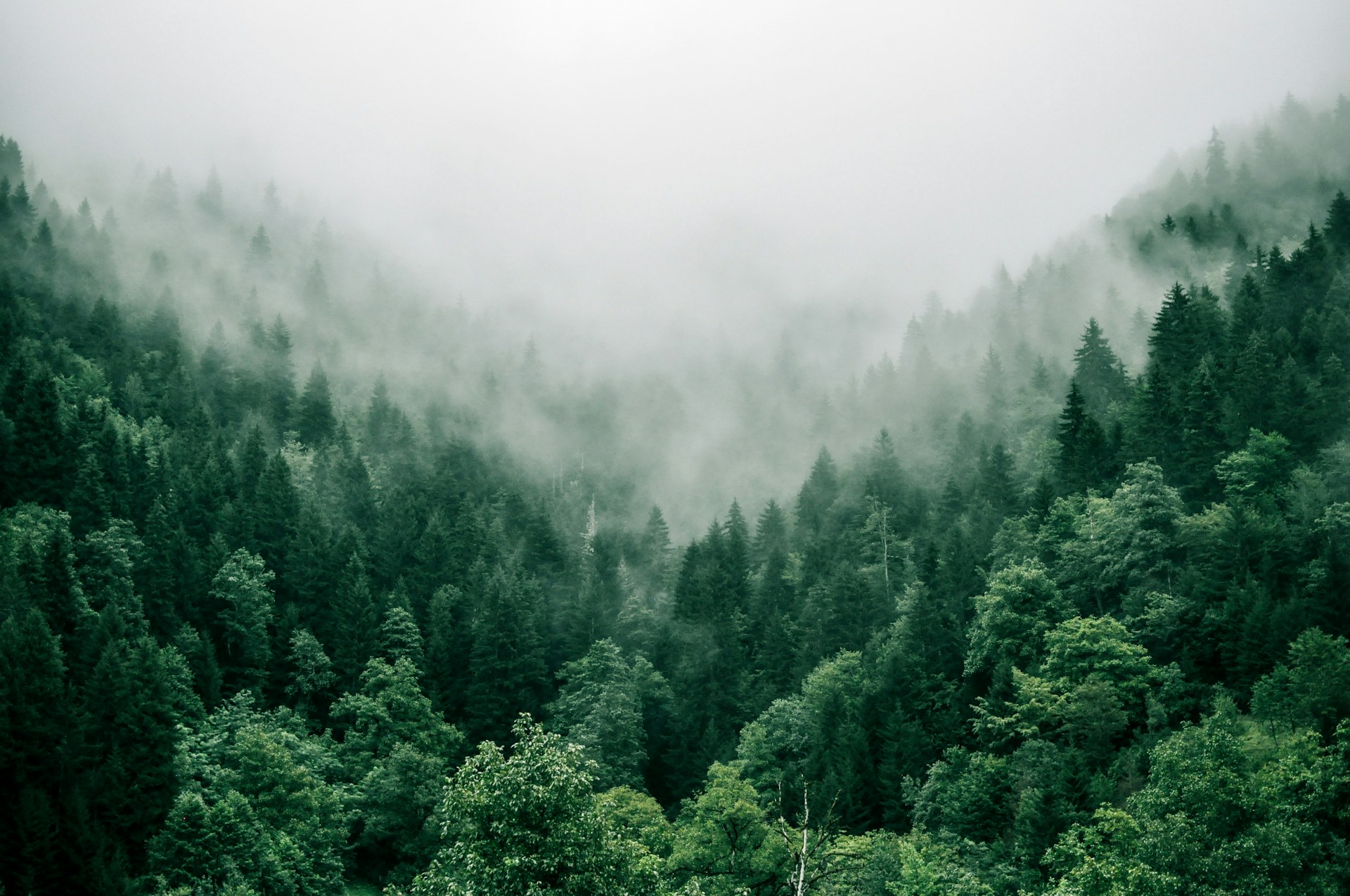
Grok Imagine Image-to-Image Generator
Grok Imagine AI image generator turns a reference image into a coordinated set of variations. Upload a single image in AI Picture Generator and receive two cohesive outputs that preserve your base style while exploring new details.
Grok Imagine AI image generator for reference-led creative work
Grok Imagine AI image generator supports fast exploration when you already have a visual starting point. Upload a reference image, add a prompt, and receive two related variants that keep color, texture, and lighting aligned. Keyword focus: Grok Imagine AI image generator, Grok Imagine image-to-image generator, Grok Imagine image variations, Grok Imagine reference image tool, Grok Imagine style transfer, Grok Imagine brand variations, Grok Imagine product edits, Grok Imagine AI retouching, Grok Imagine visual remix, Grok Imagine concept variations.
Brand
Brand refresh and visual continuity
When you need a refreshed look without losing identity, Grok Imagine AI image generator keeps your base composition intact while introducing controlled changes. The two-image output set makes it easy to compare new directions and keep stakeholders aligned.
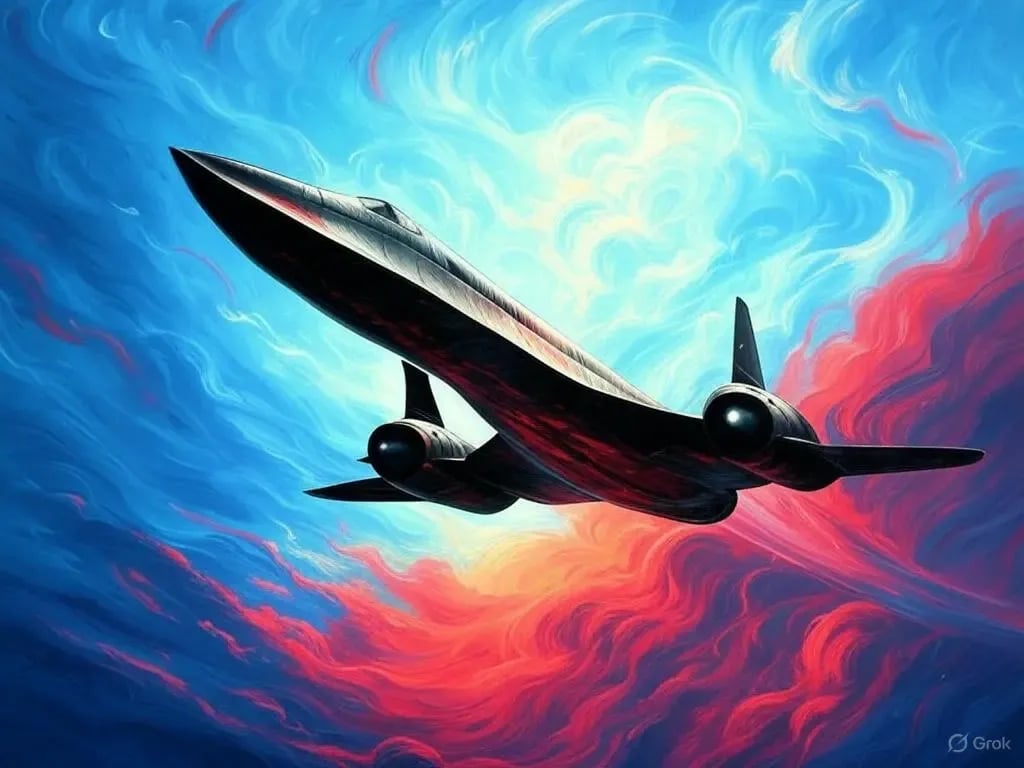
Commerce
Product photography variations
Upload a product shot and prompt for new backgrounds, lighting, or props. Grok Imagine AI image generator returns two related variations so ecommerce teams can pick the best hero image without reshooting.
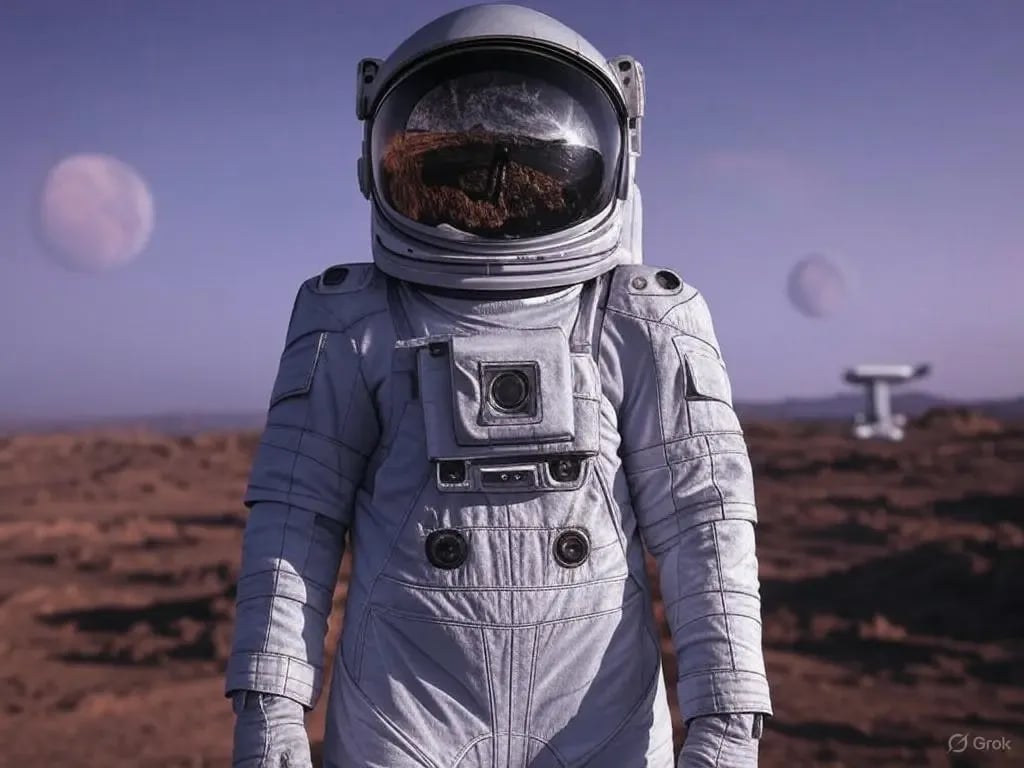
Creative
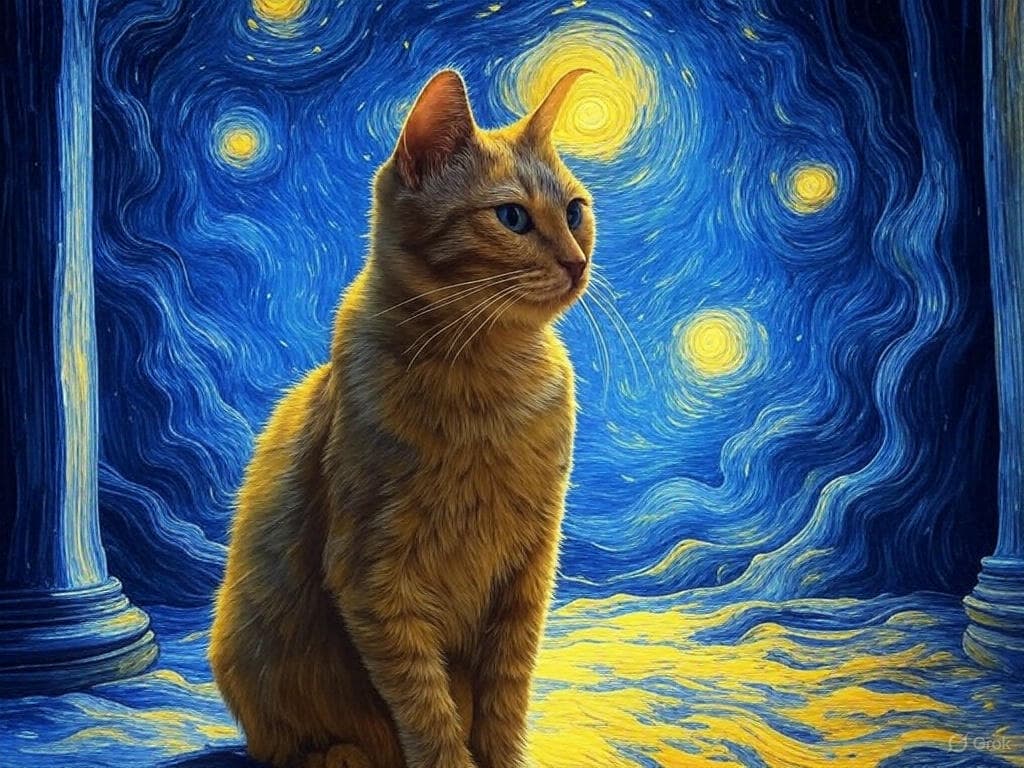
Creative style remix
Grok Imagine AI image generator makes it easy to test artistic treatments. Keep your base image and explore palette shifts, texture changes, or illustrative styles while preserving core shapes and framing.
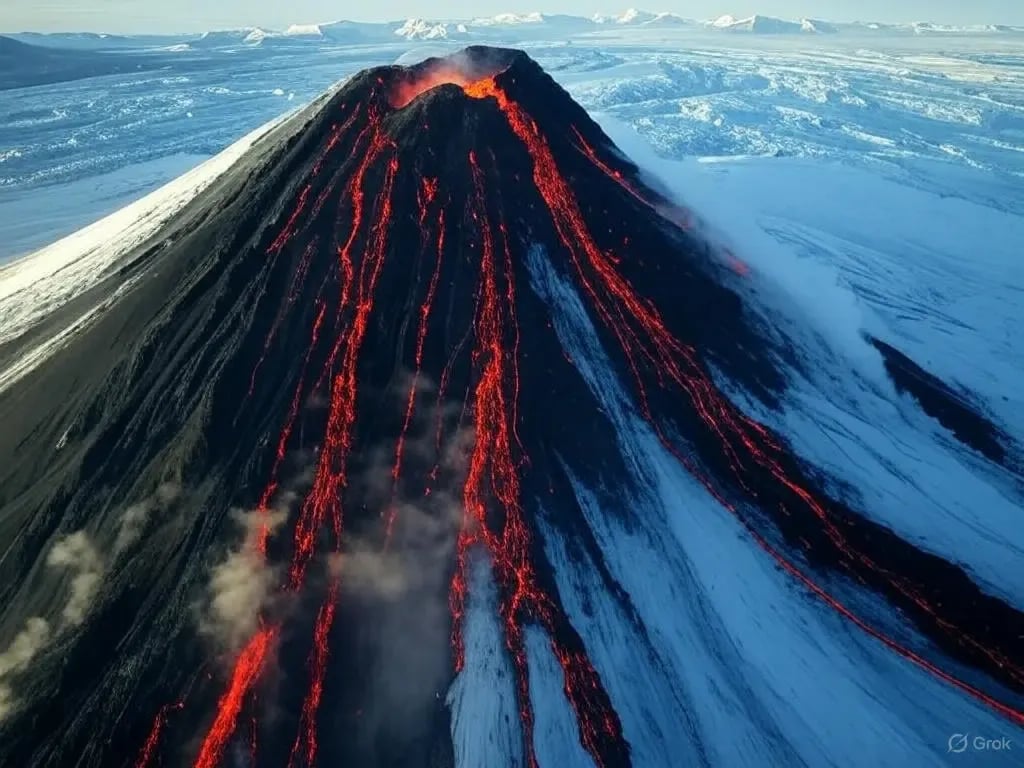
Studio
Portrait retouching and mood shifts
Use Grok Imagine AI image generator to create subtle mood shifts in portraits or lifestyle imagery. The model keeps facial structure stable while testing different lighting moods or wardrobe details.
Production
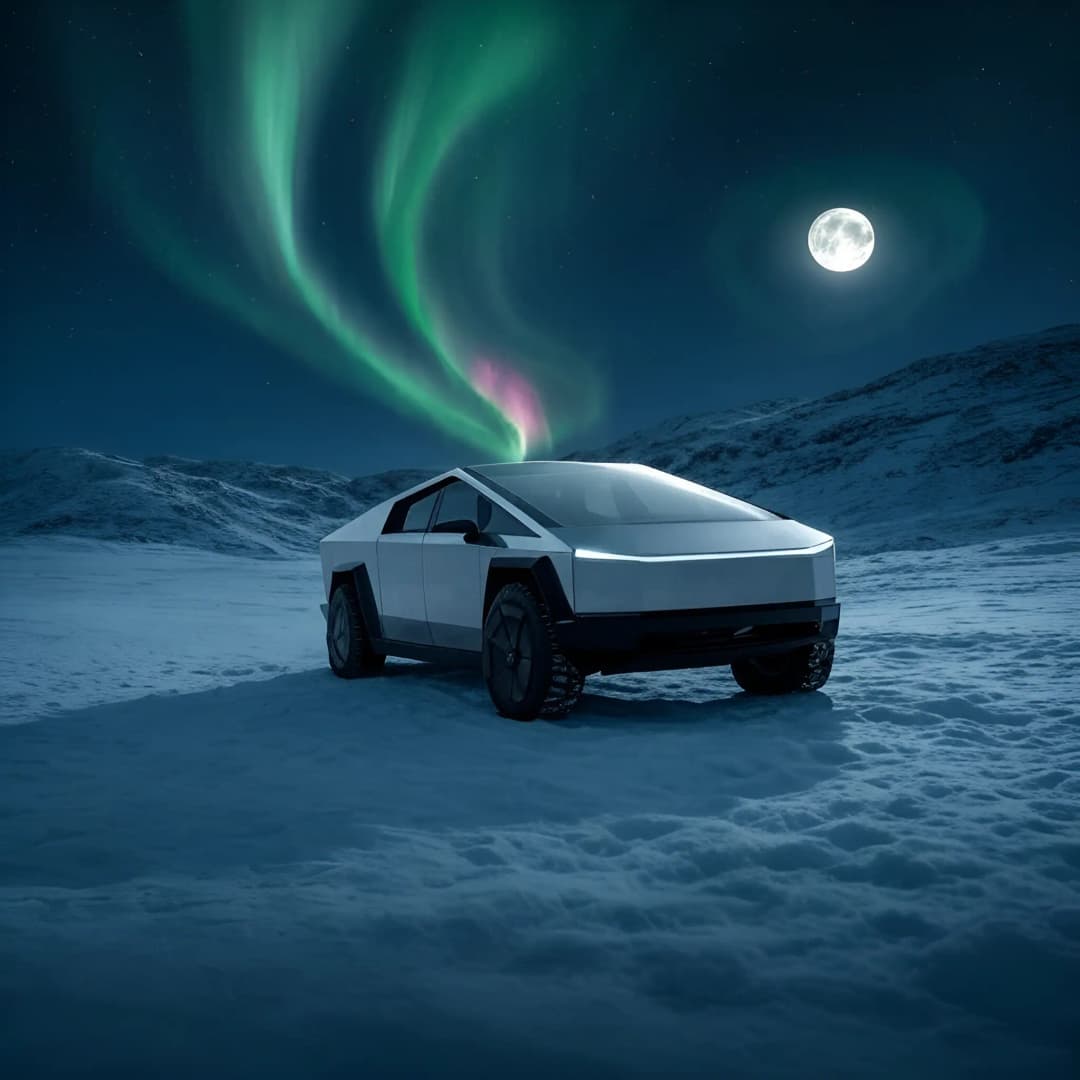
Storyboard and keyframe exploration
Grok Imagine AI image generator helps teams produce alternate keyframes from a single reference. The two-image set supports layout exploration without losing perspective or shot continuity.
Generate Grok Imagine image-to-image variations in four steps
A clear reference image and a focused prompt are enough to guide Grok Imagine AI image generator. AI Picture Generator keeps the results grouped for easy comparison and revision tracking.
Upload a reference image
Choose a single high-quality image with the composition you want to keep. Grok Imagine AI image generator uses it as the visual anchor for both outputs.
Describe the changes
Add a prompt describing the desired edits or new style. Grok Imagine AI image generator interprets the prompt while preserving your base structure.
Generate two variations
Run the job and review the two-image grid side-by-side. Grok Imagine AI image generator keeps the set cohesive so you can compare subtle differences quickly.
Refine or reuse
Duplicate the best output and continue iterating. Grok Imagine AI image generator history keeps every prompt and reference attached for future use.
Why teams trust Grok Imagine AI image generator for variations
Grok Imagine AI image generator balances faithful reference retention with creative flexibility so teams can explore options without losing visual continuity.
Reference-anchored outputs
Grok Imagine AI image generator keeps composition and structure aligned with the original image, minimizing drift while you explore new looks.
Four cohesive variations
Each Grok Imagine AI image generator run produces two coordinated outputs, making comparison and selection faster.
Fast iteration cycles
Grok Imagine AI image generator responds quickly so teams can iterate on small tweaks without manual editing.
Style control with prompts
Use prompts to guide mood, palette, and texture. Grok Imagine AI image generator respects these cues across the entire set.
Team-friendly history
Every Grok Imagine AI image generator variation is stored in AI Picture Generator for easy review and collaboration.
Brand-safe experimentation
Keep logos, products, and layouts recognizable while testing new art directions with Grok Imagine AI image generator.
Efficient asset handoff
Grok Imagine AI image generator outputs become ready-made references for designers, retouchers, or production teams.
Consistent quality
Grok Imagine AI image generator preserves lighting and material cues so the two outputs feel like a single creative family.
Grok Imagine image-to-image FAQ
Answers about Grok Imagine AI image generator for reference-based image variations.
Create with Grok Imagine image-to-image
Use Grok Imagine AI image generator to transform a reference image into two cohesive variations for faster approvals.