Realistic Face Swaps That Look NaturalAI Face Swap

This AI Face Swap tool lets users change any person's face in an image through a simple, fast process that costs nothing. You can swap faces with celebrities, friends, or meme characters while preserving natural expressions, skin tone, and lighting for realistic results. The output looks clean, authentic, and polished, making it ideal for selfies, group photos, and creative content without any technical effort. And the best part is that you can try it for free by getting free credits once you sign up.

Face swap generator

AI Face Swap
Upload Images(0/1)
Upload Images(0/1)
Cost 1 credits
Result Preview

See what you can create

These example images were made with our AI models. Sign in to start generating your own.

Swap faces naturally in seconds

Upload a target image and a source face to see AI seamlessly transfer the face while preserving skin tone, lighting, and expression for realistic results.

Natural results

Preserve skin tone and lighting

AI analyzes both images to match skin tones, lighting conditions, and facial expressions for seamless blending.
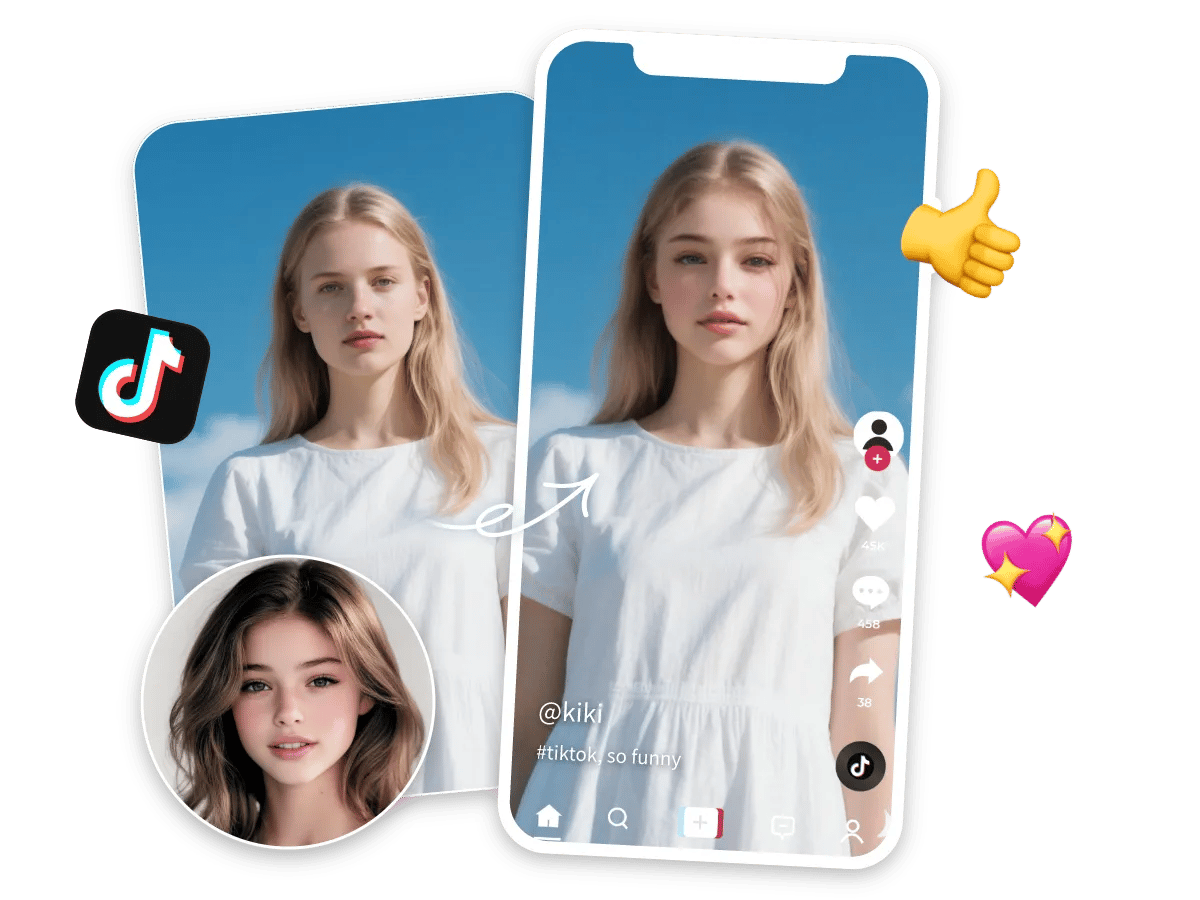
Natural face swap result

Expression preserved

Keep natural expressions

The source face's expression is preserved during transfer, creating realistic and natural-looking results.

Expression-preserved face swap

High quality

Maintain image quality

Face swaps maintain the original image resolution and quality without artifacts or distortion.
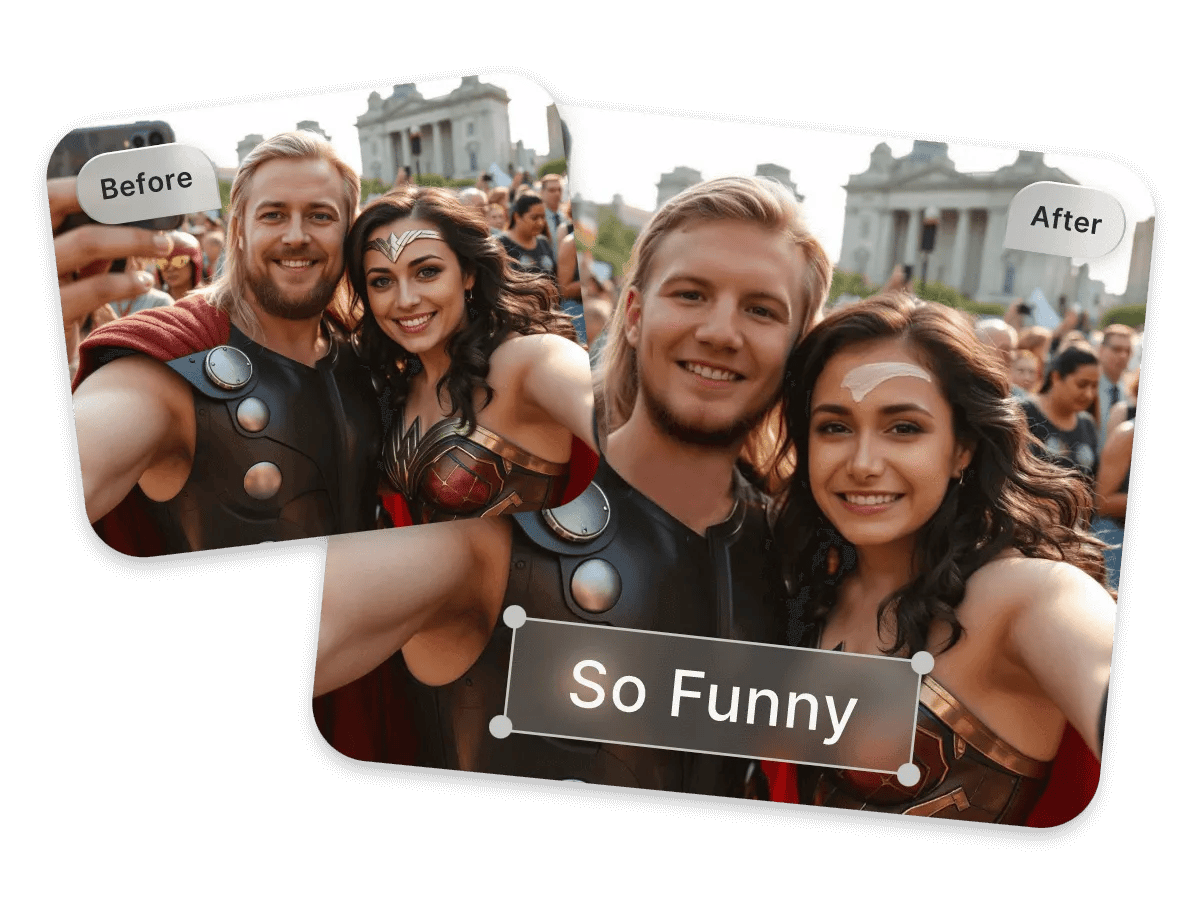
High quality face swap
How it works

3 steps to swap faces with AI

From upload to result in seconds—Face Swap keeps natural lighting and expressions intact.

1

Upload your images

Upload a target image where you want to swap the face, and a source face image to use.

2

Swap in one click

Click 'Swap Face' to let the AI detect and transfer the face while preserving skin tone and expression.

3

Preview & download

Check the result and download the face-swapped image, or try another pair to keep going.

AI Face Swap Features for Natural Results

Our AI Face Swap delivers realistic, seamless face transfers that preserve lighting, skin tone, and expression.

Realistic blending

AI preserves skin tone, lighting, and facial expression for seamless results.

High quality output

Maintains original image resolution and detail in the final result.

Fast processing

Get your face-swapped image in seconds, no complex editing required.

Privacy protected

Images are only used for processing and never stored or reused.

Smart matching

AI automatically matches skin tones, angles, and lighting between images.

Any angle support

Works with various face angles and orientations for flexible results.

Easy to use

No technical background or editing skills required.

Multi-device support

Works directly in your browser on any device.

Common Questions About AI Face Swap App

Find answers to the most frequently asked questions about using our AI Face Swap tool.

How does Face Swap actually work?
Face Swap looks at your photos and detects facial features. It then swaps one face with another while keeping expressions, skin tones, and lighting realistic. The result looks natural and ready to share online.
Is using AI to swap faces legal?
Yes, using AI to swap faces is 100% legal. You can use photos or images you have permission to use, or photos that are royalty-free. However, avoid swapping photos of private or copyrighted images without consent. It's safe when used responsibly.
Do I need to install any app or software to use Face Swap?
No, you do not need to install anything. Our AI face swap tool works entirely online, so you can upload images and create realistic face swaps directly in your browser. It is fast, easy, and ready to use on any device.
What is the best AI face swap for photos?
Our AI face swap tool is one of the best online tools. It creates realistic face swaps with proper alignment, natural skin tones, and smooth blending. You get high-quality results without complicated editing.
Is face swap free to use?
Yes, Our face swap tool lets you try it for free by giving 100 free credits when you sign up. This lets you create realistic face swaps for free instantly. But our paid options give you unlimited face swaps as well as access to other apps.
How can I achieve the best face swap results with your app?
Use clear photos with front-facing faces and good lighting. Make sure both images have similar angles for accurate swapping. The Face Swap will create realistic and natural-looking results.
Are there any limitations to swap face with AI online?
Yes, blurry or very dark images may reduce accuracy. Extremely angled faces or obstructed features can make swaps look less natural.
Is AI face swap better than manually editing faces on Photoshop?
Yes, AI face swap is faster and easier than Photoshop. It automatically matches tones, aligns faces, and blends details. You get realistic results in seconds without needing editing skills.
Can we use AI face swapping for memes or fun content?
Absolutely, AI face swap is great for memes and edits. You can swap faces with friends, celebrities, or characters. The results look real and are perfect for social media.
What is the most realistic Face Swap app available?
AI face swap creates lifelike images with smooth blending and natural skin tones. It handles details accurately. You can make professional-looking swaps in seconds.
How safe is it to use face swap apps online?
On our platform, we have strict privacy policies about the users' information and images. We keep your images secure, and they are not shared with any third party. So rest assured, our AI Face Swap app is 100% safe to use.
How fast does AI Face Swap generate results?
Our AI face swap generates results in seconds. With our fast and high-performing processors, you can get your high-quality AI face swap image instantly. This requires no complicated editing or software installation.
If two faces have different skin tones, will the face swap still look natural?
Yes, Face Swap automatically adjusts skin tones. It matches colors, shadows, and highlights for a natural blend. The result looks realistic and professional.
What image formats are supported?
PNG and JPG images up to 10MB are supported.
Are my uploads stored?
No, uploaded images are only used for processing and are automatically deleted.
What makes a good source face?
Clear, well-lit photos with visible facial features work best. Front-facing angles produce the most natural results.
Can I use this for commercial purposes?
Yes, as long as you have permission to use both the target image and source face.
How long does processing take?
Most face swaps are completed in 10-20 seconds.
Can I swap multiple faces?
Currently, the tool supports swapping one face at a time per target image.

Try AI Face Swap Now

Upload a target image and source face to see realistic face swapping in action. Perfect for creative projects and fun transformations. Sign up today and get free credits to start creating!

AI Face Swap Tool | Realistic Online Face Swapping