
Turbo AI Image Generator
Turbo is the flagship speed-and-quality image model inside AIPictureGenerator, designed for teams that need crisp visuals in seconds without losing creative control. Turbo balances rapid render times with reliable prompt adherence, diverse compositions, and legible in-image text, so every Turbo brief moves from idea to approval with fewer revisions. From brand launches to training visuals, Turbo keeps outputs consistent while giving you the flexibility to explore multiple concepts in one session.
Turbo use cases built for speed, clarity, and scale
Turbo turns fast iteration into a reliable production workflow. Each Turbo session blends high-speed generation with stable composition and trustworthy typography, so marketing, product, and training teams can move from brief to asset without sacrificing polish. Use Turbo when you want quick experiments, client-ready visuals, and consistent brand outputs in one place.
Marketing
Rapid campaign sprints
Turbo helps growth teams explore dozens of directions in a single morning, from hero banners to paid social variations. Turbo keeps lighting, color palettes, and key props consistent across runs, so you can compare concepts without losing brand cohesion. When stakeholders need options fast, Turbo delivers a clear set of choices rather than chaotic drafts.

Product
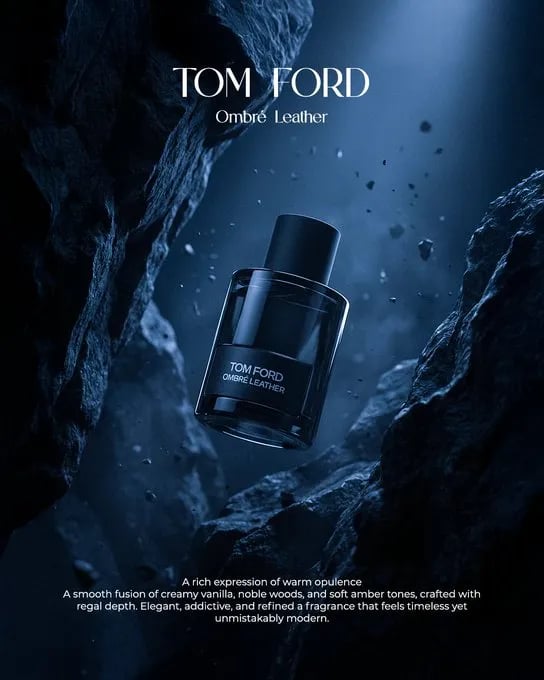
Product UI and packaging mockups
Turbo renders crisp labels, UI panels, and packaging copy so teams can test layouts before final design. Because Turbo respects text placement, you can place headlines, feature bullets, or compliance notes and still keep them readable. Turbo makes it easier to align product storytelling with visual presentation.
Education
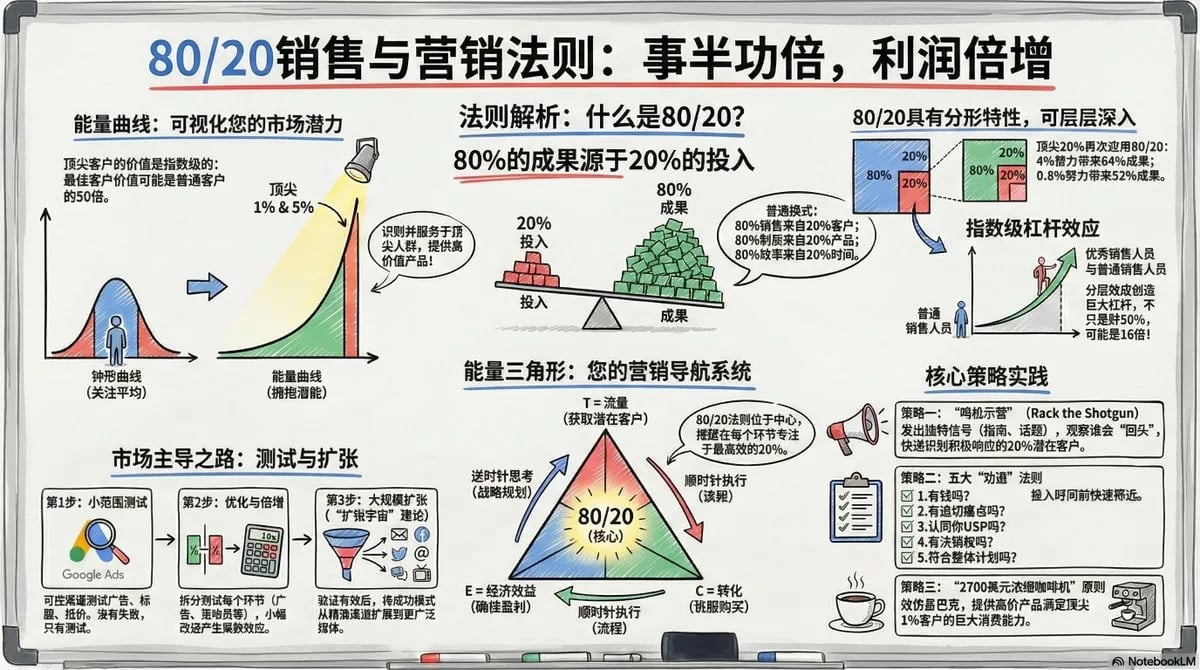
Training and enablement visuals
Turbo turns procedural steps into clear diagrams, posters, and onboarding graphics. Teams can describe sequences and layouts, and Turbo preserves numbering, callouts, and arrows to keep training assets reliable. Turbo is ideal when clarity and speed matter more than artistic flourishes.
Content
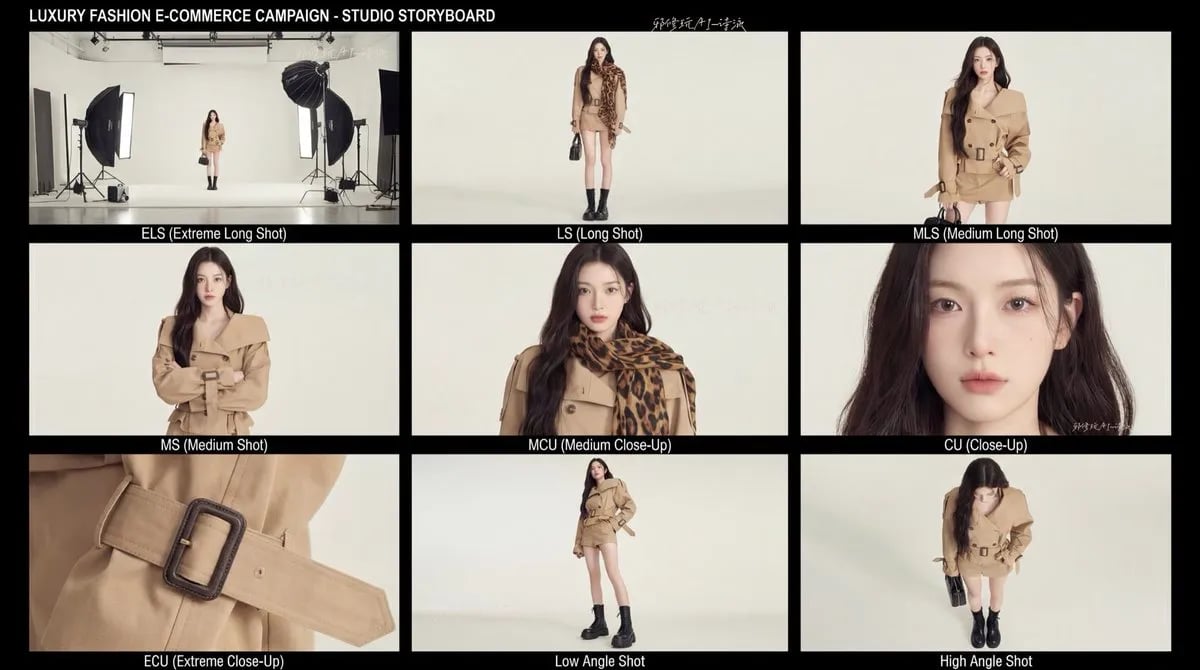
Editorial storyboards
Turbo speeds up story ideation with consistent framing, casting, and mood. You can outline scenes, specify lens or lighting, and Turbo will keep character continuity across panels. Turbo helps writers and editors visualize sequences before commissioning final production.
Localization
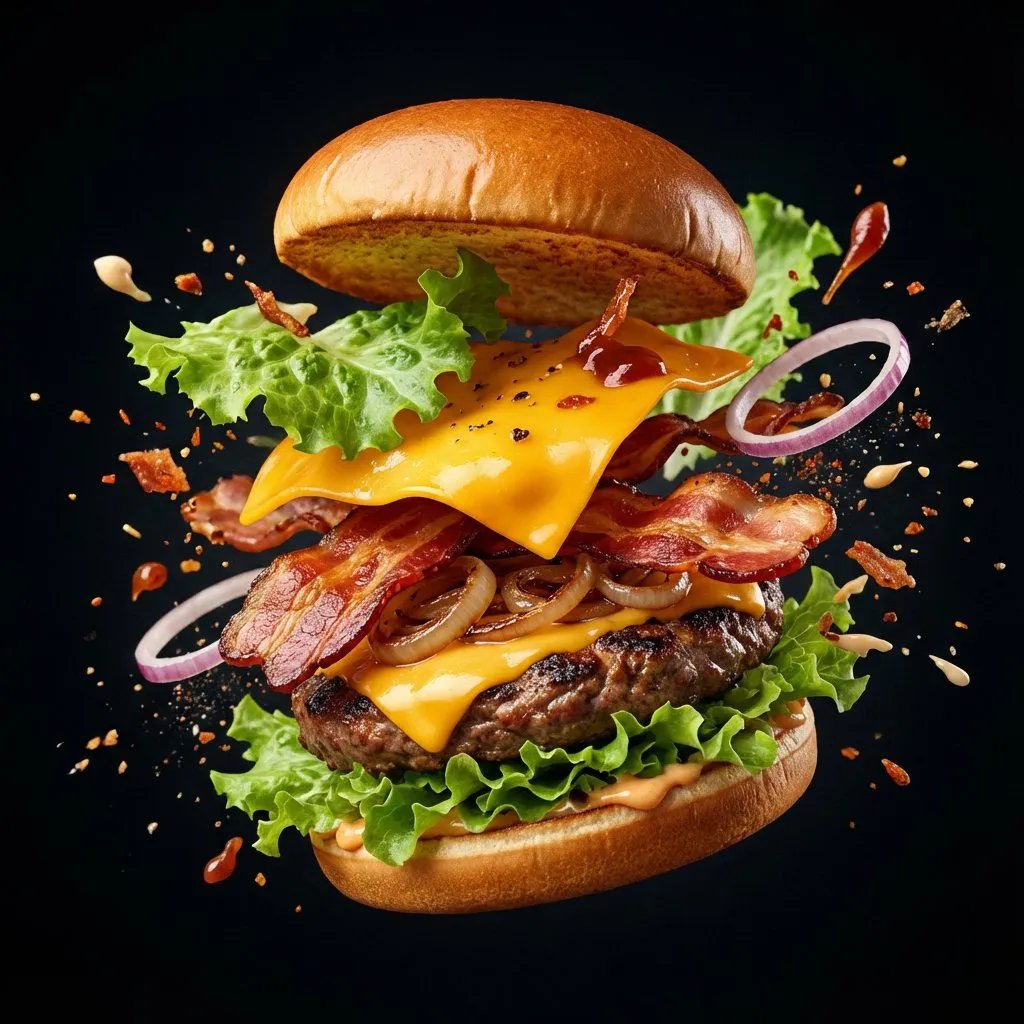
Localization-ready creative sets
Turbo supports multilingual text rendering so teams can swap language blocks while keeping layout structure stable. This makes Turbo ideal for regional packaging, event signage, and training collateral that must retain consistent hierarchy. Turbo keeps localization workflows aligned without redoing the full design.
Create with Turbo in four focused steps
Turbo performs best when you treat each brief as a structured plan. AIPictureGenerator keeps Turbo prompts, references, and outputs organized so teams can move quickly without losing the context behind each decision.
Define the subject
State exactly what Turbo should render, including age, materials, wardrobe, or product details. Turbo responds well to specific nouns and precise attributes, making it easy to avoid vague results.
Describe the action
Explain what the subject is doing and how the scene should feel. Turbo interprets actions, gestures, and energy, so clear verbs help Turbo compose confident layouts.
Set the style and environment
Add visual style, medium, lighting, and setting in the same brief. Turbo respects art direction such as photoreal, editorial, or illustrative looks while staying on-script.
Refine and reuse
Save winning Turbo prompts, then iterate on variations like camera angle, aspect ratio, or text placement. Turbo keeps outputs consistent so teams can build a coherent set quickly.
Why teams choose Turbo for dependable image generation
Turbo combines speed, control, and clarity in one model. The Turbo stack prioritizes prompt precision, readable text, and consistent visual structure so you can scale creative work with confidence.
High-speed generation
Turbo delivers images in seconds, making it easier to test multiple directions without slowing the team down.
Exact prompt adherence
Turbo follows detailed briefs, keeping key subjects and instructions intact across batches.
Reliable text rendering
Turbo keeps in-image text legible for headlines, labels, and UI callouts.
Diverse compositions
Turbo produces a wide range of viewpoints and layouts while still preserving your core concept.
Consistent brand styling
Turbo maintains palette, lighting, and design language across versions for cohesive campaigns.
Flexible aspect ratios
Turbo supports common ratios like 1:1, 16:9, 9:16, 4:3, 3:4, and 2:3 for modern channels.
Structured prompts
Turbo responds best to structured prompts, which helps teams systematize creative workflows.
Production-ready clarity
Turbo outputs clean detail in materials, textures, and typography for near-ready assets.
Turbo FAQ
Answers for teams evaluating Turbo on AIPictureGenerator.
Create with Turbo today
Turbo gives teams the speed to explore and the clarity to deliver. Move from idea to production-ready visuals with Turbo inside AIPictureGenerator.