
Nano Banana Edit AI Image Editor
Nano Banana Edit turns any uploaded reference into a controllable canvas. Blend Gemini-grade semantics with precise masks, localized typography, and multi-turn instructions to refresh campaigns, products, or storytelling shots without rebuilding entire scenes.
Built for brand retouching, localization, and continuity tasks
Nano Banana Edit keeps your original composition intact while letting creative, marketing, and product teams iterate with confidence. Upload one hero shot or an entire batch of lifestyle frames, then guide the model with natural language plus optional masks. Because Nano Banana Edit understands typography, lighting physics, and storytelling context, each revision feels handcrafted yet ships on the same timeline as a text prompt.
Retail
Precision brand retouching
Swap props, refresh packaging, or polish reflective surfaces while preserving camera metadata. Nano Banana Edit reads layered prompts, so you can mention SKU names, surface finishes, or compliance notes and see the exact tweaks applied without repainting the full scene.
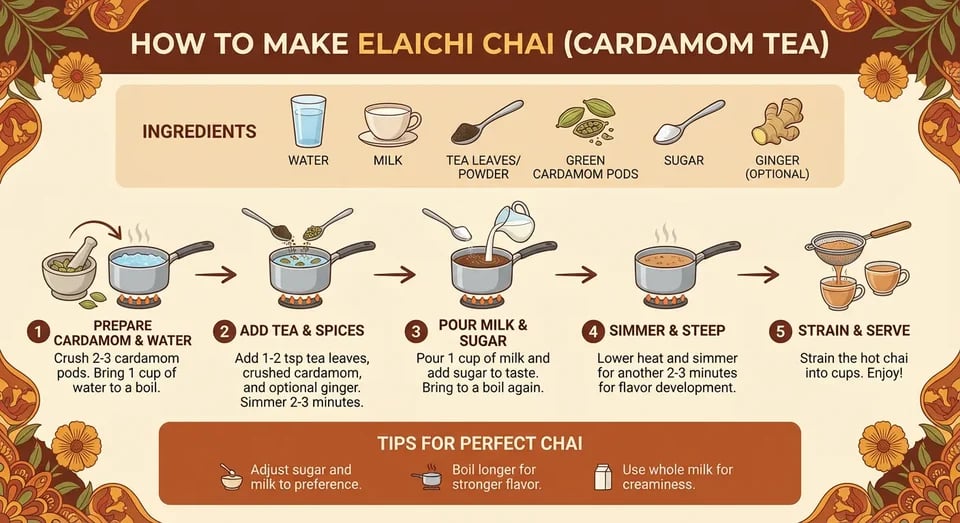
Localization
Localized marketing variants
Translate signage, menu boards, or UI chrome directly on the asset. Nano Banana Edit keeps kerning and layout stable while swapping text strings, making it easy to roll out multilingual campaigns that still look like they came from the same master file.
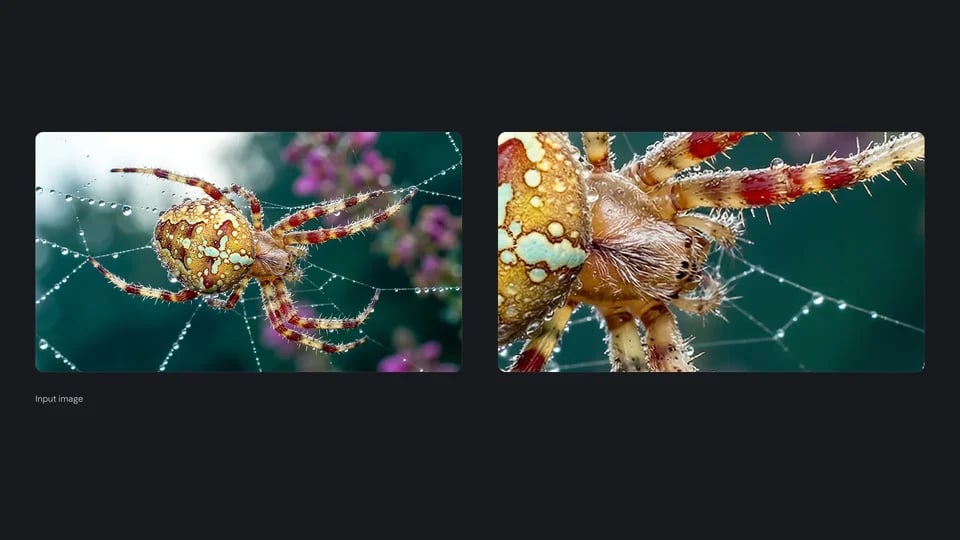
Creative
Storyboard continuity from real shots
Directors and art leads can upload stills from pre-production shoots, then extend the set, adjust wardrobe, or re-stage props to match story beats. Nano Banana Edit remembers the subject’s identity and lighting logic, so every frame in the deck stays consistent.
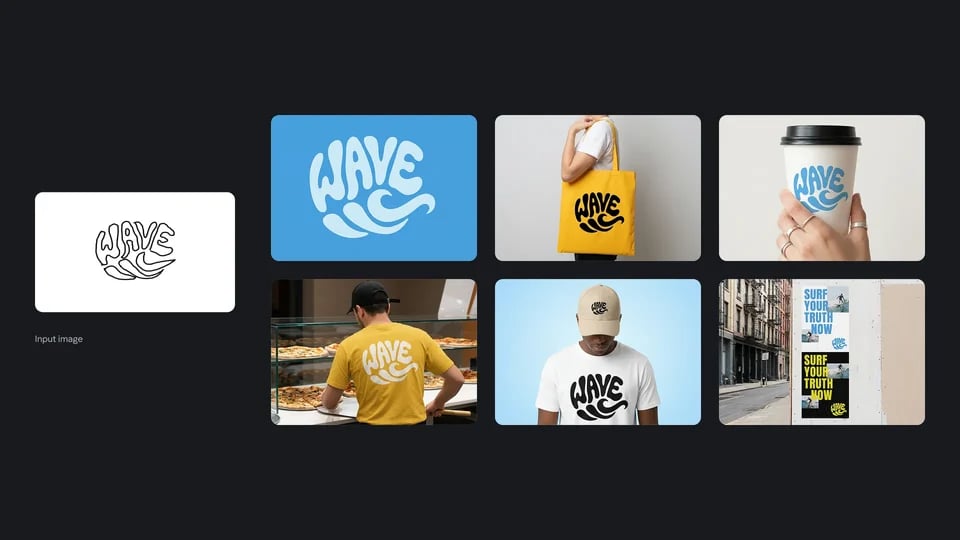
Regulated industries
Compliance overlays and info graphics
Add dosage tables, legal disclosures, or multilingual QR callouts directly on product shots. Nano Banana Edit blends sharp typography with the existing color palette, ensuring regulatory content is legible without breaking the photo-real aesthetic.
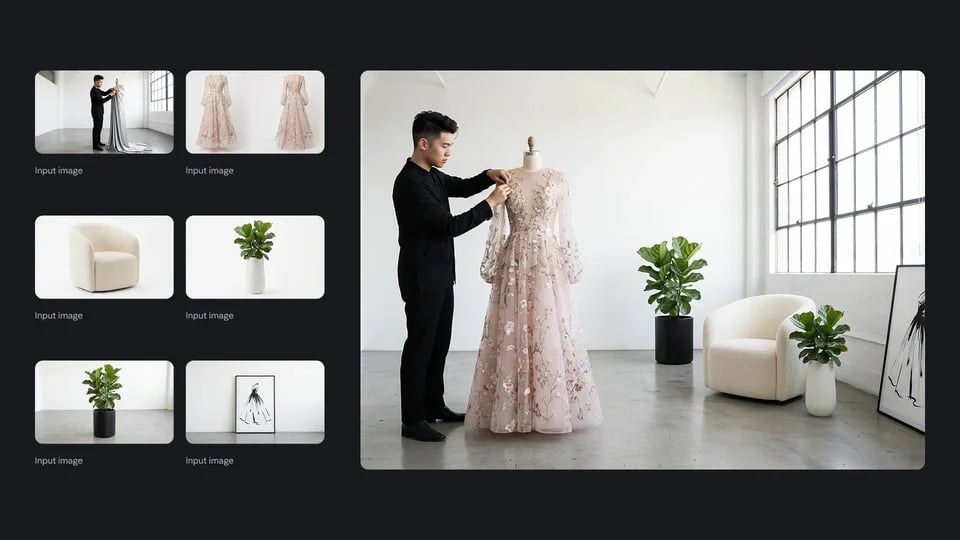
Portrait
Editorial-grade portrait finishing
Retouch skin, wardrobe, and background ambiance with natural-looking micro adjustments. Use conversational instructions like “soften the fill light and switch the blazer fabric to satin” and Nano Banana Edit applies context-aware changes that respect depth, reflections, and color harmony.
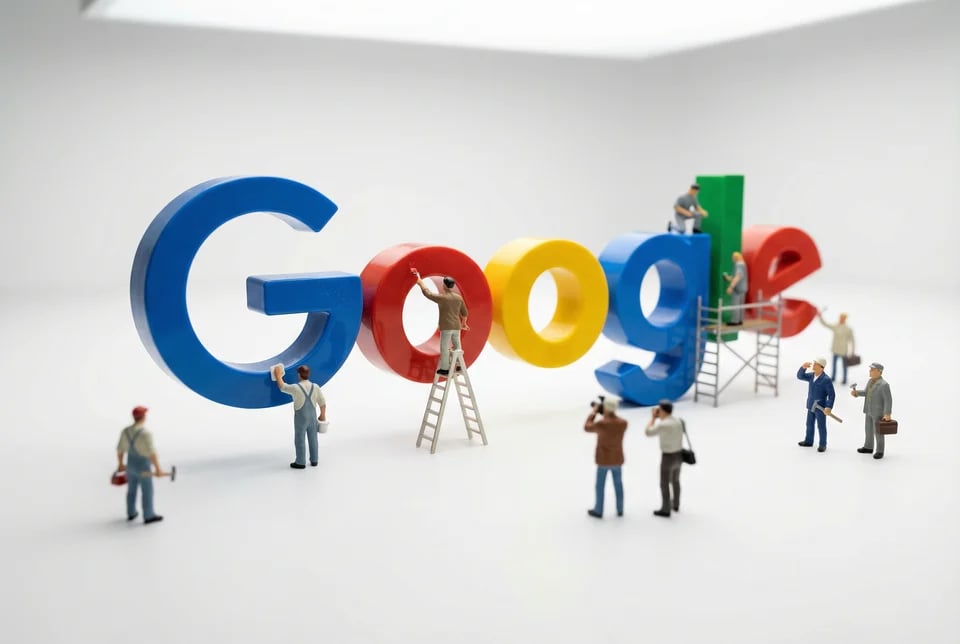
Edit with Nano Banana Edit in three dependable steps
Whether you’re swapping copy or rebuilding a set extension, Nano Banana Edit keeps the workflow approachable. Bring in references, describe intent in natural language, and iterate with masks or variation slots. Because instructions persist between rounds, teams can run structured reviews without exporting giant PSD files.
Upload and brief
Drop a PNG, JPG, or WEBP plus optional masks, then outline the edit goals. Mention materials, typography rules, brand palettes, or continuity cues so Nano Banana Edit has the full story before touching a pixel.
Target adjustments
Use descriptive prompts to control lighting, textures, and copy changes. Toggle aspect ratios, choose how many variations to compare, and layer in negative instructions to prevent drift.
Review and iterate
Select the strongest candidate, annotate feedback directly in the brief, and run another pass. Nano Banana Edit carries previous directives forward, so each round tightens details instead of restarting from scratch.
What makes Nano Banana Edit stand out
Nano Banana Edit pairs Gemini-level understanding with the controls creative operations expect from pro retouching studios. Every capability is tuned for teams who need fast turnarounds without compromising brand fidelity or compliance.
Mask-aware precision
Detects or accepts custom masks to limit edits to exact surfaces, keeping protected regions untouched while still honoring global lighting cues.
Semantic reference memory
Understands long-form briefs and carries them across multi-turn conversations, enabling staged revisions that always respect earlier approvals.
Typography preservation
Maintains kerning, baseline grids, and multilingual glyph integrity when swapping copy in posters, packaging, or UI mockups.
Lighting and physics fidelity
Applies edits that match scene lighting, reflections, and occlusion, so new objects or color grades feel like part of the original capture.
Multilingual localization
Supports English, Chinese, Japanese, Arabic, and other scripts within a single pass, making localized rollouts as simple as updating the brief.
Consistent character identity
Keeps facial features, wardrobe elements, and props stable across sequences, ideal for narrative storyboards or episodic campaigns.
Batch-friendly variations
Generate up to four edited outcomes per run to compare design directions, then feed the winner into another iteration without losing context.
Workflow-friendly history
Integrated history tabs in AIPictureGenerator store prompts, uploads, and outputs so teammates can audit decisions or reuse playbooks later on.
Nano Banana Edit FAQ
Answers to the most common Nano Banana Edit questions for creative, marketing, and product teams.
Start editing with Nano Banana Edit
Upload your reference, describe the desired changes, and keep every revision synchronized across teams. Nano Banana Edit turns image editing into a conversational workflow so you can approve polished visuals without leaving AIPictureGenerator.