
GPT Image 1.5 Text-to-Image Generator
GPT Image 1.5 is OpenAI’s flagship image model for high-quality creation. It follows prompts more precisely, renders text more clearly, and delivers realistic lighting and materials for production-ready visuals.
Text to Image
Enter a prompt or upload an image, then continue in the workspace after you click Generate.
GPT Image 1.5 built for high-quality text-to-image work
GPT Image 1.5 turns detailed prompts into clean, realistic images with stable composition. Compared to earlier ChatGPT Image versions, GPT Image 1.5 improves text rendering and prompt adherence, which is especially helpful for posters, infographics, and branded layouts. Use GPT Image 1.5 when you need accurate layout, legible text, and realistic materials without heavy post-editing.
Commerce
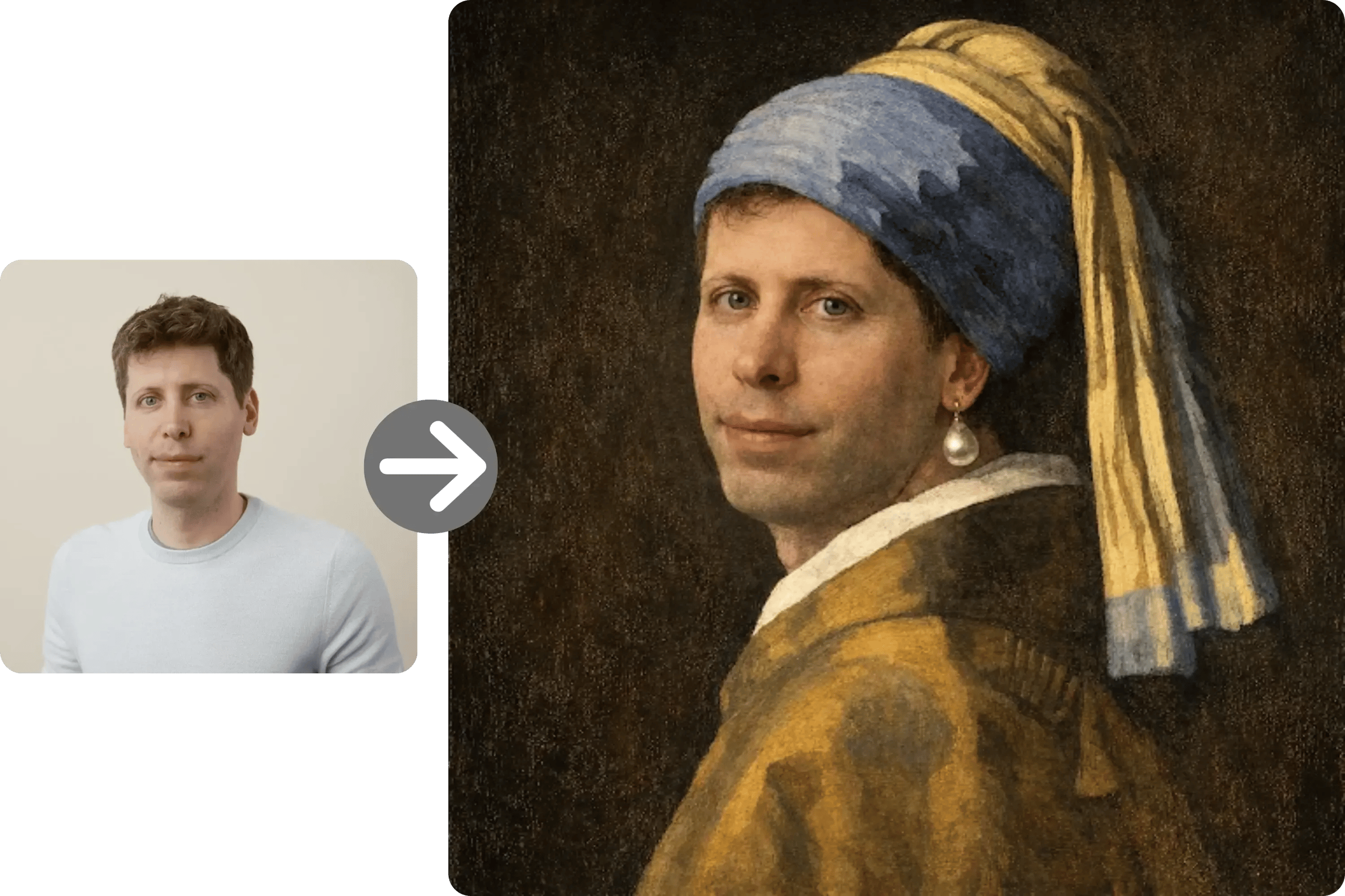
Product and lifestyle imagery
Generate product scenes with consistent lighting, materials, and clean backgrounds. GPT Image 1.5 handles reflective surfaces and natural textures more reliably, making it easier to create catalog-ready options from text prompts.
Design
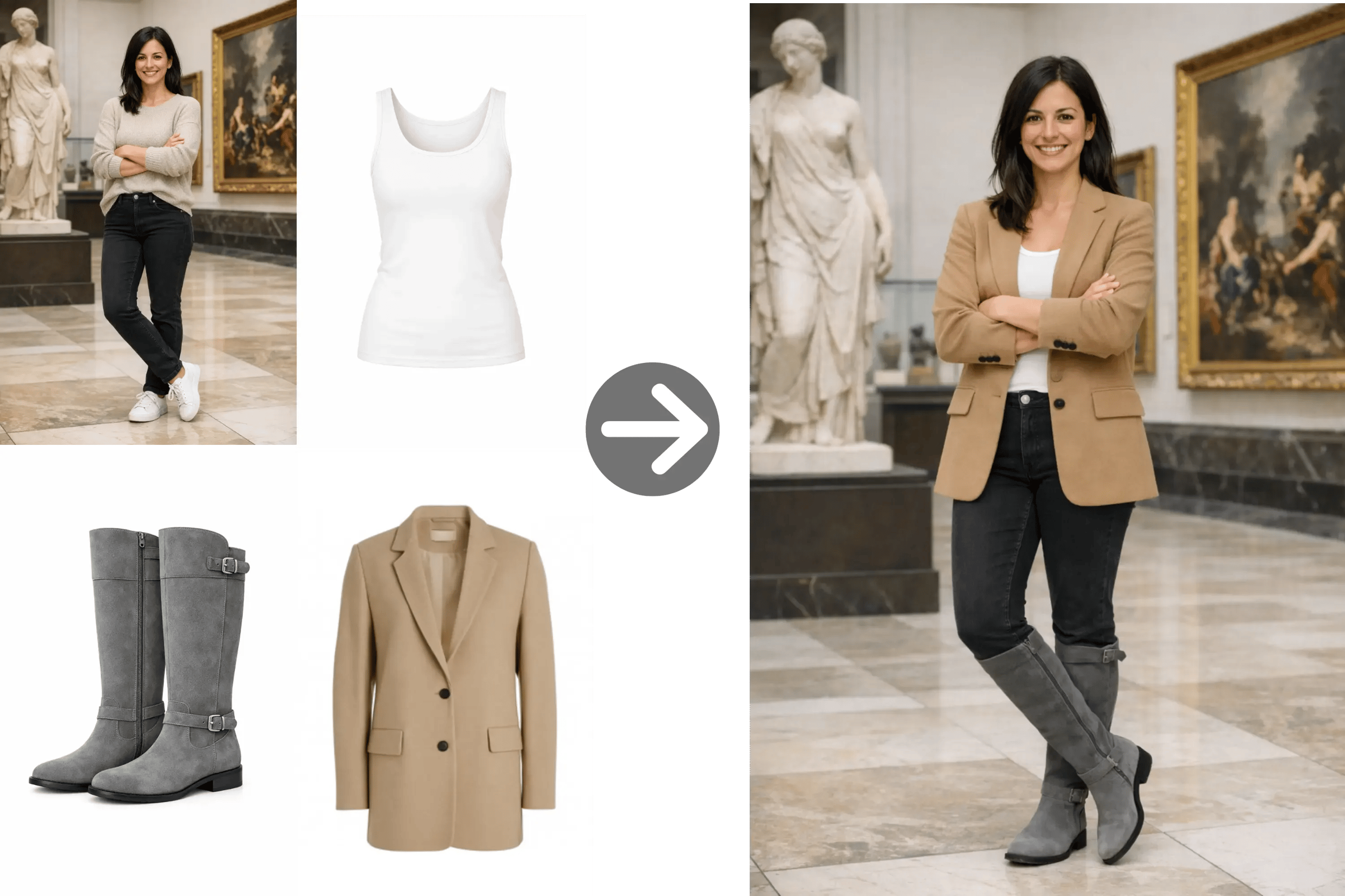
Posters, infographics, and UI mockups
GPT Image 1.5 improves text rendering for dense layouts. This makes it suitable for posters, infographics, and UI mockups where legible labels and layout accuracy matter.
Creative
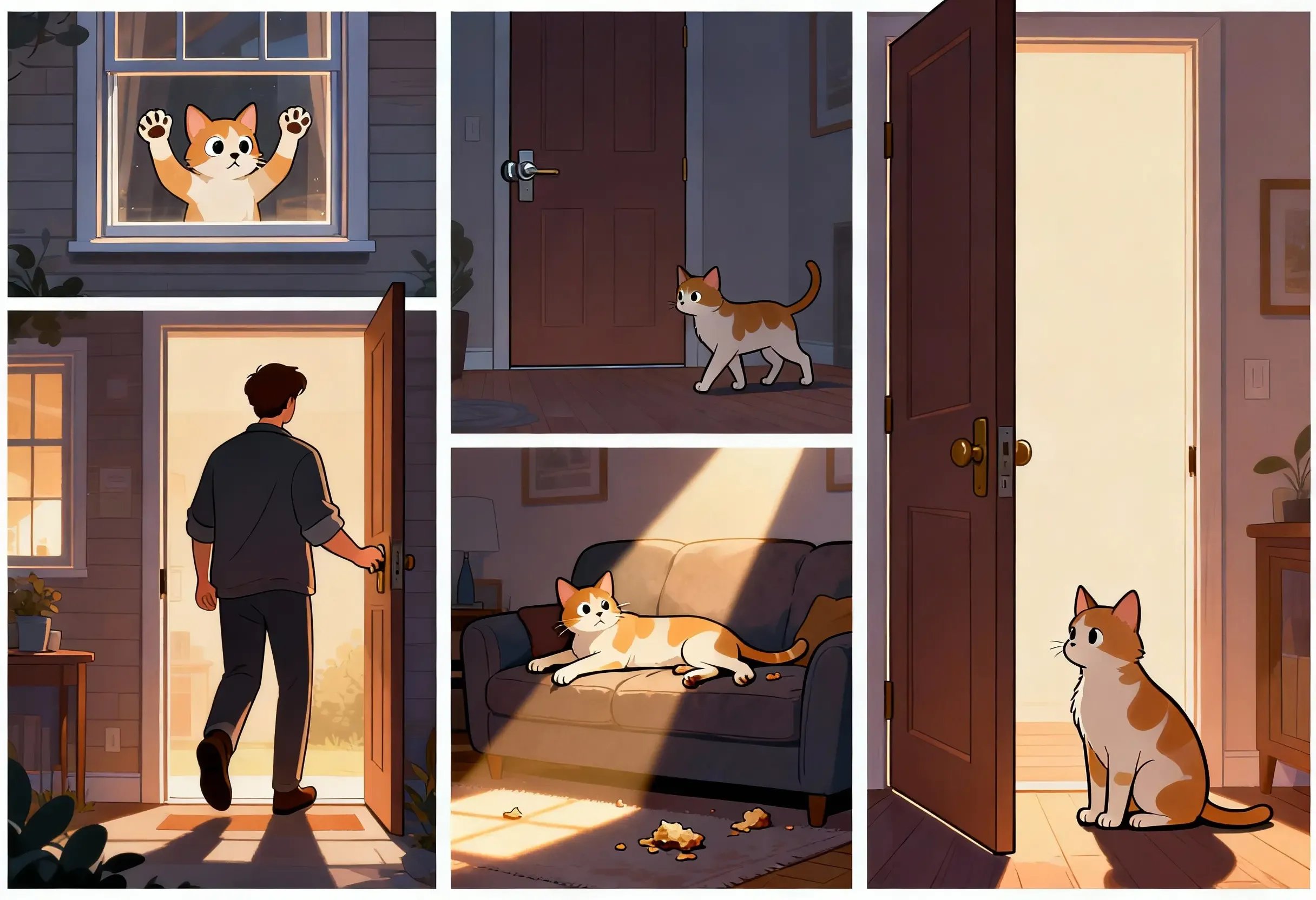
Photorealistic storytelling
Prompt GPT Image 1.5 with camera cues, lighting direction, and environment details to get cinematic, photorealistic scenes with believable proportions and depth.
Brand
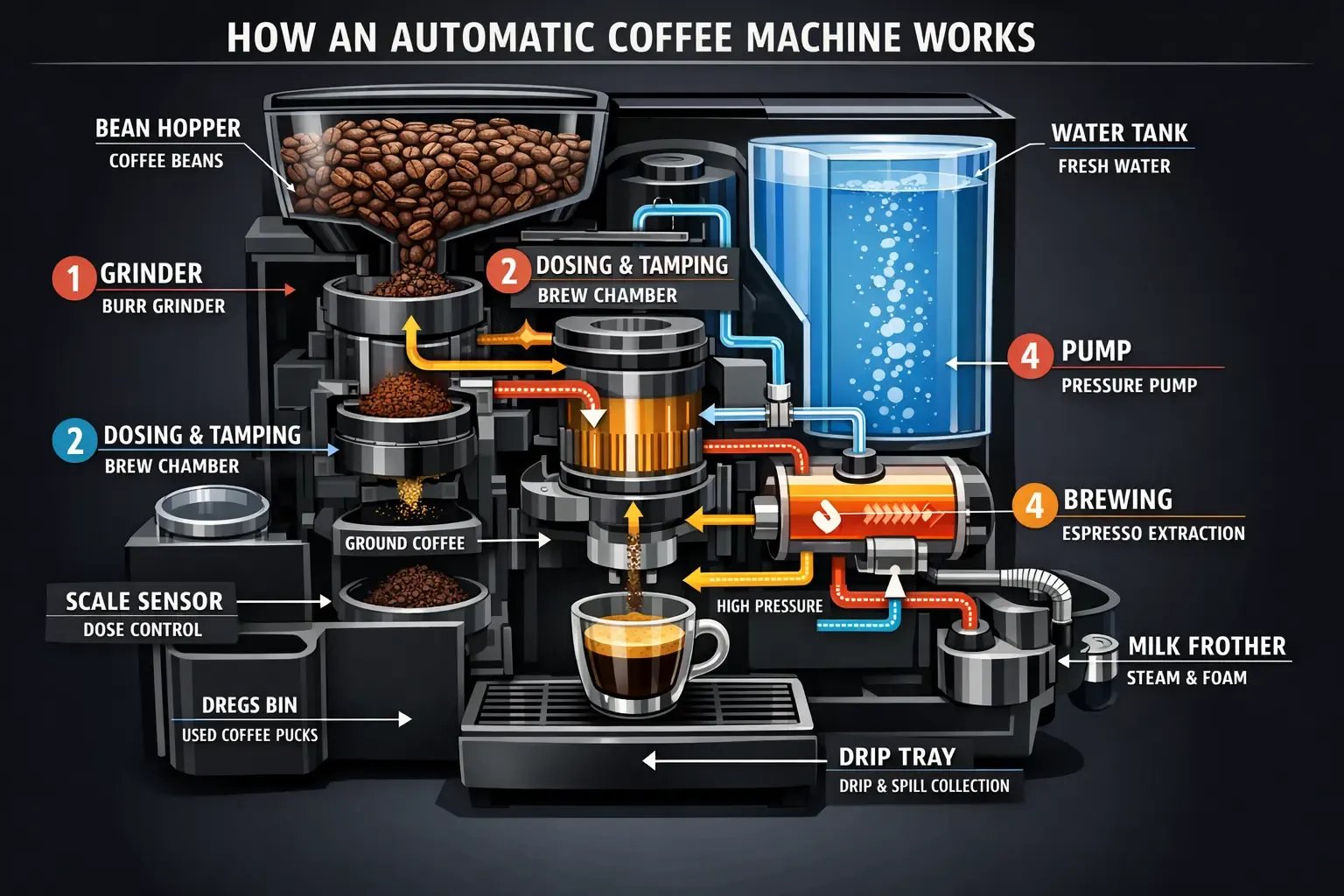
Brand concept exploration
Use GPT Image 1.5 to explore visual styles quickly. The model preserves layout intent and typography better, so teams can iterate on brand directions before production.
Generate with GPT Image 1.5 in three steps
A clear prompt, a suitable ratio, and quick iteration are enough to get strong results. GPT Image 1.5 follows instructions more consistently, so you can reduce prompt rewrites and move faster from idea to output.
Describe subject and layout
Specify subject, environment, style, and layout cues. GPT Image 1.5 responds well to explicit composition details and camera language.
Pick ratio and quality
Choose the aspect ratio and quality level that matches your channel. GPT Image 1.5 delivers clean outputs in both balanced and high detail modes.
Generate and refine
Review outputs, then refine small details. GPT Image 1.5 keeps structure stable across variations, helping you converge on a final image quickly.
Why GPT Image 1.5 stands out for text-to-image
GPT Image 1.5 is tuned for high-quality image generation with improved instruction following and text rendering. It produces more realistic lighting and materials while keeping composition accurate, making it a reliable model for production workflows.
Stronger instruction following
GPT Image 1.5 respects spatial relationships and layout directives, so prompts translate into consistent compositions.
Improved text rendering
Sharper text makes GPT Image 1.5 effective for posters, infographics, and UI-like visuals with labels.
Higher visual fidelity
More realistic lighting, materials, and proportions reduce the need for post-processing.
Faster generation
Optimized performance helps GPT Image 1.5 deliver results quickly for iteration-heavy workflows.
Cost-efficient scaling
Efficient generation makes GPT Image 1.5 suitable for high-volume use cases without sacrificing quality.
Real-world knowledge
GPT Image 1.5 demonstrates stronger reasoning about objects and environments, reducing implausible details.
Stable composition
The model preserves subject placement and scale across outputs, which supports consistent series generation.
Flexible ratios
Common aspect ratios make GPT Image 1.5 easy to use for social, commerce, and presentation assets.
GPT Image 1.5 FAQ
Common questions about GPT Image 1.5 text-to-image generation.
Create with GPT Image 1.5
Use GPT Image 1.5 to generate high-quality images with better prompt adherence and clearer text. Start in the generator to explore concepts, then iterate into production-ready visuals.