
GPT Image 1.5 Image-to-Image Editing
GPT Image 1.5 supports precise image edits while preserving key details like lighting, composition, and identity. It enables consistent, iterative editing for brand- and layout-sensitive workflows.
Image to Image
Image files · Max 5MB · 1
Enter a prompt or upload an image, then continue in the workspace after you click Generate.
GPT Image 1.5 editing for iterative, brand-safe workflows
GPT Image 1.5 is built for precise image editing. It can add, remove, or replace elements while preserving lighting, composition, and identity. Compared to earlier models, GPT Image 1.5 improves instruction following and text rendering, which helps keep layouts stable across multiple edits.
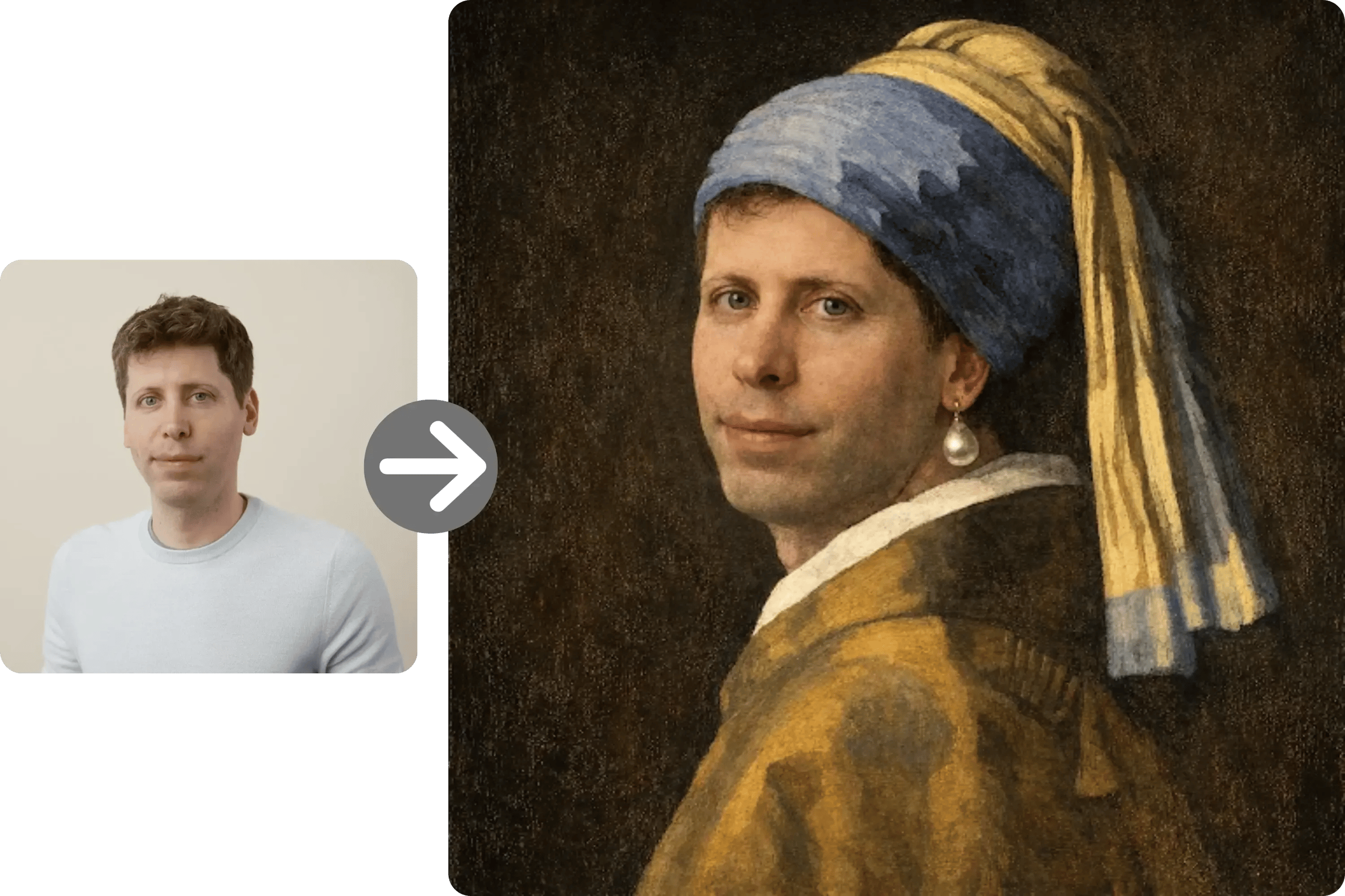
Brand
Brand-safe image updates
Swap backgrounds, adjust props, or refine layouts while keeping key brand elements intact. GPT Image 1.5 preserves logos, color palettes, and visual identity more consistently.
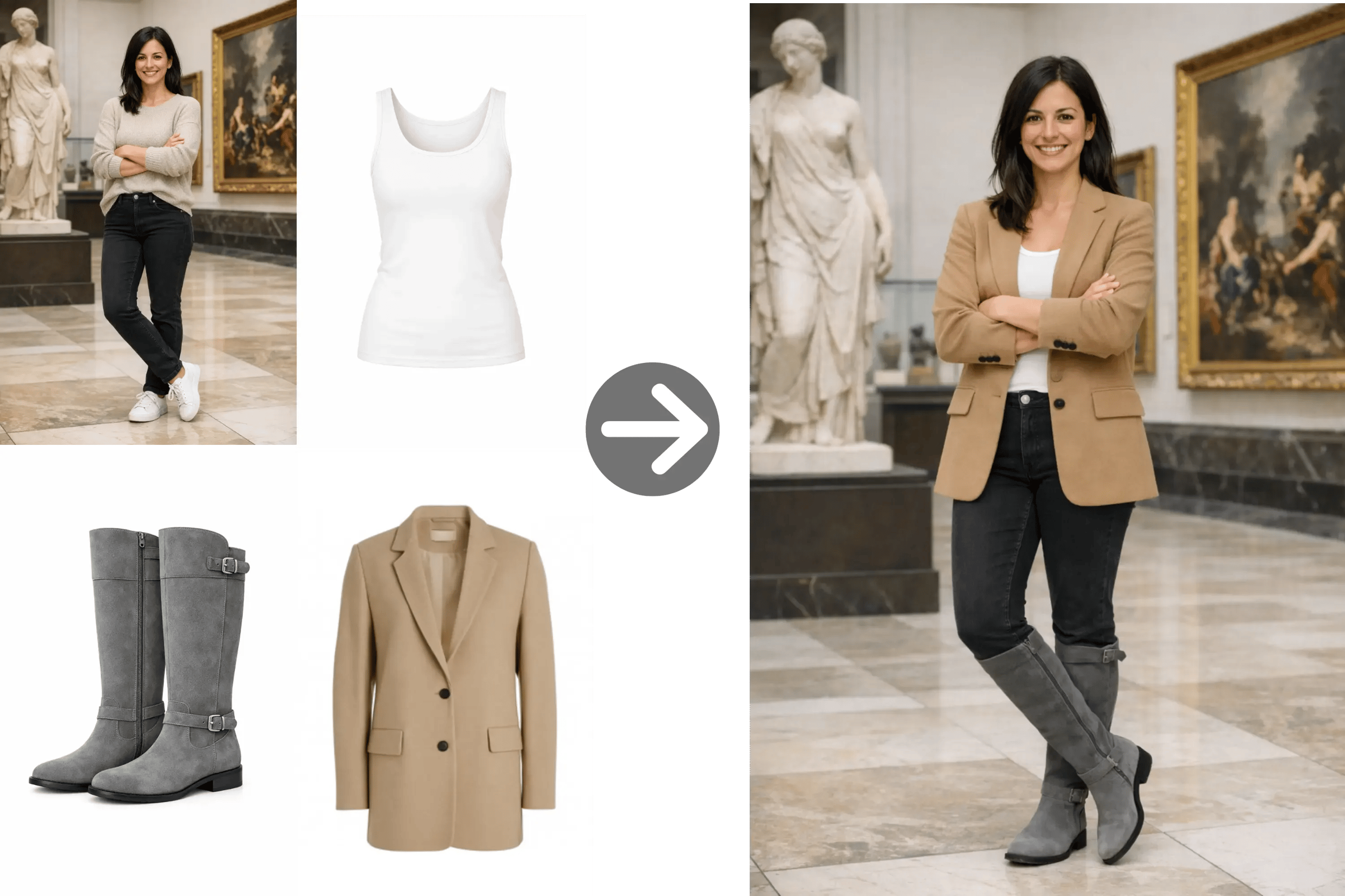
Commerce
Product retouching and variations
Generate variants from a reference image with controlled changes. GPT Image 1.5 maintains lighting and materials, making it suitable for catalog updates.
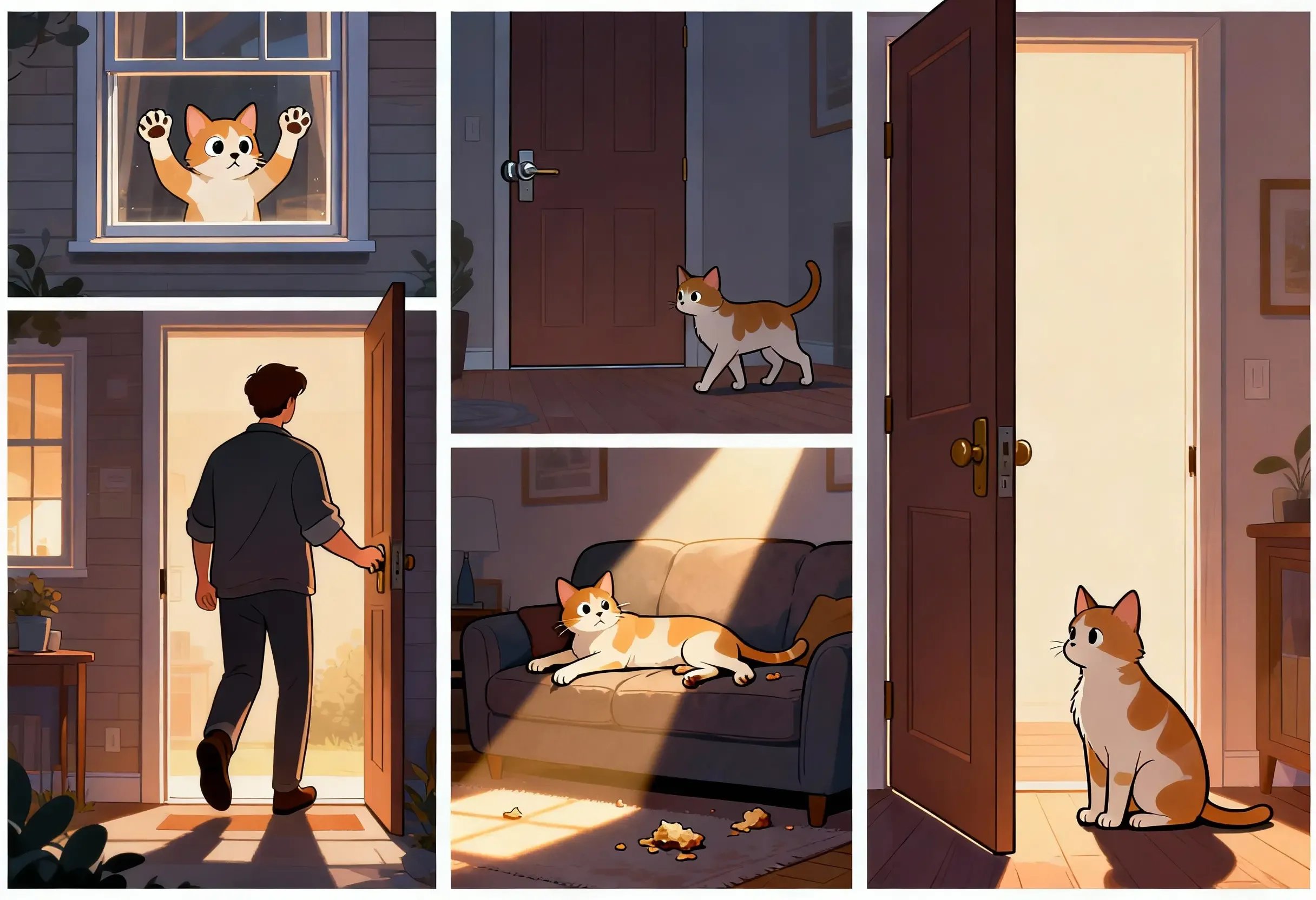
Creative
Style transfer with consistency
Apply stylistic transformations while keeping core structure. GPT Image 1.5 supports fine-grained style control for consistent visual directions.
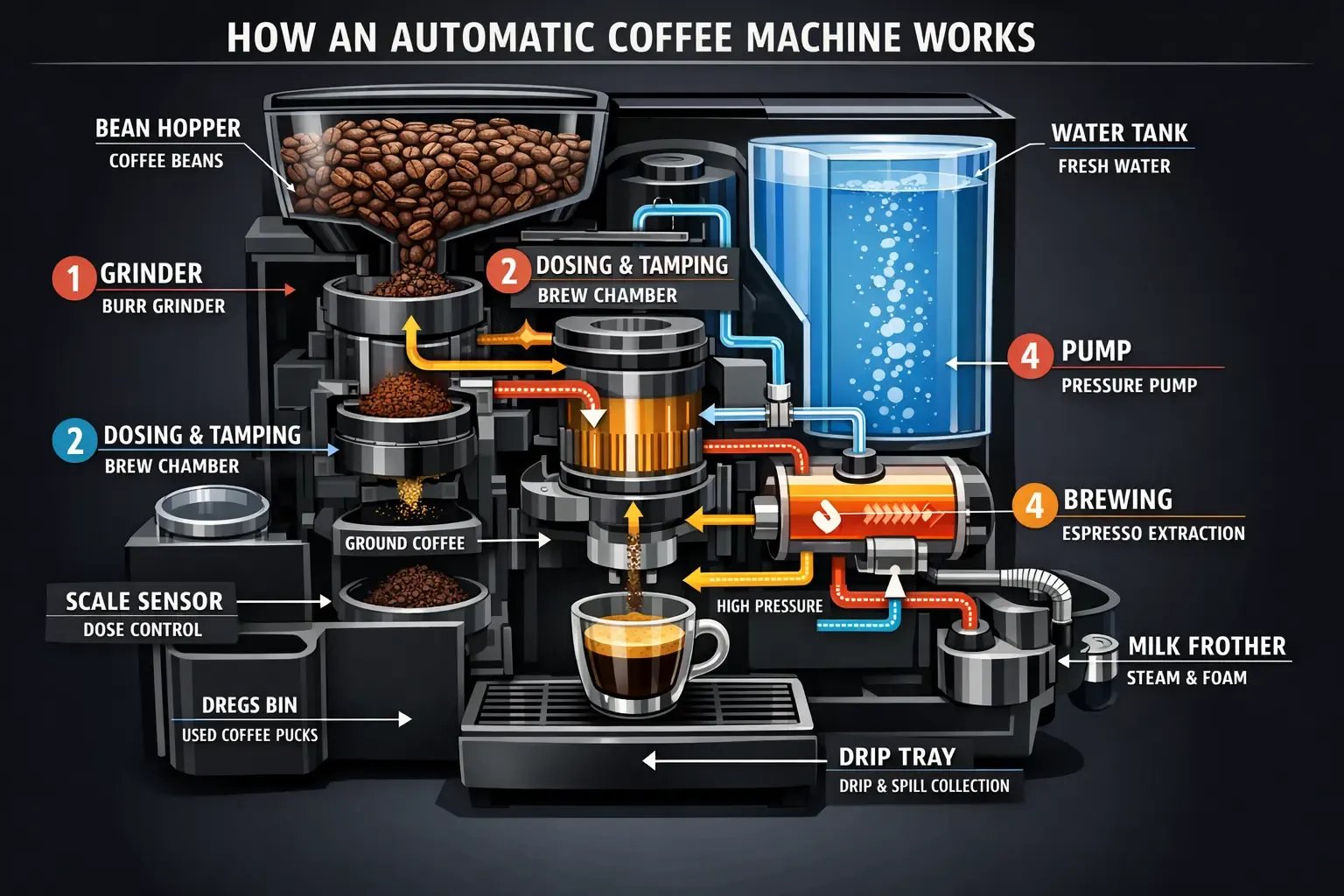
Design
Layout-sensitive edits
Preserve layout and typography while updating imagery. GPT Image 1.5 improves text rendering, which helps maintain legible labels and on-image copy.
Edit images with GPT Image 1.5 in three steps
Upload a reference image, describe the edits you want, and iterate. GPT Image 1.5 maintains composition and identity, so you can refine details without losing the original intent.
Upload a reference image
Provide the base image you want to edit. GPT Image 1.5 uses it to preserve structure and key details.
Describe precise changes
Specify what to add, remove, or adjust. GPT Image 1.5 respects detailed instructions and keeps lighting and perspective stable.
Iterate for consistency
Review results and refine. GPT Image 1.5 supports iterative edits without drifting from the original identity.
Key strengths of GPT Image 1.5 editing
GPT Image 1.5 focuses on precise editing with stable identity preservation. It supports reliable style transfer, stronger instruction following, and improved text rendering for layout-sensitive updates.
Precise edits
Add, remove, or blend elements while keeping the original composition intact.
Identity preservation
GPT Image 1.5 keeps faces, lighting, and character identity consistent across edits.
Improved text rendering
Maintain legible on-image text for posters, UI, and branded layouts.
Reliable style control
Fine-grained style transfer enables consistent brand aesthetics across variants.
Better instruction following
GPT Image 1.5 respects detailed prompts, reducing back-and-forth iterations.
Realistic lighting and materials
Edits keep lighting and material properties aligned with the original image.
Faster iteration
Optimized performance helps GPT Image 1.5 deliver edits quickly for production pipelines.
Consistent composition
Stable framing across iterations helps maintain layout intent.
GPT Image 1.5 Editing FAQ
Answers to common questions about GPT Image 1.5 image-to-image editing.
Edit with GPT Image 1.5
Use GPT Image 1.5 to make precise edits while keeping lighting, composition, and identity consistent. Start with a reference image and iterate into production-ready results.