
Flux 2 Pro Text-to-Image Generator
Flux 2 Pro Text-to-Image couples Black Forest Labs research with AIPictureGenerator workflows so you can compose print-ready visuals, localized campaigns, and cinematic frames from one prompt-first workspace.
Built for shoppable campaigns, cinematic boards, and technical diagrams
Flux 2 Pro Text-to-Image is tuned for creative teams that need the nuance of a studio shoot with the speed of an AI pipeline. It maintains consistent identities, preserves typographic polish, and keeps lighting physically coherent. Combine up to eight references, add instructions in long-form briefs, and Flux 2 Pro Text-to-Image will respond with shot-ready compositions that already feel art-directed.
Commerce
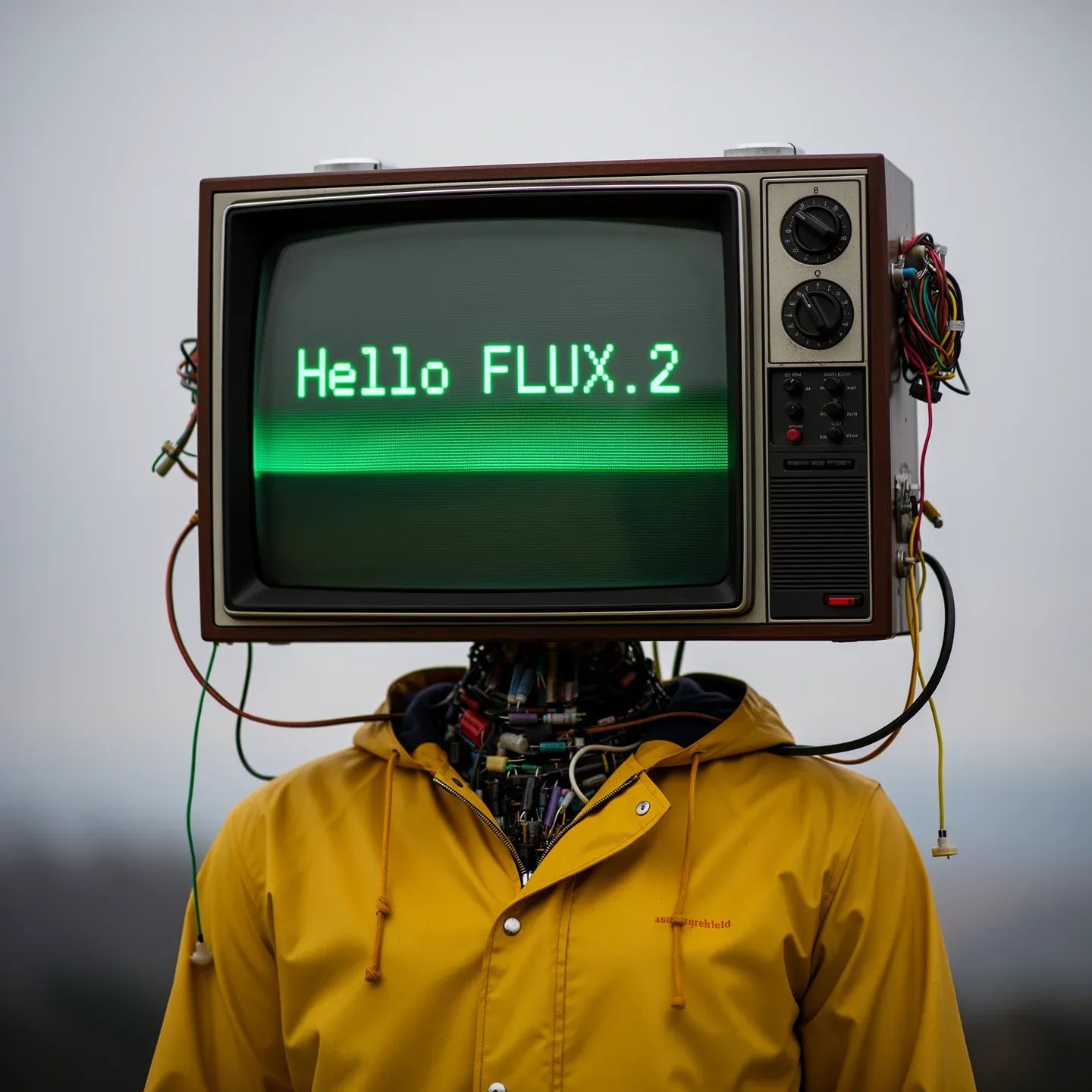
Retail launch kits
Flux 2 Pro Text-to-Image produces hero angles, lifestyle B-shots, and packaging close-ups from the same brief. Because the model understands materials and reflections, every SKU variant inherits the correct plastic sheen, foil stamp, or matte carton texture without paint-over work.
Localization
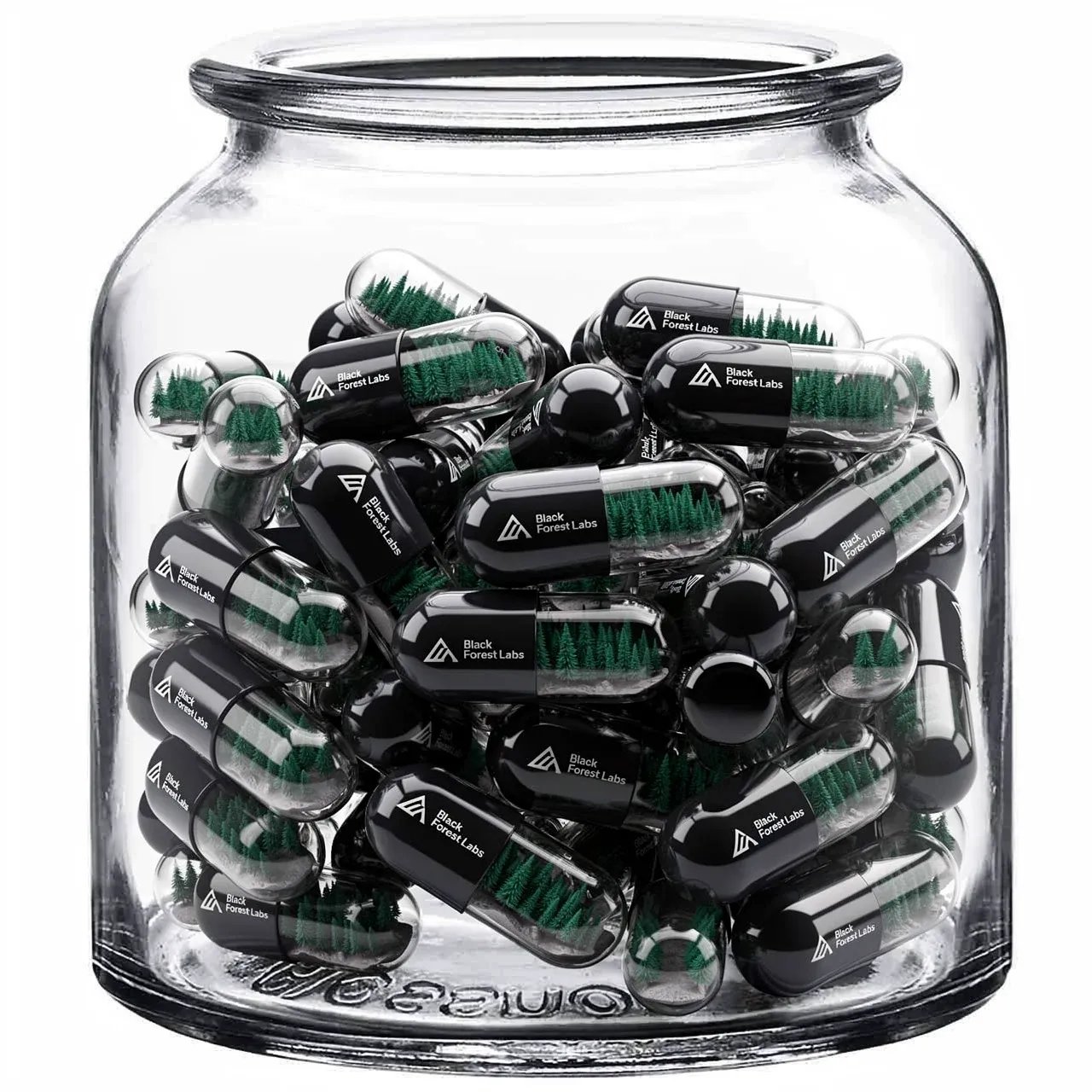
Multilingual billboards
Describe slogan copy, supporting paragraph text, and preferred type styles; Flux 2 Pro Text-to-Image renders razor-sharp glyphs in English, Chinese, Arabic, or Japanese. Layout hierarchy remains intact even when you translate to longer scripts, so every adaptation matches the flagship artwork.
Storyboards
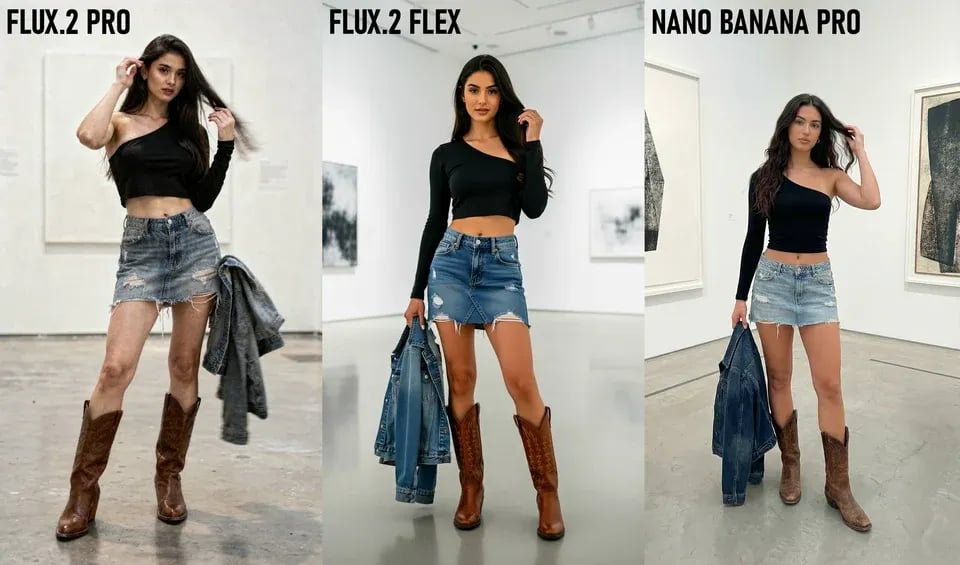
Cinematic pitch decks
Upload reference stills from scouting or pre-vis, then extend the scene with new camera moves, lens choices, and mood directives. Flux 2 Pro Text-to-Image keeps character proportions, wardrobe, and lighting continuity perfect for agency pitches or episodic planning.
Information design
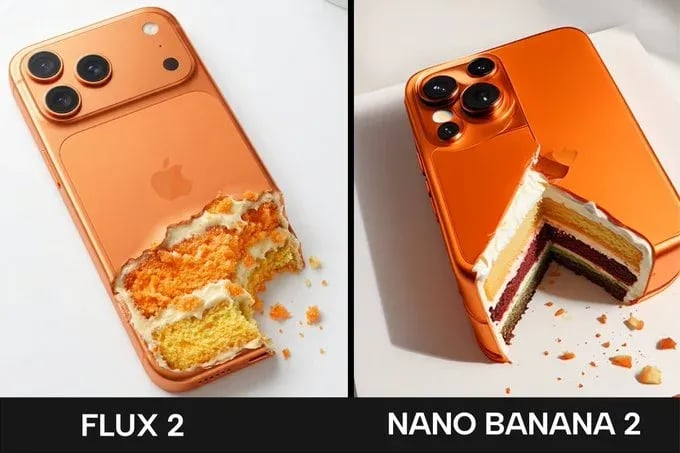
Instructional diagrams
Engineers and educators can feed tables, bullet lists, or search-derived facts into the prompt. Flux 2 Pro Text-to-Image creates annotated schematics, exploded views, and safety posters with legible typography and balanced color coding, accelerating knowledge transfer.
Media
Editorial portrait refresh
Flux 2 Pro Text-to-Image applies beauty-grade color grading, lens blur, and wardrobe direction, so magazine spreads, podcast covers, or investor profiles gain cohesive polish without scheduling new shoots.

Create with Flux 2 Pro Text-to-Image in three structured steps
Flux 2 Pro Text-to-Image mirrors the creative brief format you already use. Gather references, specify intent, and iterate with confident guardrails. Each pass logs prompts, versions, and approvals inside AIPictureGenerator so you never lose context mid-review.
Brief with intent
Outline subject, composition, typography notes, and any search insights. Flux 2 Pro Text-to-Image reads long narratives, markdown checklists, and embedded shot lists, so more detail equals fewer revisions.
Dial settings
Choose aspect ratios from 1:1 to 16:9, set variation counts, and attach up to eight reference images for identity control. Add negative prompts to block unwanted props or lighting shifts.
Review and iterate
Compare outputs, tag the winning candidate, and continue refining inside the same project. Flux 2 Pro Text-to-Image remembers every instruction, allowing multi-turn adjustments without rewriting prompts.
Why teams choose Flux 2 Pro Text-to-Image
Flux 2 Pro Text-to-Image distills the latest Flux 2 research into a dependable production model. It balances fidelity, controllability, and operations visibility so marketing, product, and content groups can ship faster.
Multi-reference fusion
Blend up to eight references to lock identity, wardrobe, and set dressing while still introducing new poses or props.
High-fidelity detail
Sharper micro-textures, fabric weave, and metal reflections mean Flux 2 Pro Text-to-Image outputs withstand 4K scrutiny.
Accurate typography
Handles taglines, UI chrome, meme layouts, and dense annotations without letter drift or kerning issues.
Cinematic lighting brain
Understands physical light transport, enabling believable rim lights, volumetric haze, and time-of-day transitions.
Long-context prompts
Processes extended briefs so you can paste product requirements, compliance notes, or narrative beats directly into the request.
Story-safe consistency
Keeps characters, props, and framing aligned across batches, supporting episodic storytelling and campaign families.
Localization ready
Supports multilingual glyph sets while honoring regional palettes and cultural cues defined in the prompt.
Workflow telemetry
AIPictureGenerator history captures prompts, references, and approvals so stakeholders can audit decisions and reuse recipes.
Flux 2 Pro Text-to-Image FAQ
Answers to help creative, marketing, and product teams ship confidently with Flux 2 Pro Text-to-Image.
Create with Flux 2 Pro Text-to-Image today
Upload references, brief once, and deliver cohesive campaigns faster. Flux 2 Pro Text-to-Image keeps every stakeholder aligned from ideation to final art inside AIPictureGenerator.