
Flux 2 Flex AI Image Generator
Flux 2 Flex hands you the knobs for inference steps, guidance strength, and reference blending, so storyboards, UI mockups, and localization proofs stay as precise as your brief inside AIPictureGenerator.
Built for typography-safe, reference-aware iteration
Flux 2 Flex was tuned for creative teams that need to switch between fast ideation passes and meticulous typography-safe finals without leaving their browser. Use these workflows to keep prompts structured, references in sync, and edits controllable even when multiple reviewers join the session.
Marketing
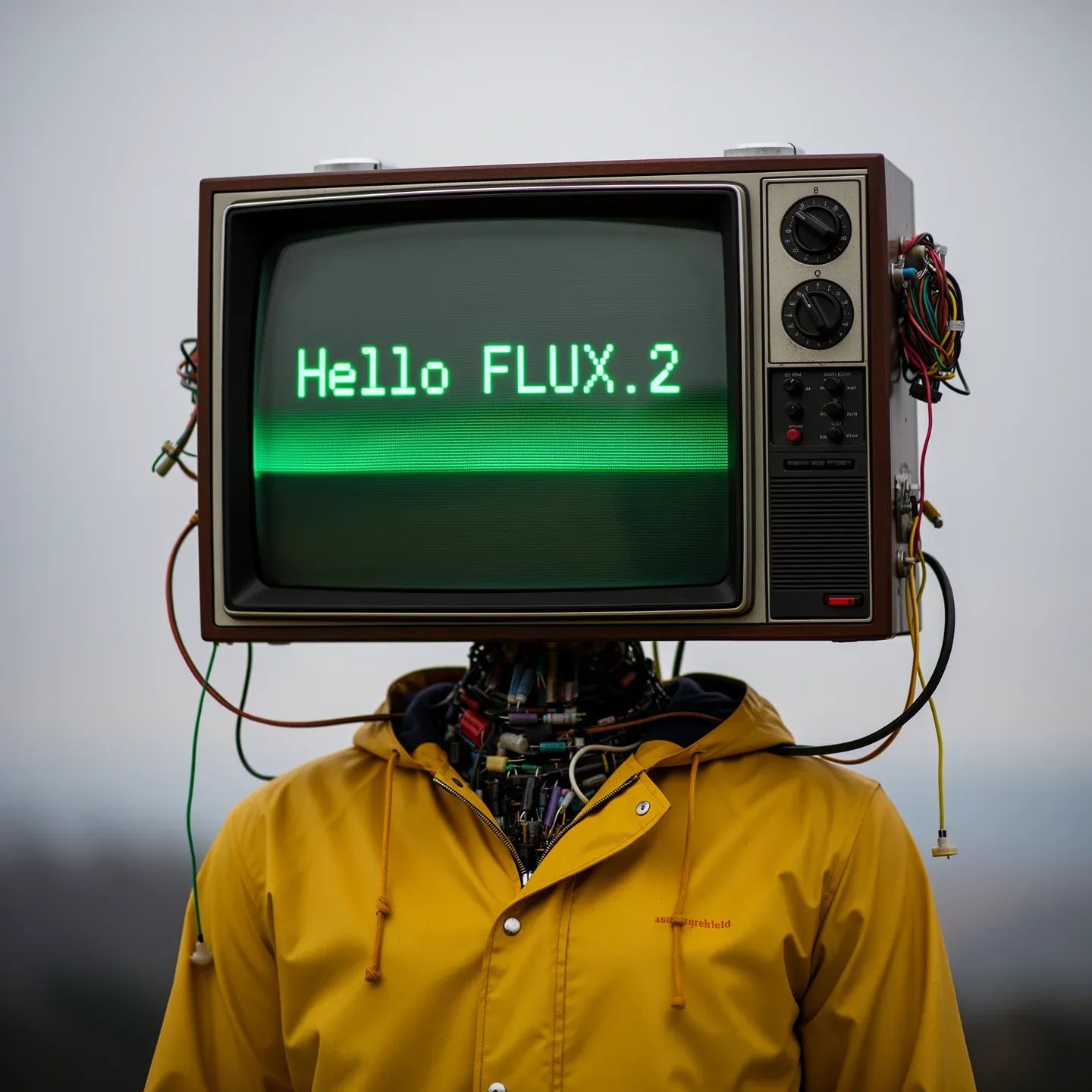
Campaign-ready typography
Flux 2 Flex treats slogans, disclaimers, and ingredient lists as first-class citizens, so you can brief multi-line copy, require razor-sharp kerning, and still introduce cinematic lighting or depth-of-field accents in one prompt.
Product
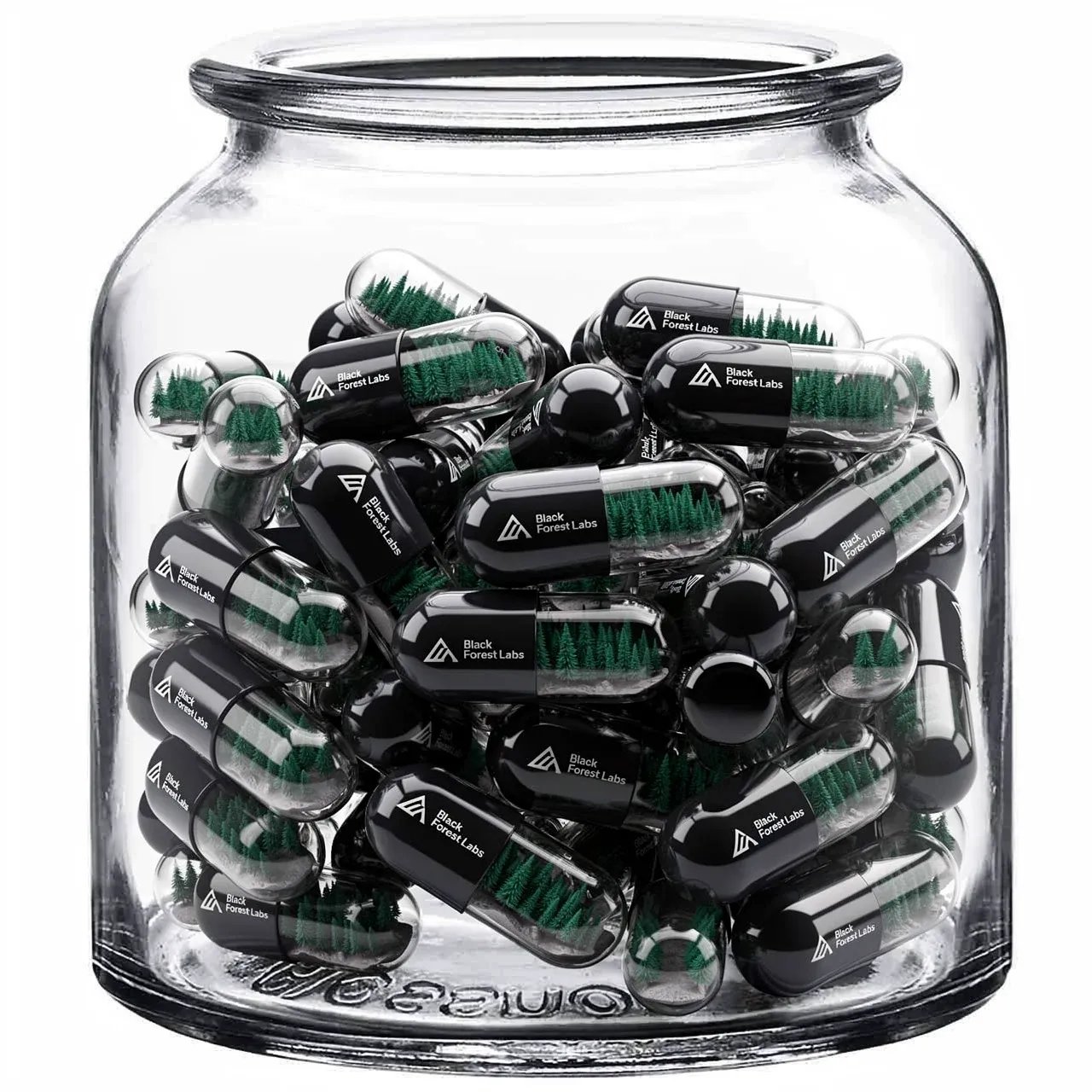
Structured concept boards
Outline prompts with sections like Scene, Subjects, Lighting, and Style, then adjust Flux 2 Flex steps from single digits for speed to 20–50 for finishing detail. Each pass logs the structure you provided, so handoffs between designers and PMs stay literal.
Post-production
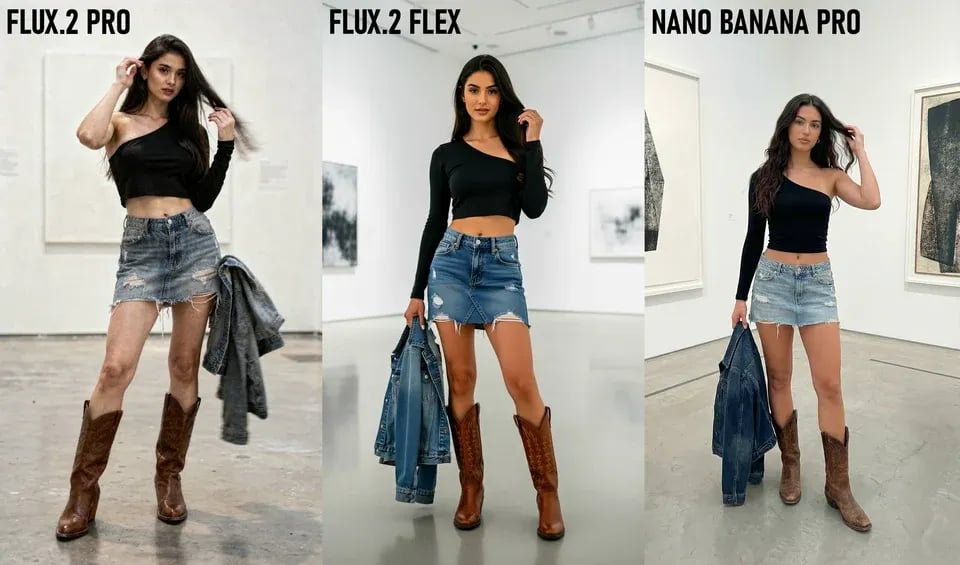
Reference-driven retouch
Upload up to ten references totaling 14 MB—product angles, swatches, talent portraits—and Flux 2 Flex will preserve composition while editing in place at up to 4 MP. That means you can correct reflections, wardrobe, or props without leaving the generator.
Global ops
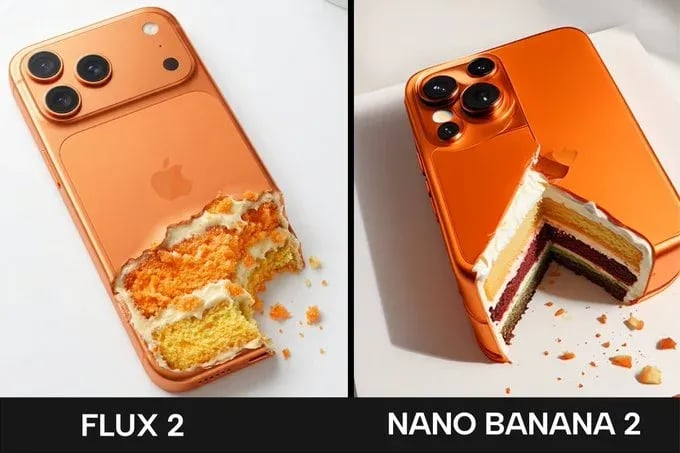
Localization control tower
Blend market-specific references, set guidance between 3 and 5, and Flux 2 Flex will respect regional palettes, wardrobe rules, and multi-script copy while you iterate on the same scene for APAC, EMEA, and the Americas.
Three steps to reliable Flux 2 Flex runs
This routine keeps Flux 2 Flex prompts specific, keeps quality-versus-speed decisions transparent, and captures every reference you blended for future briefs.
Write the positive brief
Start with plain-language sentences or structured sections (Scene, Subjects, Lighting, Style, Typography). Flux 2 Flex ignores negative prompts, so describe what you want—"clean backdrop" beats "no clutter"—and include any copy that must appear verbatim.
Dial steps, guidance, and ratios
Use fewer than 10 steps for brainstorming, 20–50 for production-ready detail, and guidance 3–5 when you need literal adherence. Pick any preset aspect ratio or input custom width/height in multiples of 32 to match slides, reels, or POS displays.
Blend references and edit
Attach up to ten JPEG/PNG/GIF/WebP references, toggle "match_input_image" to retain aspect ratios, or choose 0.5–4 MP resolution when priority is fidelity. Flux 2 Flex keeps history, so you can revisit which references drove each approval.
Why teams pick Flux 2 Flex on AIPictureGenerator
Every control exposed in Flux 2 Flex serves either prompt precision or revision speed. These capabilities keep sprints efficient even when briefs are typography-heavy or reference-driven.
Guided step control
Adjust 1–50 diffusion steps to trade latency for detail without leaving the canvas.
Precision guidance
Set guidance between 1.5 and 10 to decide how literally Flux 2 Flex follows your instructions.
Ten-reference fusion
Blend up to ten uploaded images (14 MB total) to lock talent, props, or layout cues.
4 MP edit ceiling
Handle image-to-image edits at up to 4 megapixels without round-tripping into another tool.
Positive-only prompting
Flux 2 Flex ignores negative prompts, encouraging clear, affirmative creative direction.
Prompt upsampling
Optional upsampling rewrites lean prompts for richer results when you need extra variety.
Safety tolerance presets
Choose tolerance levels 1–5 to fit campaign compliance or exploratory sessions.
Flexible output control
Select aspect ratios or custom dimensions plus PNG, JPG, or WebP output to match deliverables.
Flux 2 Flex FAQ
Answers to the most common setup, control, and iteration questions from AIPictureGenerator teams.
Create with Flux 2 Flex today
Upload references, describe the shot once, and steer every revision with step, guidance, and resolution controls—all without leaving AIPictureGenerator.