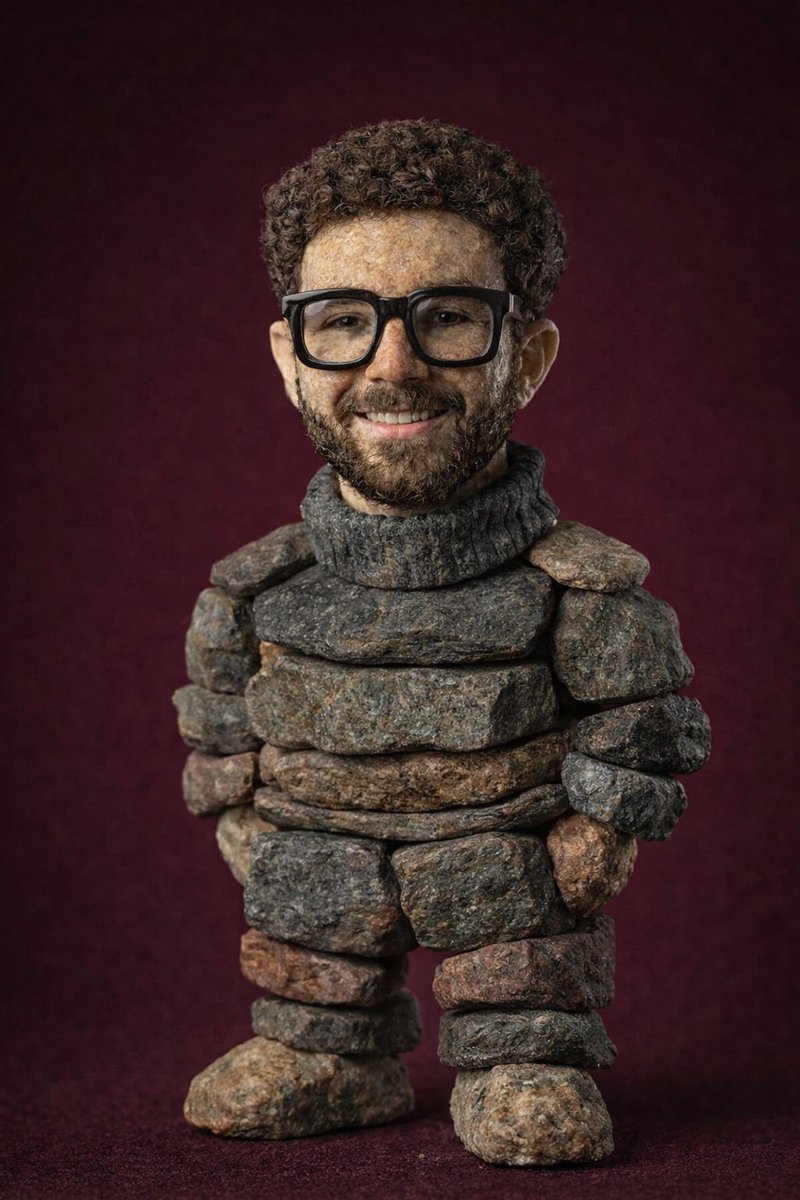
AI Picture Generator

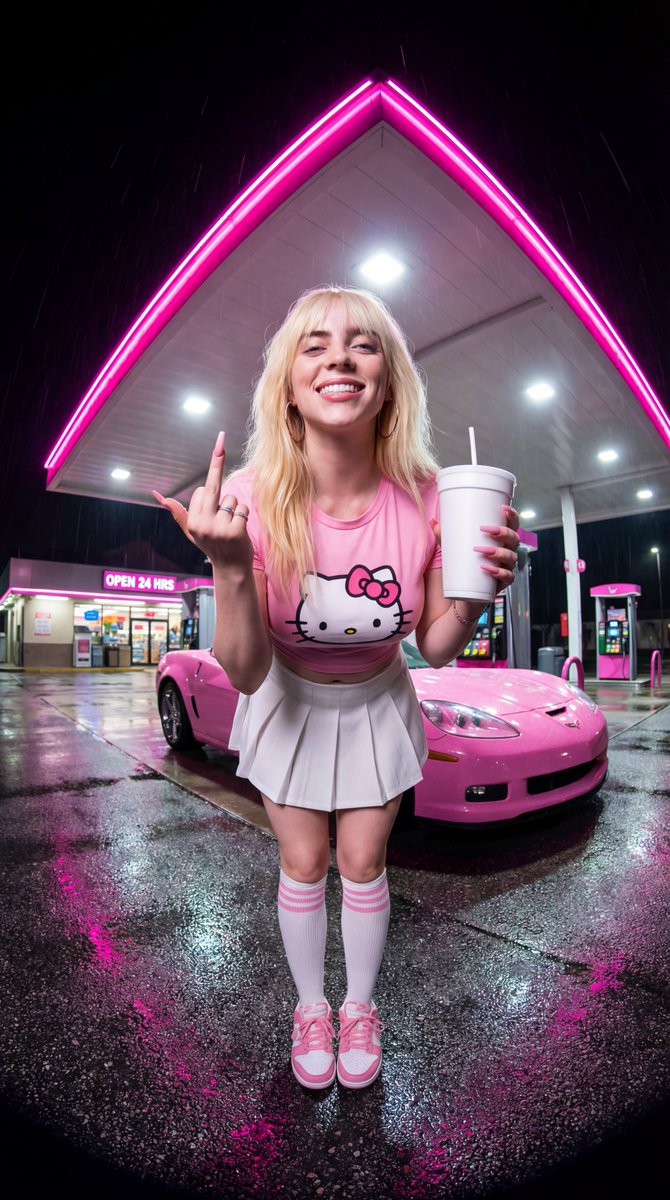
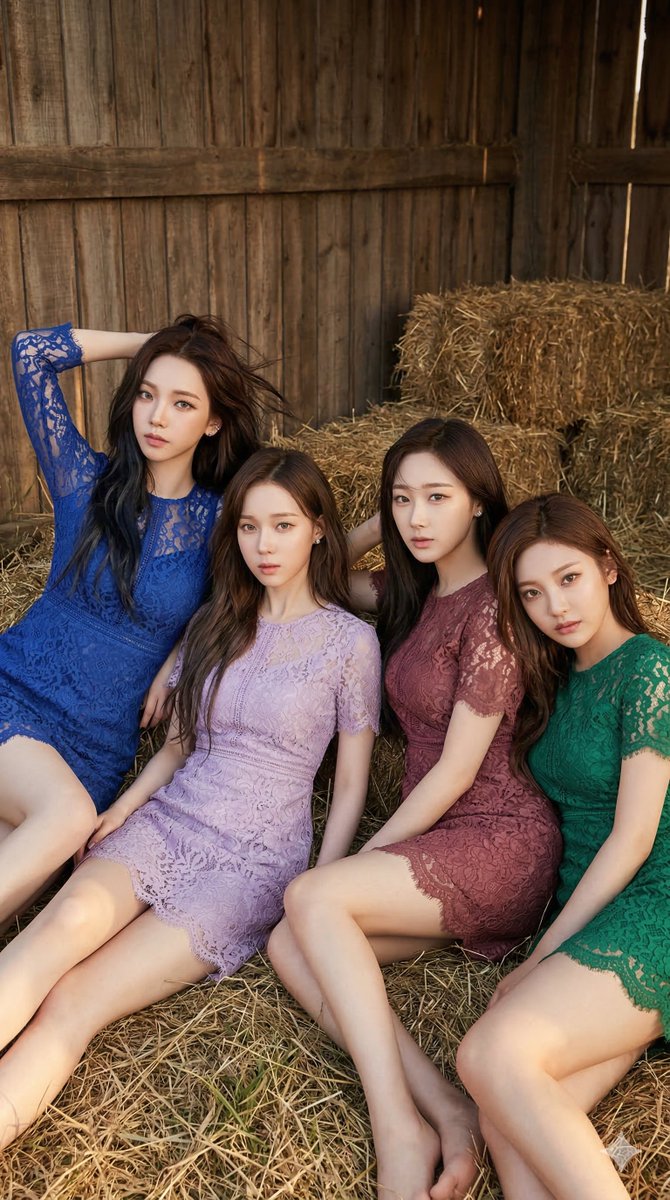
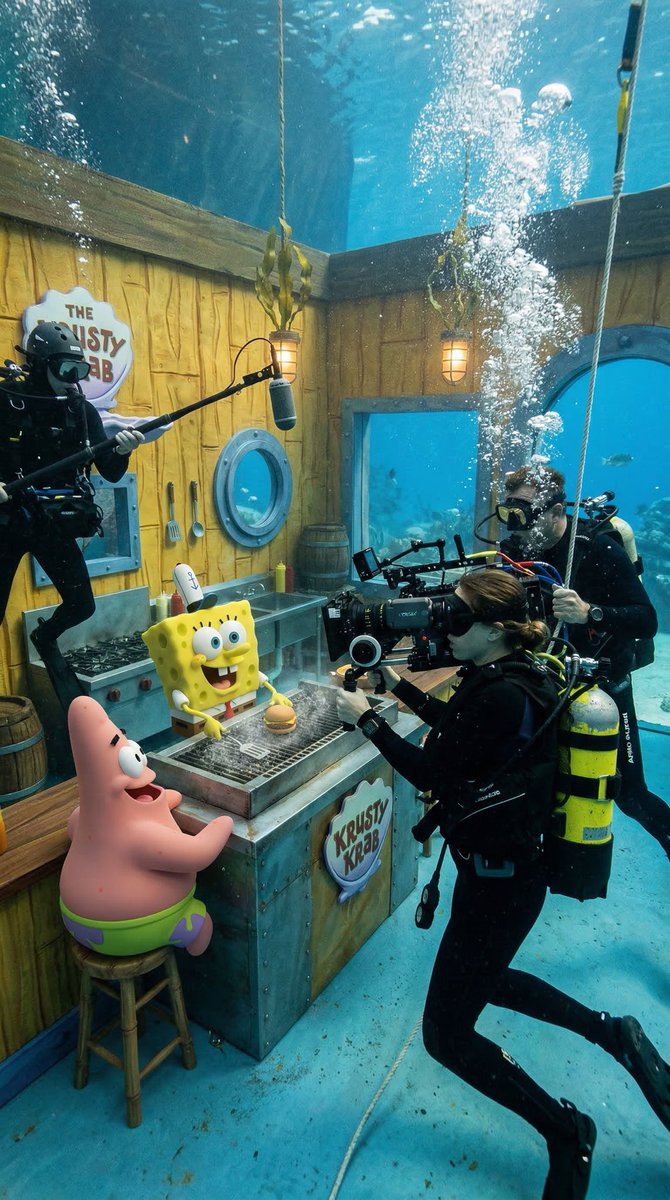
Generate images with the model that fits your style — fast drafts or high-quality finals. Text-to-image and image-to-image with flexible ratios and styles, ready in seconds.

Instant generation
Professional quality
No skills required
Add Image
2 credits

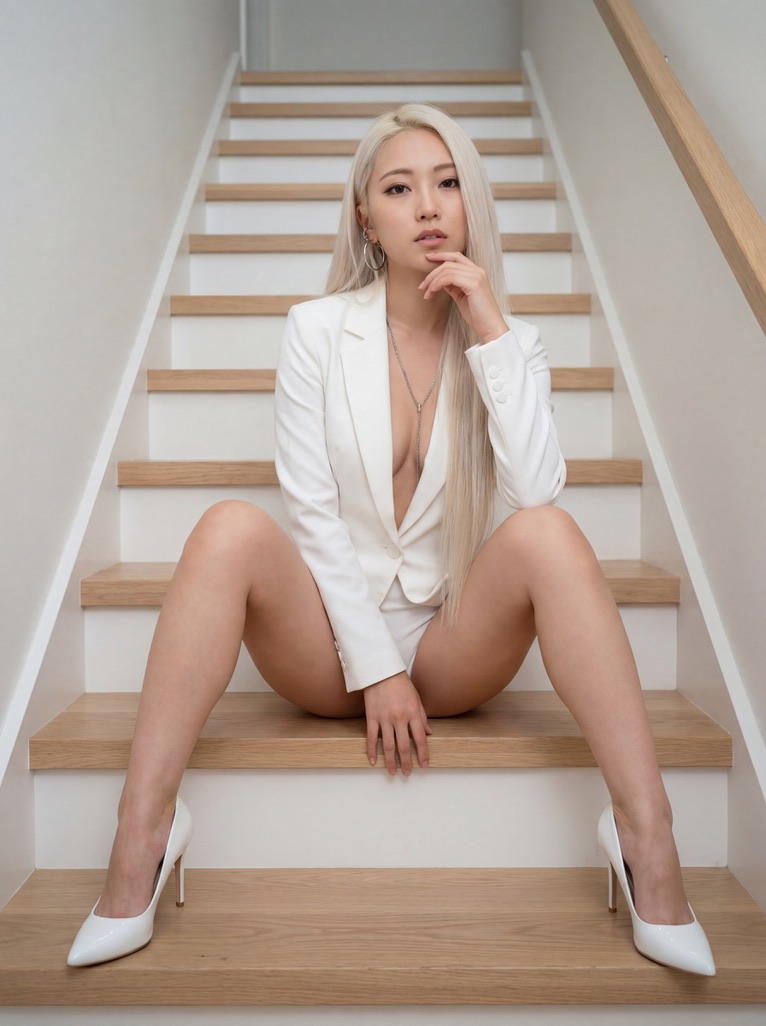
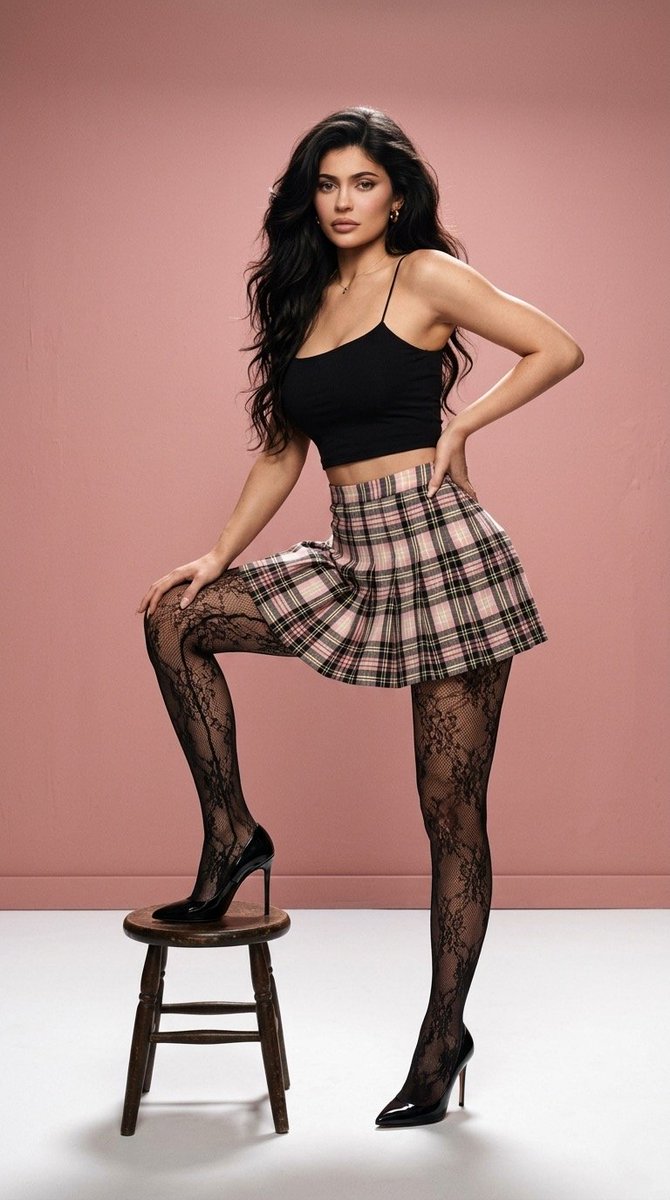
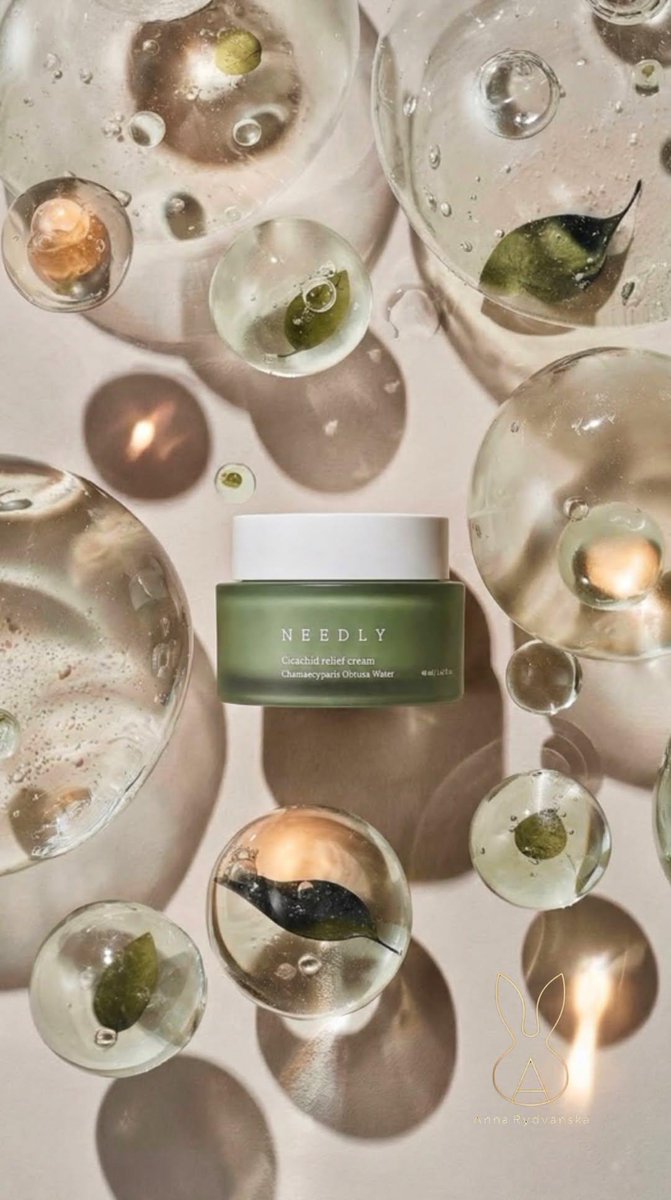
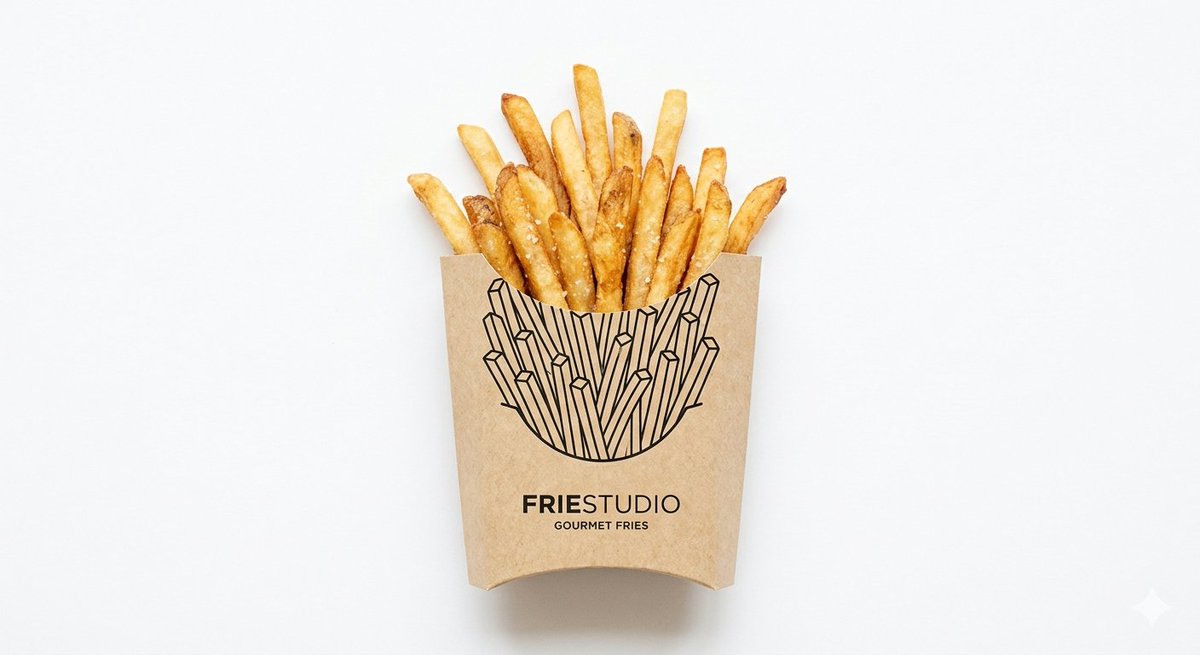
AI generated images gallery

Examples you can create with AI Picture Generator

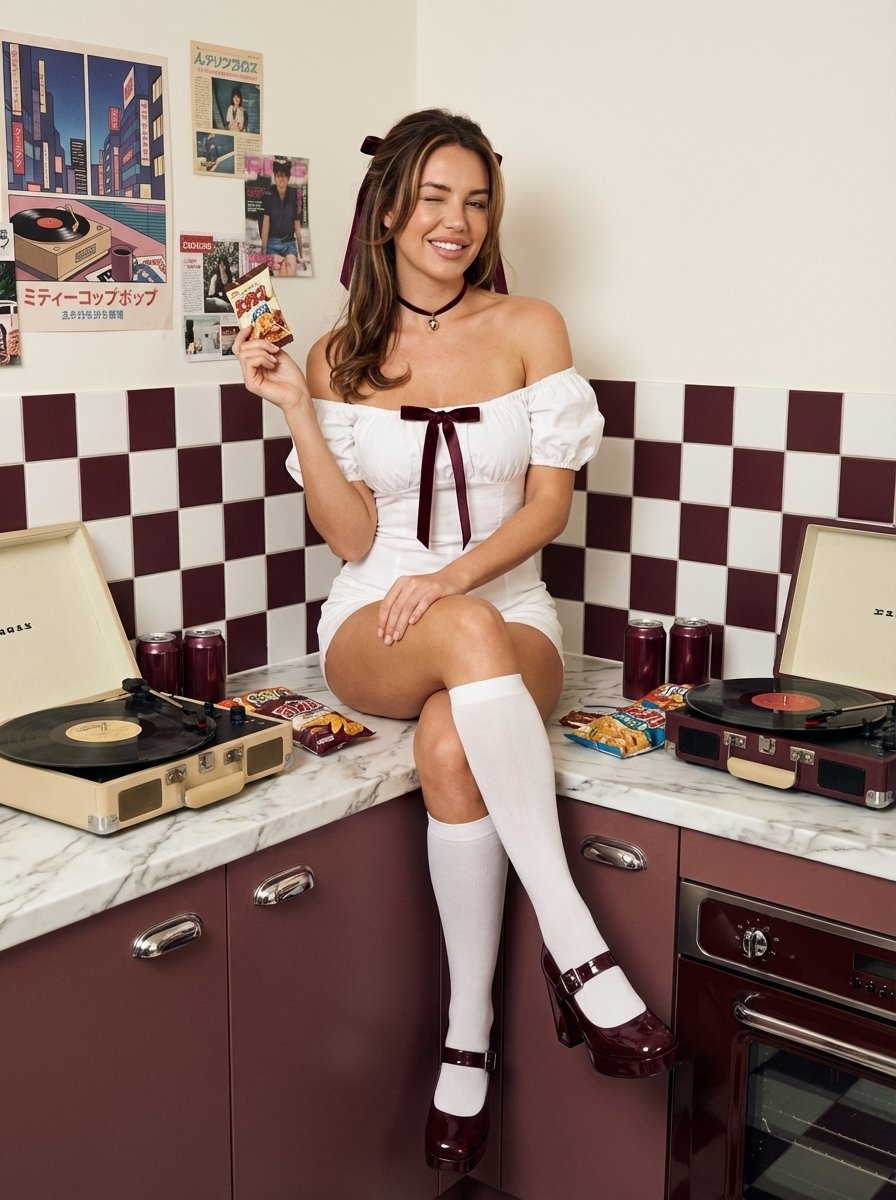
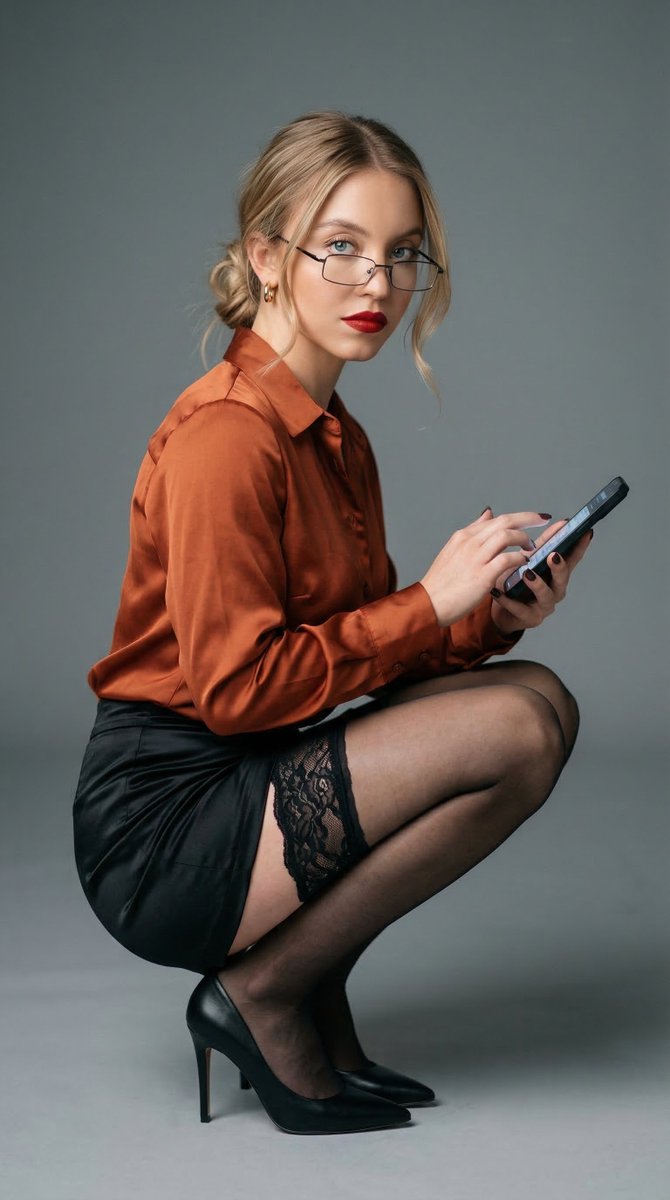
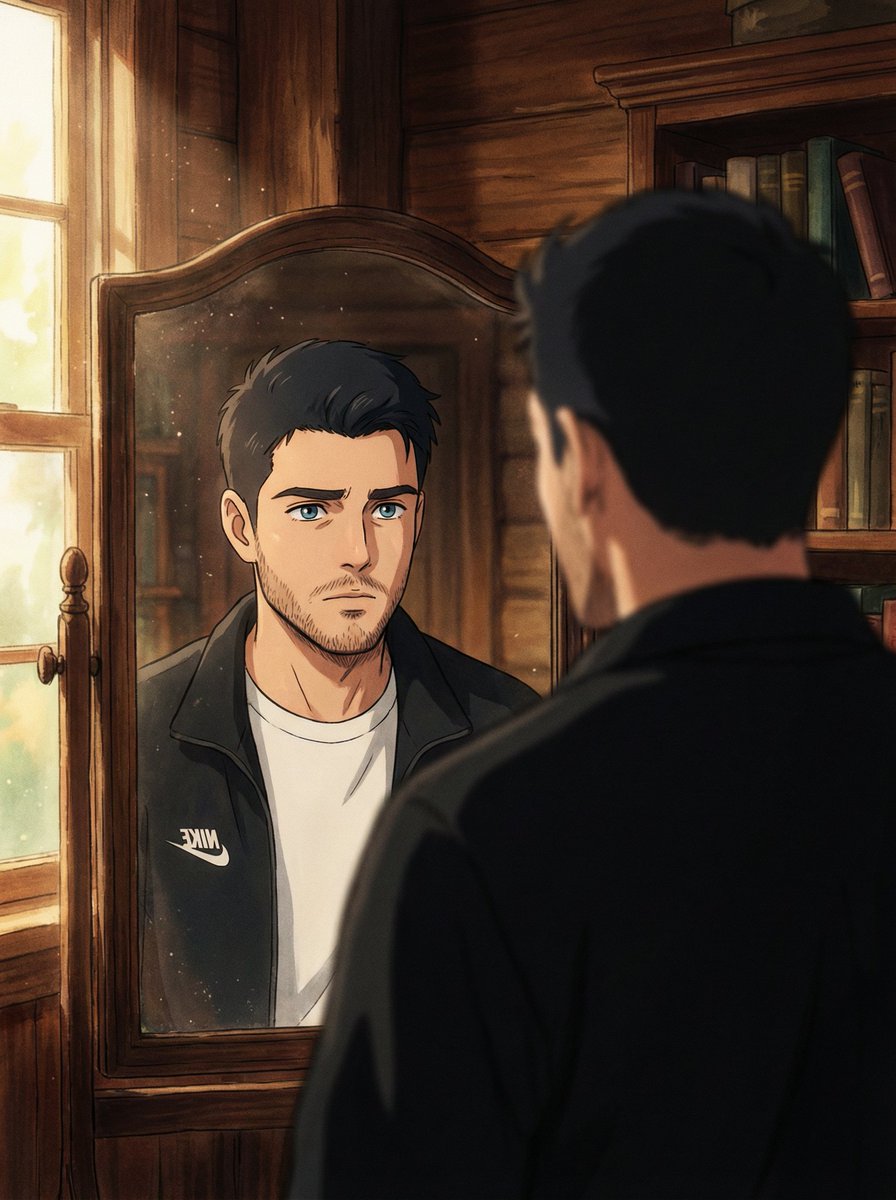
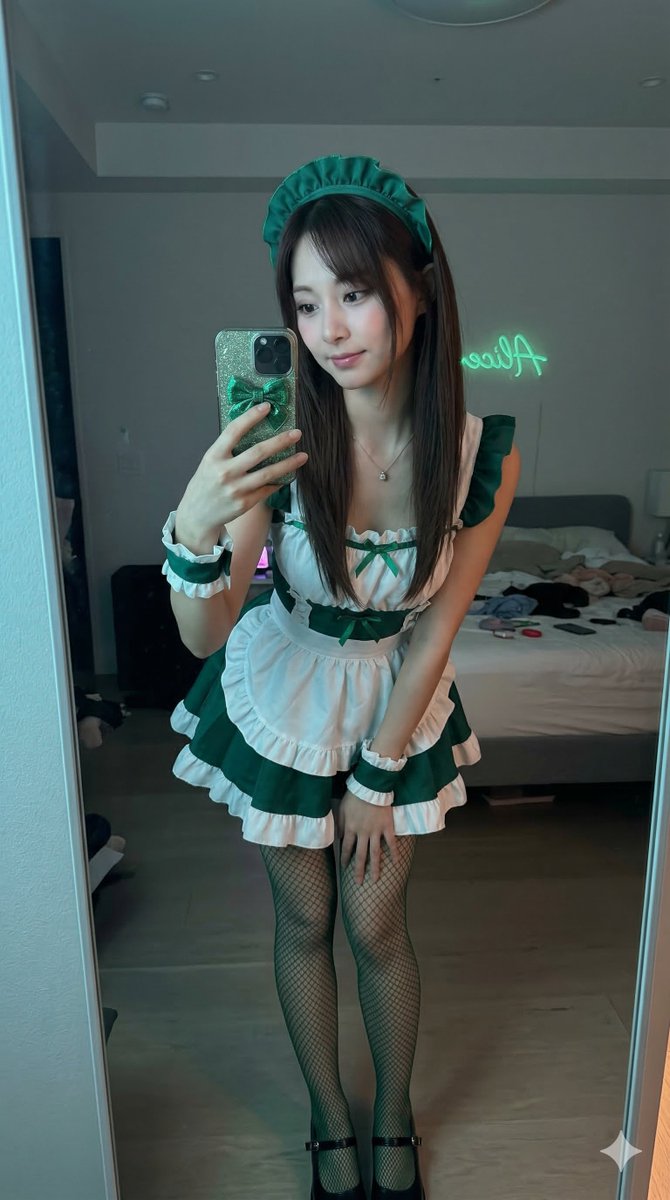
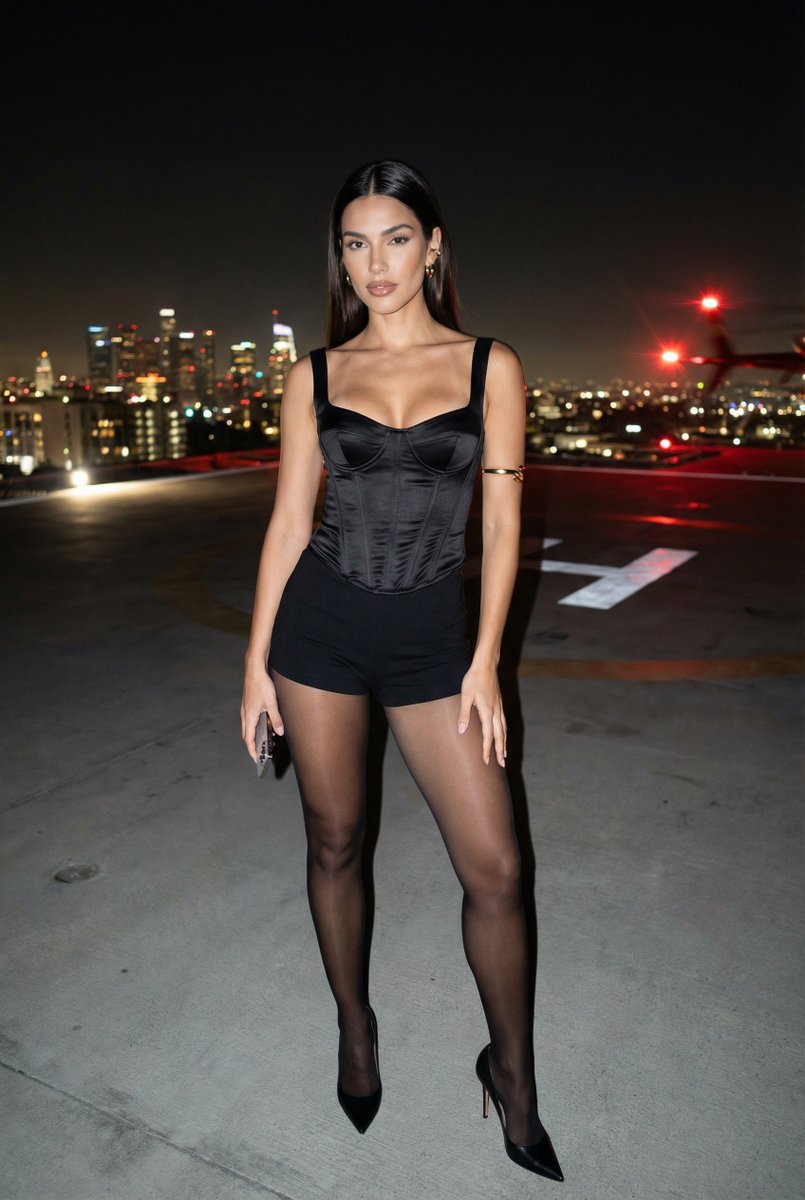
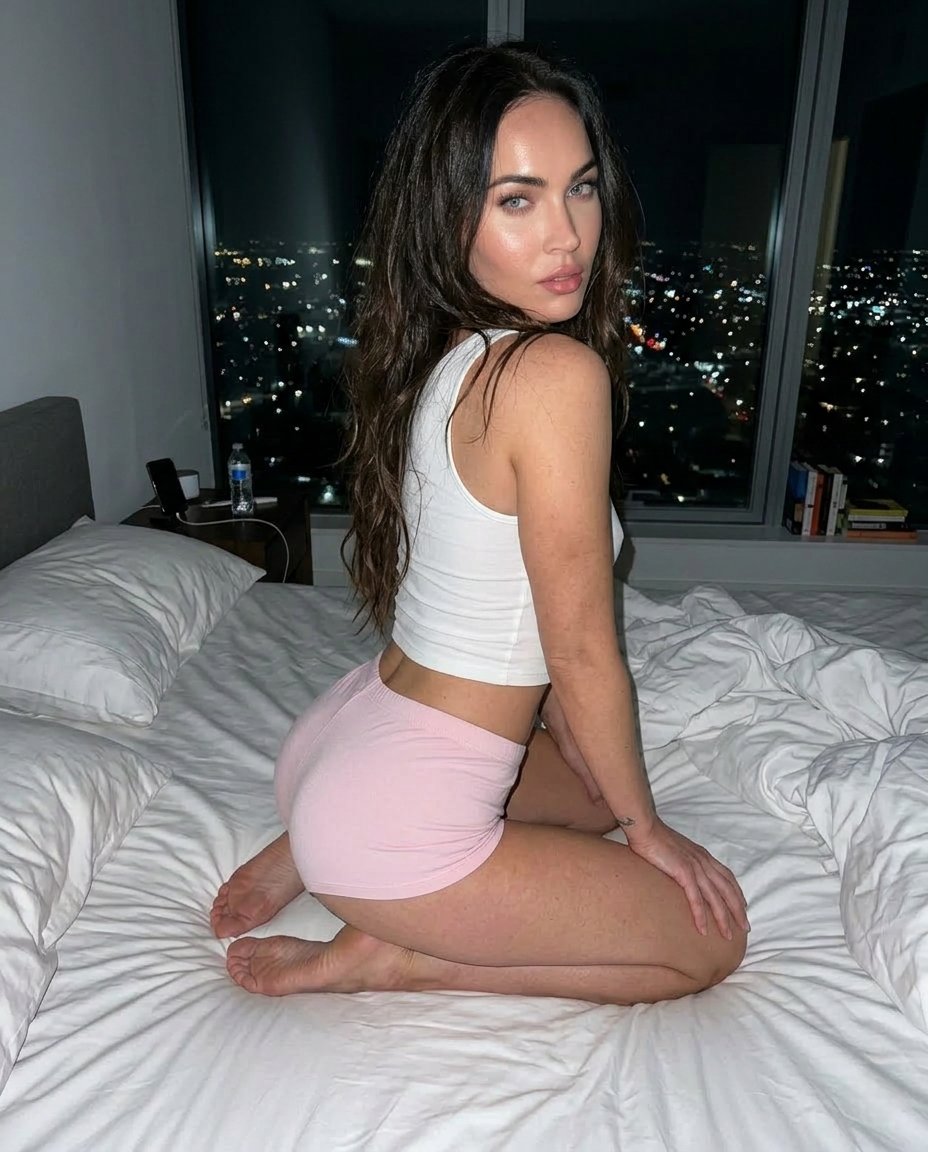
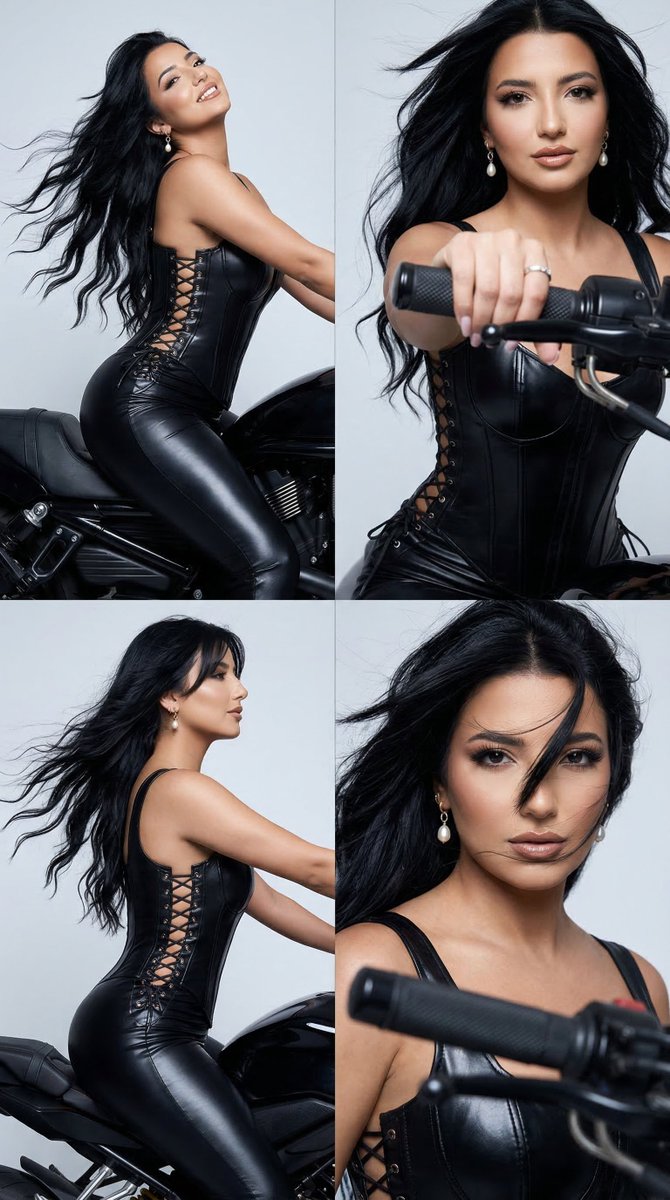
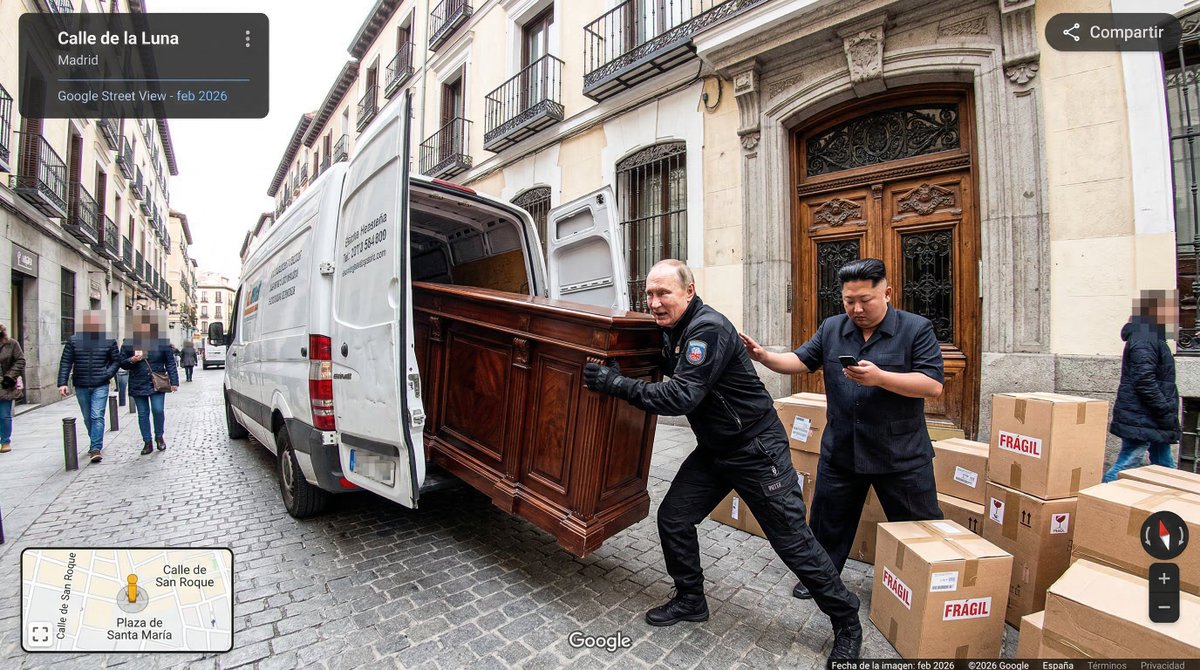
Create images from text or a reference photo. Browse examples for product photos, portraits, posters, and illustrations—then generate your own in minutes.

ai picture generator sample image

Advanced Workflows for Better Images

Go from idea to production-ready visuals with fast generation, reliable control, and export-ready outputs.

Text to Image

Text to image — clean results in seconds

Turn a simple idea into a high-quality image with flexible styles and aspect ratios. Choose a fast model for drafts or a quality model for final renders.
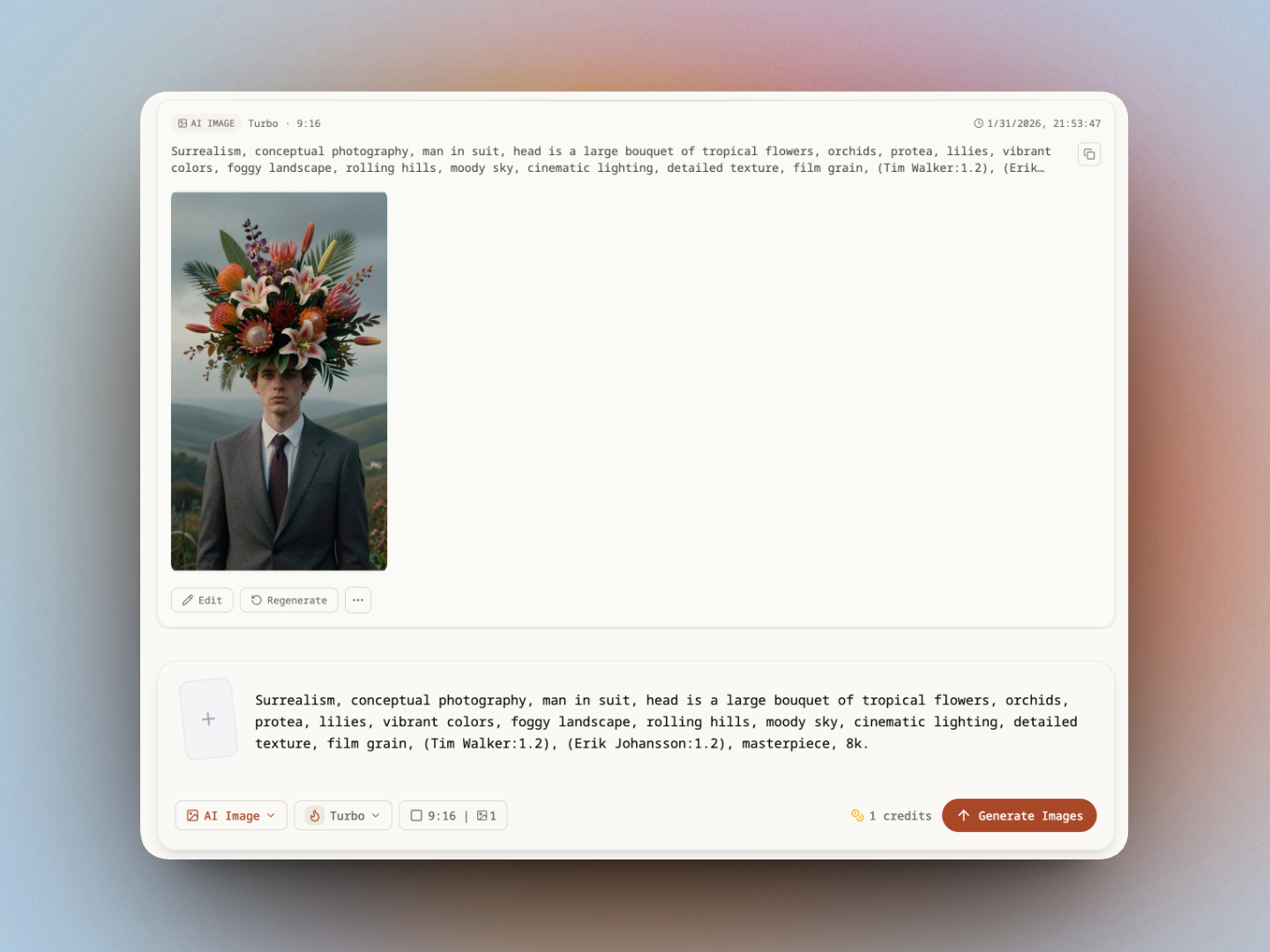
Prompt input on the left and a 2x2 grid of image results

Image to Image

Image to image — transform photos with prompts

Upload a photo, describe the change, and generate variations while keeping structure and composition. Great for restyling, edits, and iterative design.
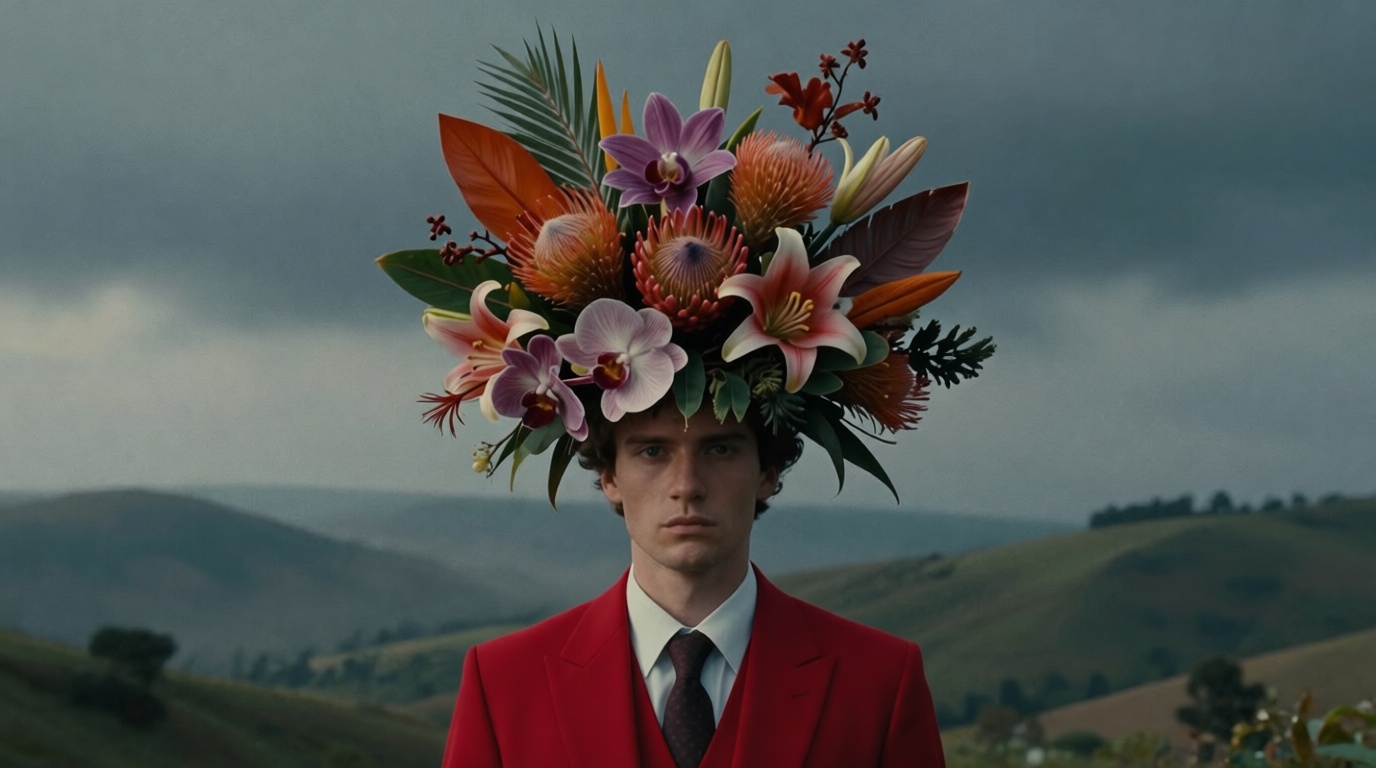
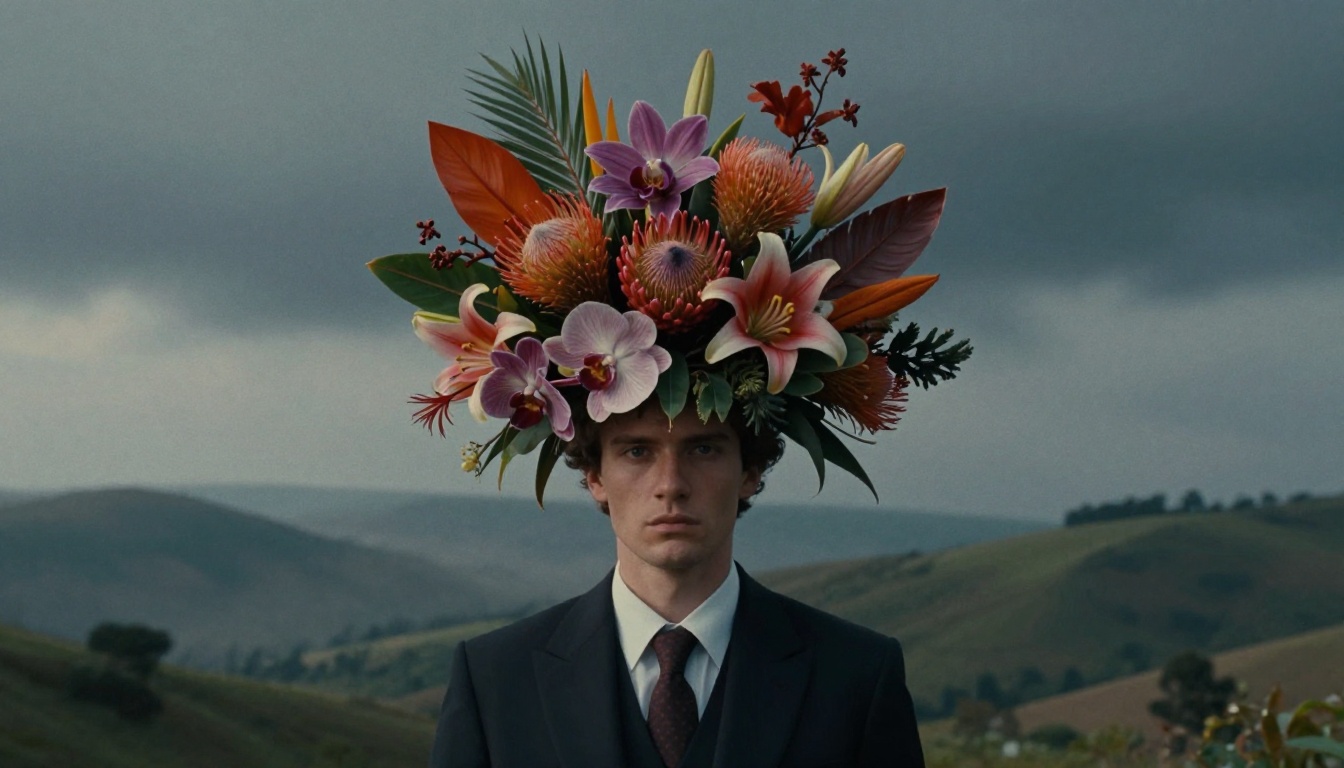
BeforeAfterBefore-and-after comparison showing structure preservedBefore-and-after comparison showing structure preserved

Batch Generate

Batch generate images — explore more ideas in less time

Generate multiple images in one run to test prompts, styles, and ratios faster. Perfect for variations, A/B testing, and building a consistent set of assets.
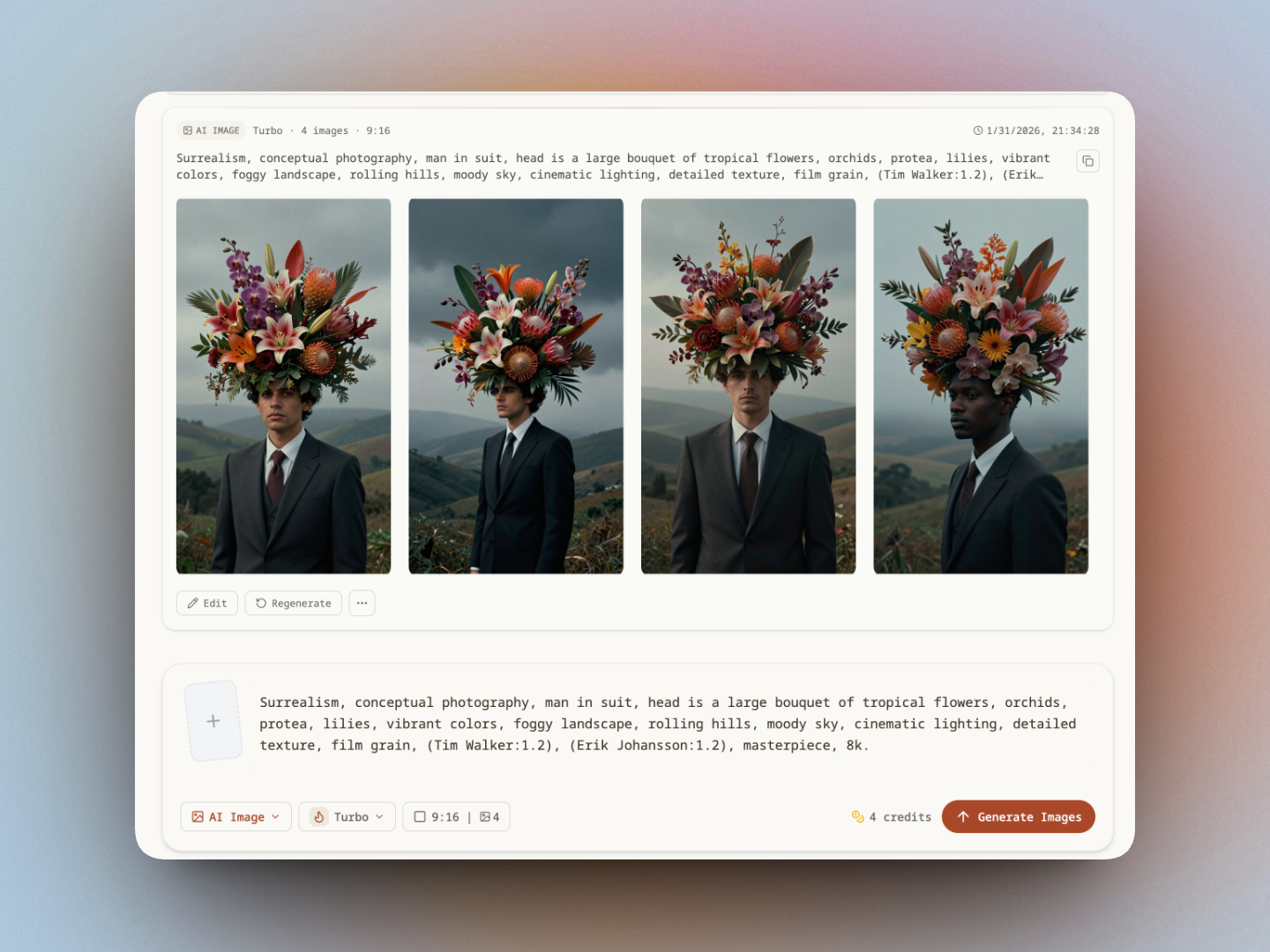
Batch generation interface showing multiple image outputs

Model Library

Multiple models for different styles & quality

Pick the model that matches your goal: photoreal, anime, illustration, or fast iterations. Switch models without changing your workflow.
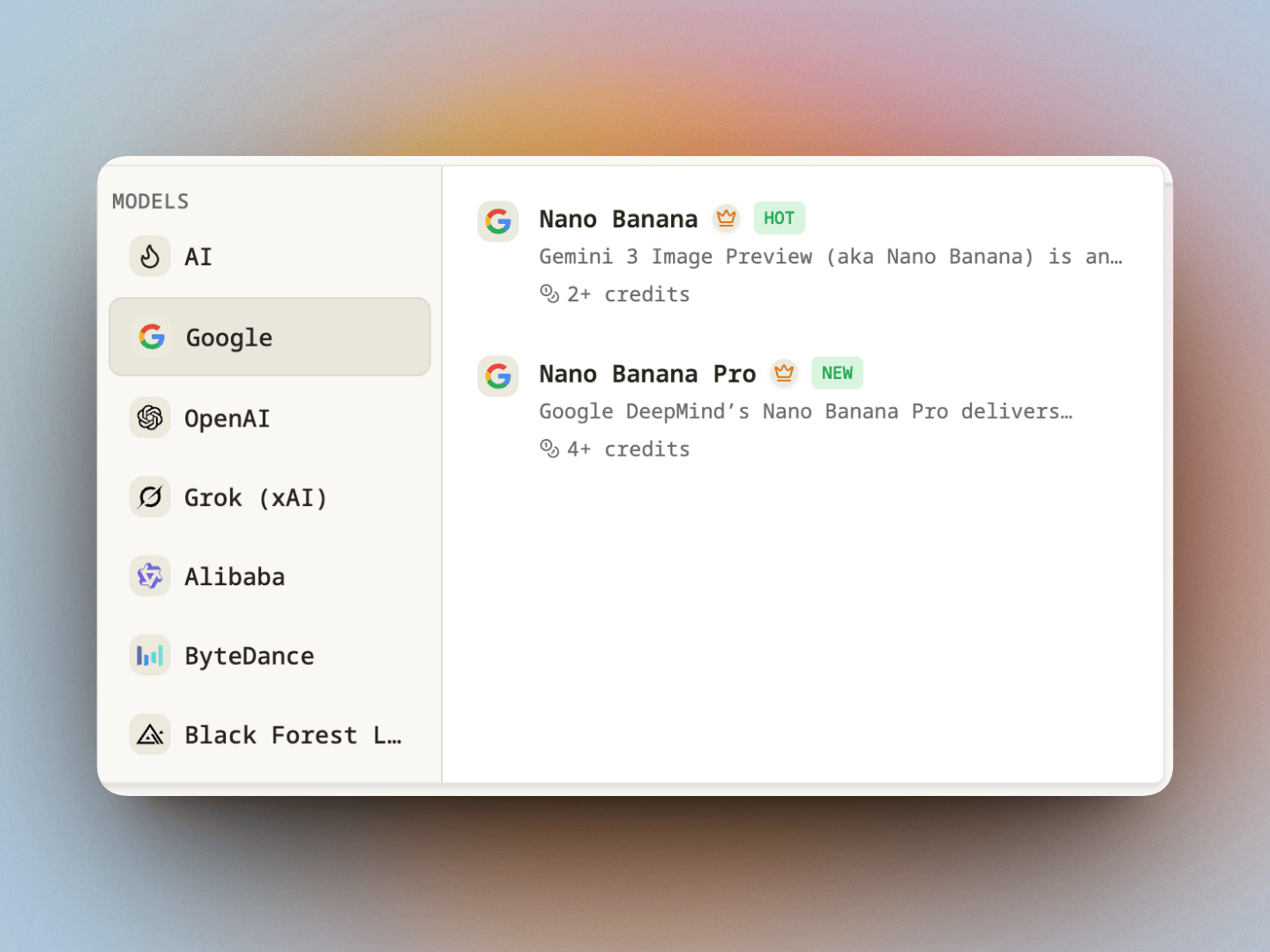
Side-by-side comparison of Turbo and Max with feature tags

Ad Creatives

Make ad creatives that match your brand style

Create scroll-stopping images for ads and marketing — product visuals, lifestyle shots, and campaign variations. Generate multiple versions, pick the winner, then refine with image-to-image for consistent results.
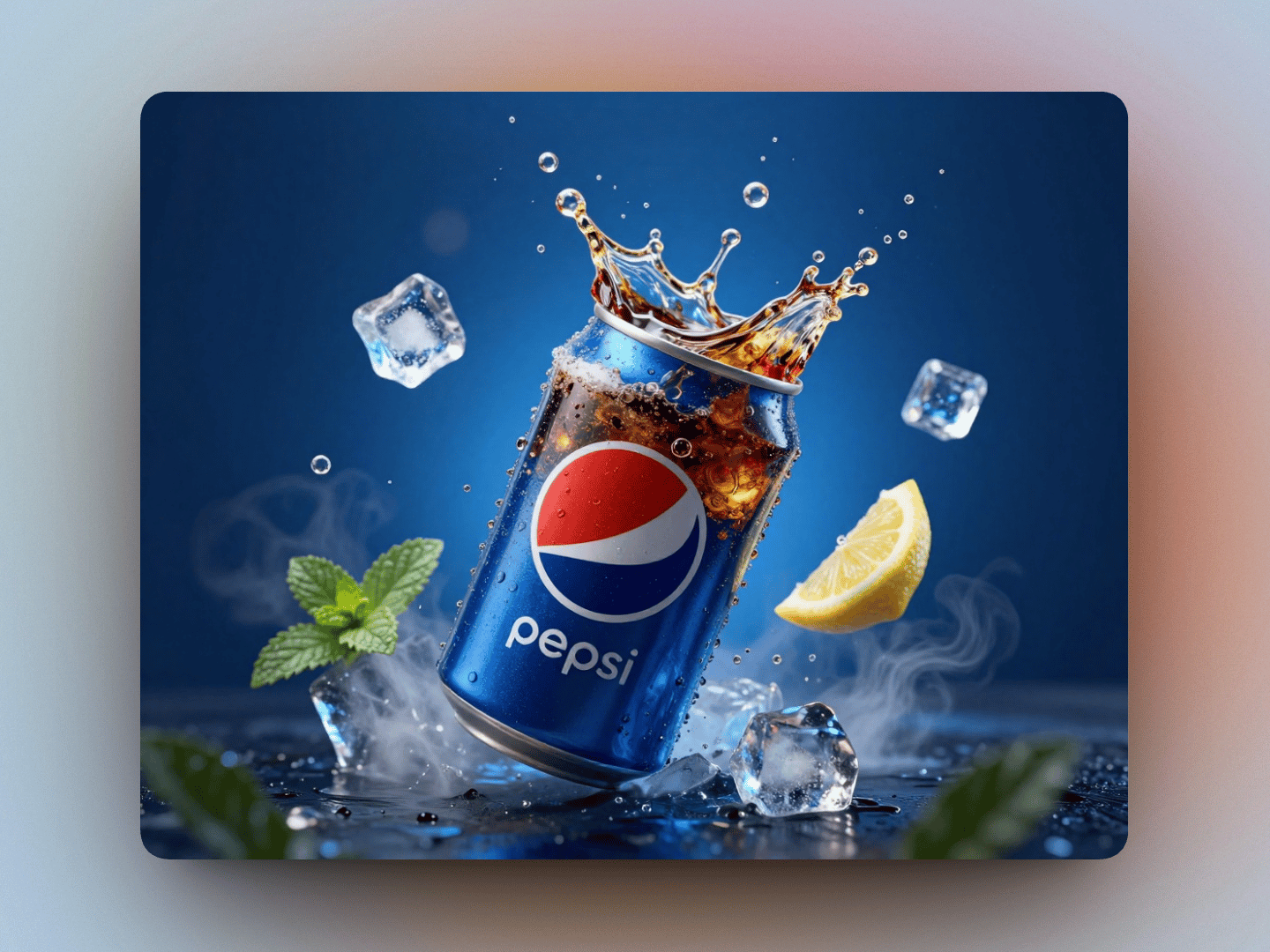
Ads generation interface showing multiple image outputs

Image to Video

Image to video — animate your images in one click

Turn any generated image (or uploaded photo) into a short video with smooth motion and consistent style. Start from a remixable gallery example, then generate variations to pick the best frame before animating.

Why Choose Our AI Picture Generator

Less trial and error, faster iterations, more consistent output: start from proven examples, quickly compare multiple versions, and extend your best images into video content—all in the same workflow.

Start from proven examples—skip the guesswork

No need to write prompts from scratch. Start from gallery examples with mature ideas and settings, minimizing trial and error from the very first generation.

Generate multiple versions—find the winner fast

Create several candidates at once for brainstorming, A/B testing, and asset selection. Quickly identify the right style and composition instead of endlessly refining a single result.

Keep style consistent—ideal for branding and series

Expand a series of assets around the same style and parameters. Perfect for ad creatives, social content, and product visuals that need a unified, stable look.

Control speed, quality, and style—your call

Different tasks need different strategies: prioritize speed for quick exploration, or quality when finalizing. Switch modes without changing your workflow, matching your real production rhythm.

Turn your best image into a short video in ~15 seconds

Select your favorite generated image and create a short video directly from it—ready in about 15 seconds (depending on model and load). Perfect for short-form content, ad placements, and creative showcases.

Failures are covered—don't pay for system errors

If a generation fails, we provide compensation (subject to page rules) so you're not paying for system issues.

How to create with AI Picture Generator

Start from a prompt, a photo, or a remixable gallery example — generate variations, refine with image-to-image, and turn your best image into a video (as fast as ~15s).

1

Choose a starting point (Text, Image, or Remix)

Write a prompt, upload a reference photo, or click “Make same” in the gallery to copy a proven setup.

2

Generate variations and refine

Create a first set, then adjust style, lighting, or model and run more variations. Use image-to-image to keep structure while iterating.

3

Export — or animate to video

Download in common aspect ratios and high resolution for ads, stores, or social. Want motion? Generate a short video from your image (fastest around 15 seconds; depends on model and load).

Pricing

Pricing

Get all features, Generate professional images in seconds.

Save more with our subscription plans. Cancel or change anytime.

Starter

$19.9
$15.9 / month
Save 20%
Billed annually: $191.00 total
For trying the workflow and occasional use.

Plan Credits

3600Credits issued at once, valid for one year

Includes

  • Basic models
  • Standard generation queue
  • Batch generation(2-4 outputs per run)
  • High quality mode
  • Community support
  • Commercial license & Unrestricted usage rights
Popular

Standard

$39.9
$27.9 / month
Save 30%
Billed annually: $335.00 total
For creators and small businesses generating weekly.

Plan Credits

8400Credits issued at once, valid for one year

Everything in Starter, plus

  • Premium models
  • Priority generation queue
  • Batch generation(2-4 outputs per run)
  • High quality mode
  • Email support with priority
  • Commercial license & Unrestricted usage rights

Premium

$59.9
$35.9 / month
Save 40%
Billed annually: $431.00 total
For frequent generation and larger projects.

Plan Credits

18000Credits issued at once, valid for one year

Everything in Standard, plus

  • Unlimited models
  • Faster generation queue
  • Batch generation(2-4 outputs per run)
  • High quality mode
  • Email support with priority
  • Commercial license & Unrestricted usage rights

Need More Credits?

One-time packs - credits never expire.

$9.9

Plan Credits

100Credits refresh monthly

Includes

  • 100 credits, never expire
Popular
$29.9

Plan Credits

300Credits refresh monthly

Includes

  • 300 credits, never expire
$49.9

Plan Credits

800Credits refresh monthly

Includes

  • 800 credits, never expire

What users say about AI Picture Generator

Feedback from creators who tested the simple, fast AI Picture Generator workflows.

Batch generation is my go-to for ad creatives. I spin 12–20 variations, pick the winner, then refine it with image-to-image to keep the style consistent.
Elena
Elena
Performance marketer
For product shots, image-to-image is the sweet spot — I can keep the product shape and swap the background/lighting without starting over.
Marcus
Marcus
E-commerce seller
I'm not a prompt expert. Starting from a gallery example and tweaking it gets me usable results fast.
Sofia
Sofia
Content creator
I like that I can switch models depending on what I'm doing — quick exploration first, higher-detail renders for the final.
James
James
Product designer
Batch generation is my go-to for ad creatives. I spin 12–20 variations, pick the winner, then refine it with image-to-image to keep the style consistent.
Elena
Elena
Performance marketer
For product shots, image-to-image is the sweet spot — I can keep the product shape and swap the background/lighting without starting over.
Marcus
Marcus
E-commerce seller
I'm not a prompt expert. Starting from a gallery example and tweaking it gets me usable results fast.
Sofia
Sofia
Content creator
I like that I can switch models depending on what I'm doing — quick exploration first, higher-detail renders for the final.
James
James
Product designer

AI Picture Generator FAQ

Need more details? Ping us on Discord or via email and we usually reply within one business day.

How do I choose the best model for my task?
Different models are optimized for different goals: speed, detail/quality, and style (photoreal, anime, illustration, etc.). A simple workflow: start with a faster model for exploration, then switch to a higher-quality model for your final output — without changing your prompt structure.
How do I start with text-to-image vs image-to-image?
Text-to-image: write a prompt → generate variations → refine style/lighting/composition. Image-to-image: upload a reference photo → describe what to keep (subject, framing, pose) and what to change (style, background, lighting). Tip: add constraints like “keep the same composition and pose” for more stable results.
Can I turn an image into a video? How fast is image-to-video?
Yes. You can generate a short video from a generated image or an uploaded photo. The fastest generations can complete in ~15 seconds, but time depends on the selected model and current load. Best workflow: generate a few image variations → pick the best frame → then create the video.
Do you support batch generation?
Yes. Batch generation lets you create multiple images in one run — ideal for variations, A/B testing, and building a consistent asset set for ads, stores, or social. Tip: batch to explore quickly, then finalize selected results with your preferred quality settings.
What does it cost (credits) per generation?
Credits are calculated dynamically based on your chosen model and settings. For images and videos, the exact credit cost is shown before you generate (e.g., based on resolution and video duration).
What happens if a generation fails — do I lose credits?
No. Failed generations do not deduct credits. If something goes wrong, you can try again or contact support with a screenshot/time of the job for faster troubleshooting.
What aspect ratios and resolutions can I generate?
You can generate images in common aspect ratios (square, portrait, landscape) suitable for social posts, product listings, and ads. Available resolutions depend on the selected model. If you’re unsure: start with 1:1, then use 9:16 for short-form/social or 16:9 for landscape/video-friendly layouts.
Why do I get different results with the same prompt?
AI generation is probabilistic — small randomness can change composition and details. For more consistency: (1) Add tighter constraints (“front view, centered, plain background”), (2) Keep the same aspect ratio, (3) Use image-to-image with a reference photo, (4) Change one variable at a time and iterate from a good result.
How can I keep characters/products consistent across images?
Use a consistent reference image (image-to-image) and keep key attributes fixed: subject details, colors, camera angle, lighting, and background style. For products, reuse a clean reference photo and keep the setup consistent (e.g., “studio lighting, soft shadow, clean background”). Iterate gradually to avoid drift.
Can I use the generated content commercially?
In most cases, yes — for personal and commercial projects. You’re responsible for how you use the output, especially when uploading copyrighted/trademarked material or attempting to replicate protected logos/brand assets. For high-stakes campaigns, use original references and avoid copying distinctive brand elements.
Do you store my prompts/images? Can I delete them? Do you train on my data?
Your generation history is saved to your account so you can revisit and download results later. You can delete your prompts/uploads/generations from your account. We do not use your prompts, uploads, or generated images to train models.
Can I cancel anytime? Do you offer refunds?
You can cancel anytime to stop future renewals. Refund eligibility depends on your plan and usage. If you purchased by mistake or encountered a technical issue, contact support with your account email and we’ll review your request as quickly as possible.

Can't find what you're looking for? Contact our customer support team

Try AI Picture Generator without complexity

Turn text (or a photo) into high-quality images in seconds—no design skills needed.

AI Picture Generator
Google icon
OpenAI icon
Grok icon
Alibaba icon
ByteDance icon
Black Forest icon
Kling icon
Veo icon
Flux icon
Qwen icon
Seedream icon
ByteDance icon
ByteDance icon
Google icon
Google icon
Google icon
AI Picture Generator | Text-to-Image & Photo Editing